Hytale Updates and Restarts
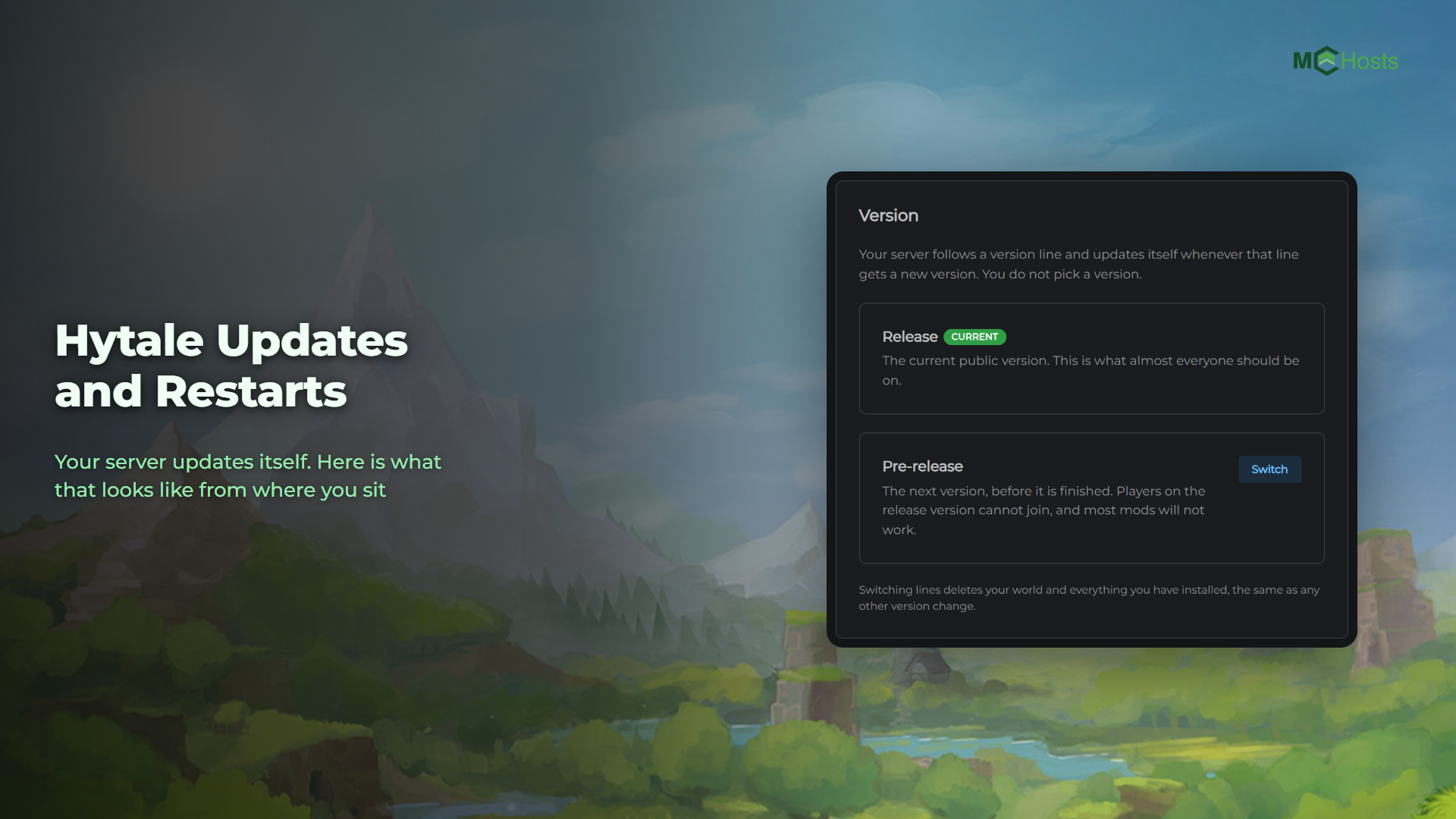
You do not pick a Hytale version, and you do not update your server by hand. This article explains why, what happens when Hytale releases a new version, and the one choice you do have.
Why there is no version to choose
Hytale only lets you play on the current version. Your game updates itself through the launcher, and a server has to match the game exactly or nobody can join. A server left on an old version stops accepting players within hours of a release.
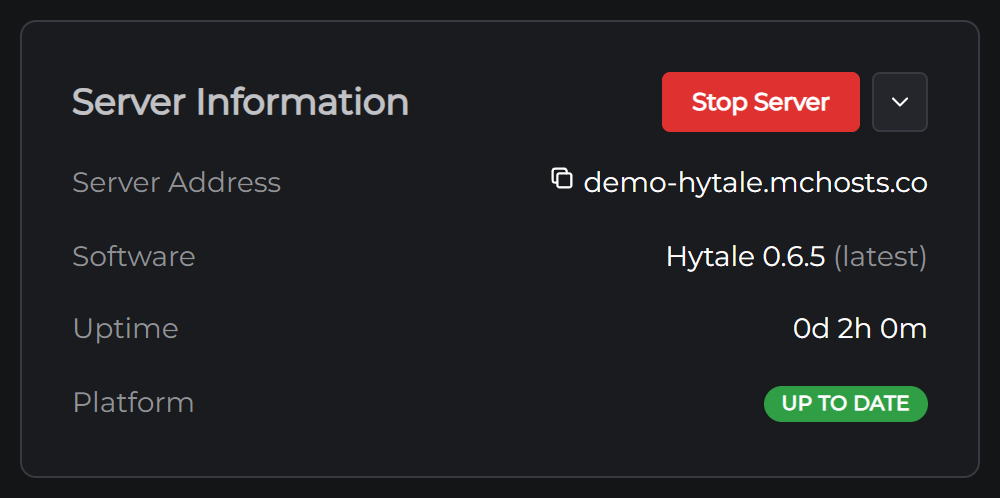
So your server always runs the current version. The Software row on the Overview page tells you which one, and the word latest beside it is a promise, not a setting.
What happens when Hytale updates
Hytale releases a new version every few weeks. Here is what your server does, without you touching anything:
- We check for new versions every hour. When one appears, we download it
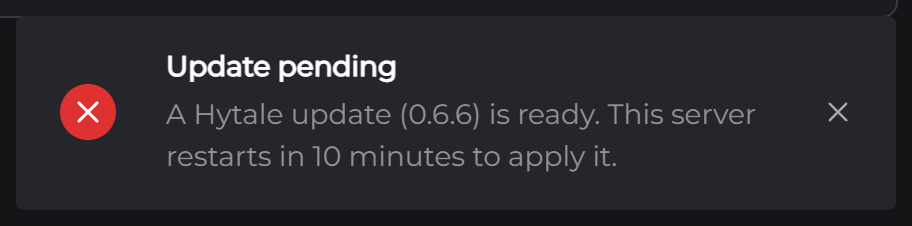
- Within a minute, your server notices. It posts a notice in the control panel, and it gives players in-game ten minutes' warning
- Ten minutes later it saves, stops and starts again on the new version. That takes about the time of an ordinary restart
- Players update their game through the launcher, if it has not done so already, and rejoin
Your world, your settings and your mods stay exactly where they are. An update changes the game, not your server's files.
If your server is stopped when the update lands, nothing happens until you start it. It comes up on the new version then.
Mods after an update
Mods are written for a version of Hytale, and a big update can break some until their authors catch up. If something has stopped working after an update, open Plugins & Mods and check whether a newer file has been released. See How to install Hytale mods.
Release and Pre-release
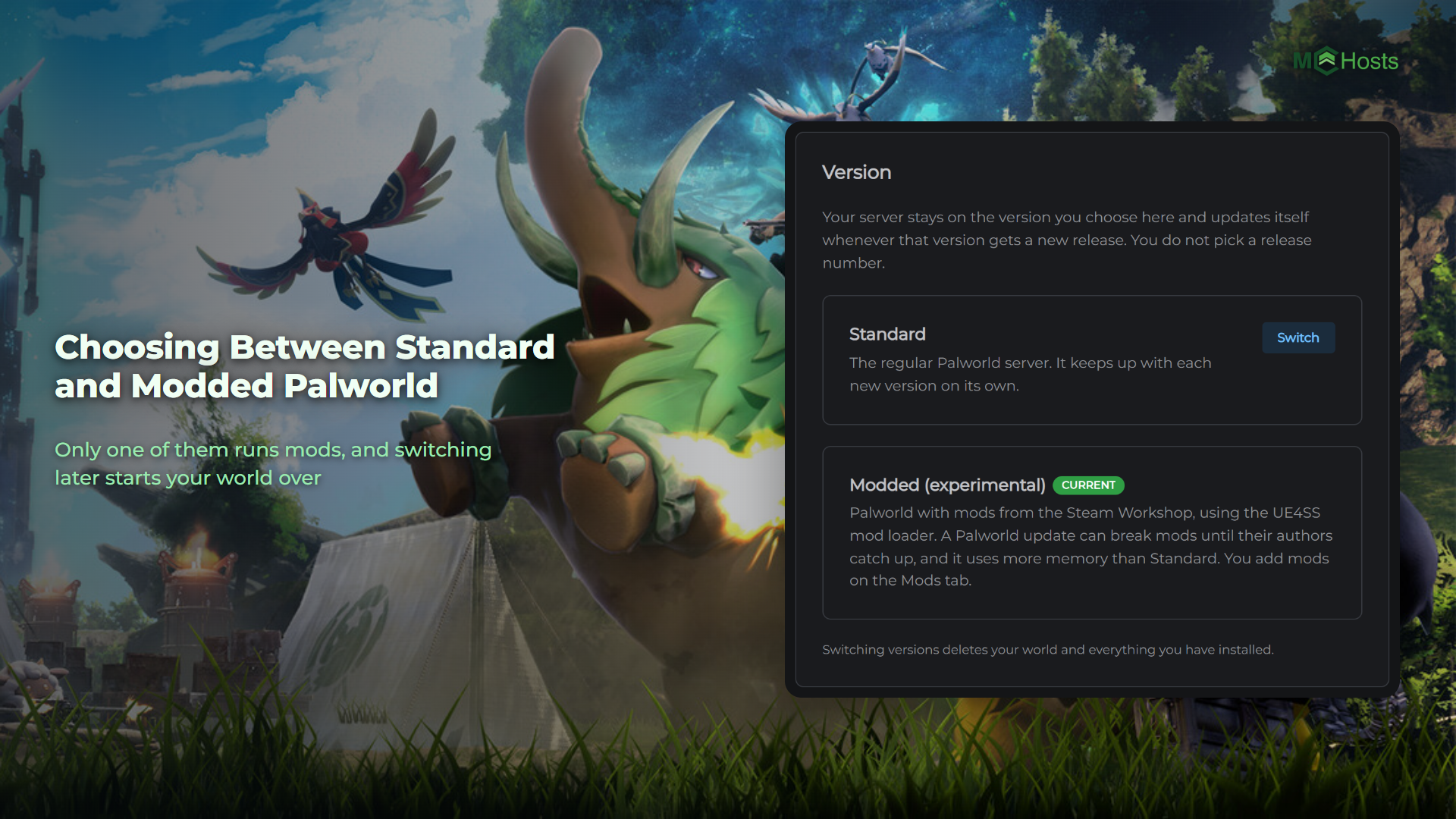
The one choice you do have is which line to follow. Go to Settings and find the Version card.
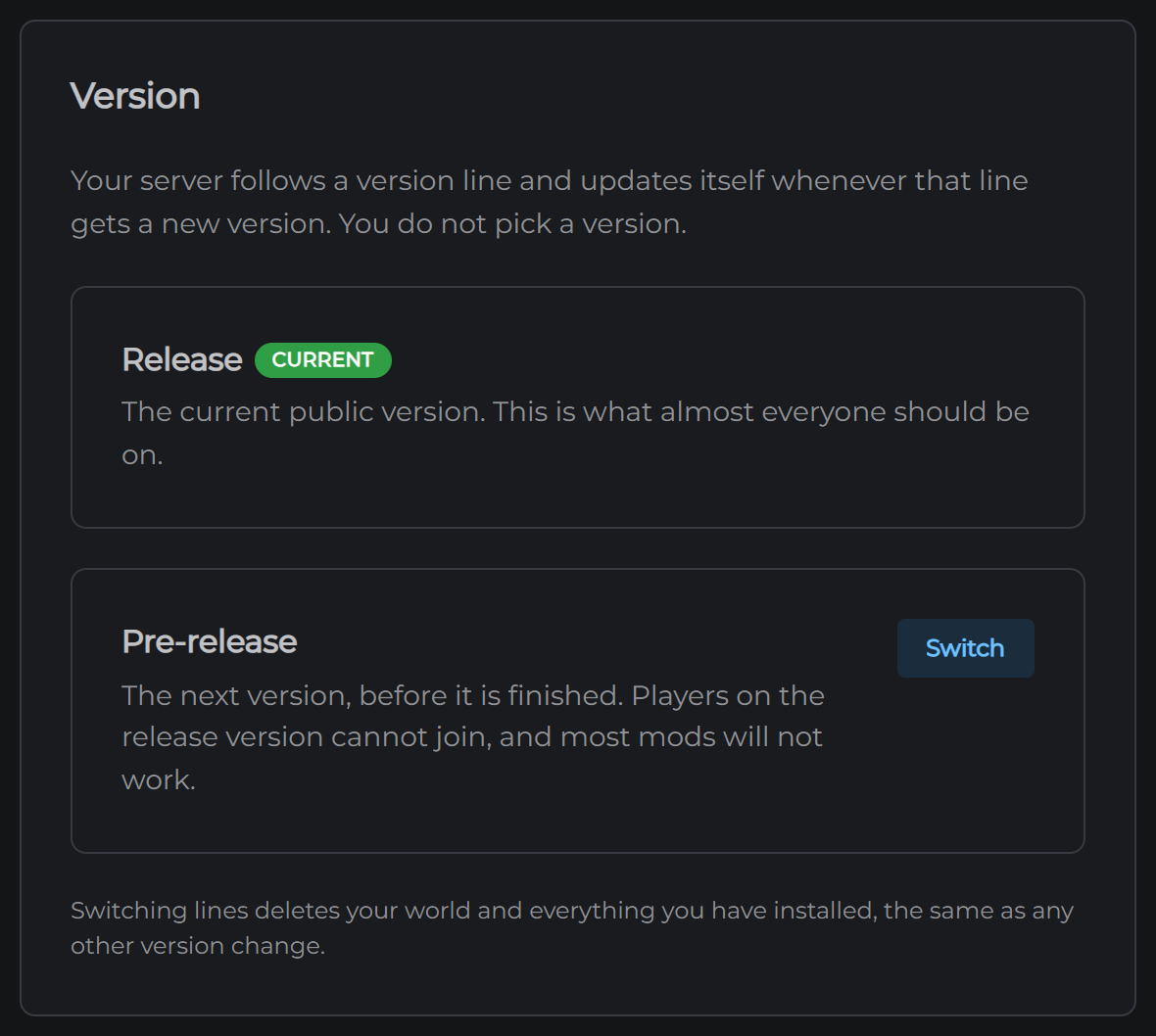
- Release is the version everyone plays. This is the right choice for almost everyone, and it is what your server starts on
- Pre-release is the next version before it is finished. Players on the release version cannot join a pre-release server, and most mods will not work on it. Pick it only if you know you want it
Switching lines is a version change, and it does what any version change does: it deletes your world and everything you have installed, and it signs the server out of Hytale, so you will need to authorize it again. Take a backup first.
Restarts you control
Update restarts are the only ones that happen on their own. Everything else is yours:
- Restart is in the menu next to Stop Server on the Overview page
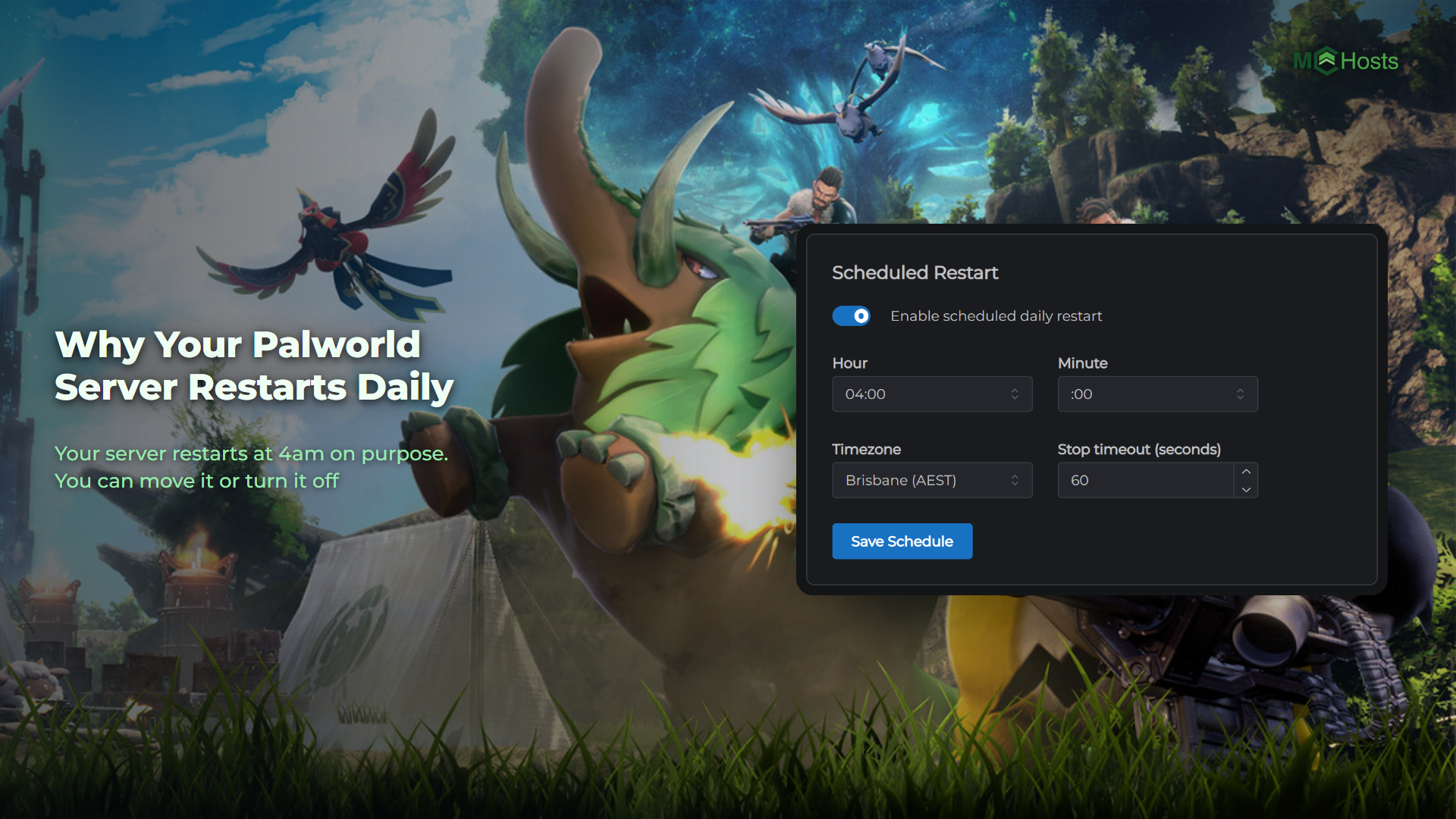
- Scheduled restarts let you restart at a set time each day. They are in Settings, and work the same way as they do for Minecraft. See Scheduled restarts
- Restart to apply appears under your installed mods after you install one, because mods load when the server starts
Platform updates are separate
Now and then the Platform row on the Overview page will say Update available. Restart to apply. That is an update to the control software we run around your server, not to Hytale, and it is never forced. Restart when it suits you. Your world and files are untouched.
If a restart has left your server offline or players cannot get back in, see Connecting to your Hytale server, or open a support ticket.