7 Days to Die Server Settings
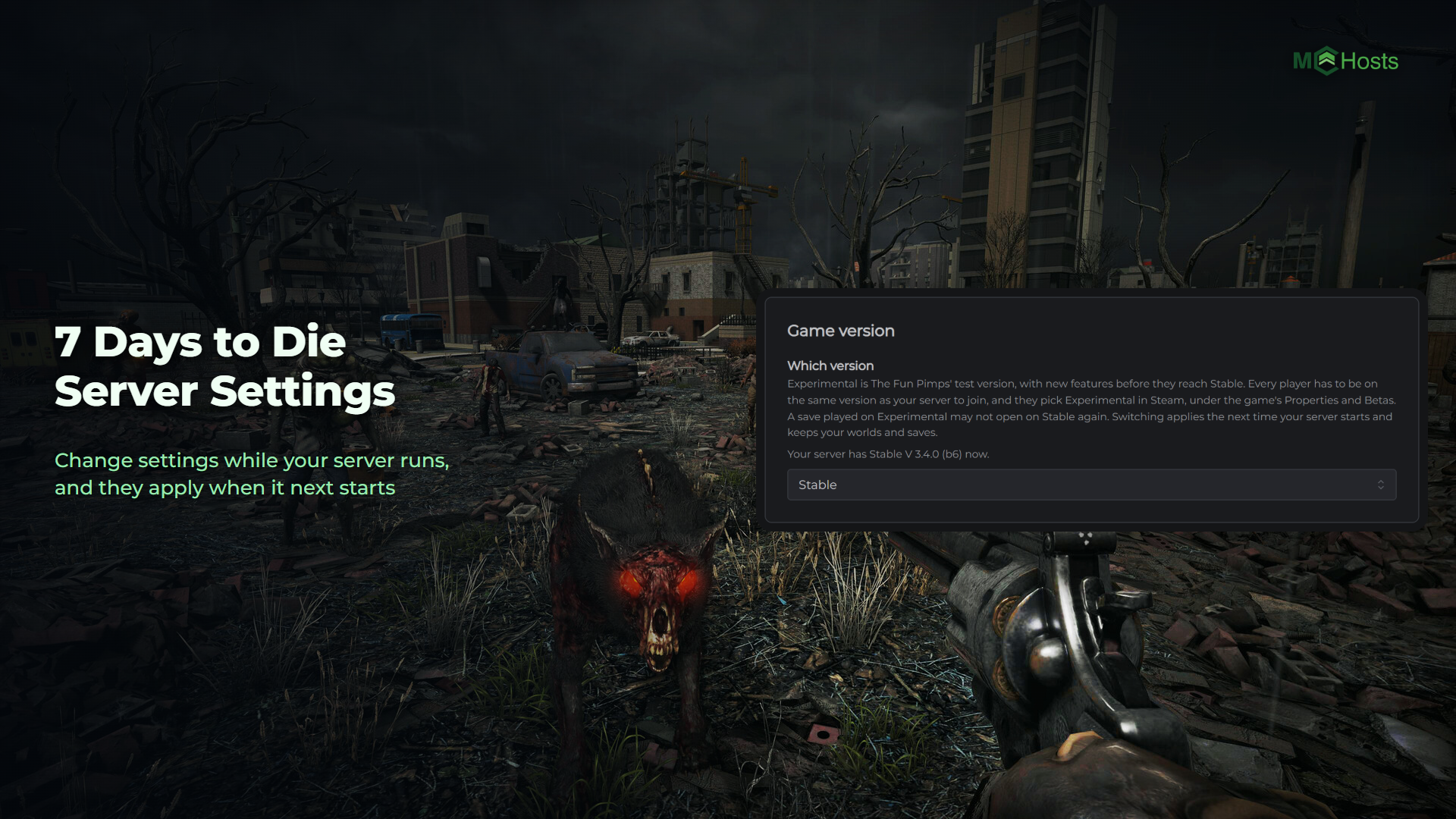
Your 7 Days to Die server's settings are on the Config tab, and you can change them while your server is running. Everything you save applies the next time your server starts.
Where the settings are
Open your control panel and click the Config tab. It has seven cards, in this order.
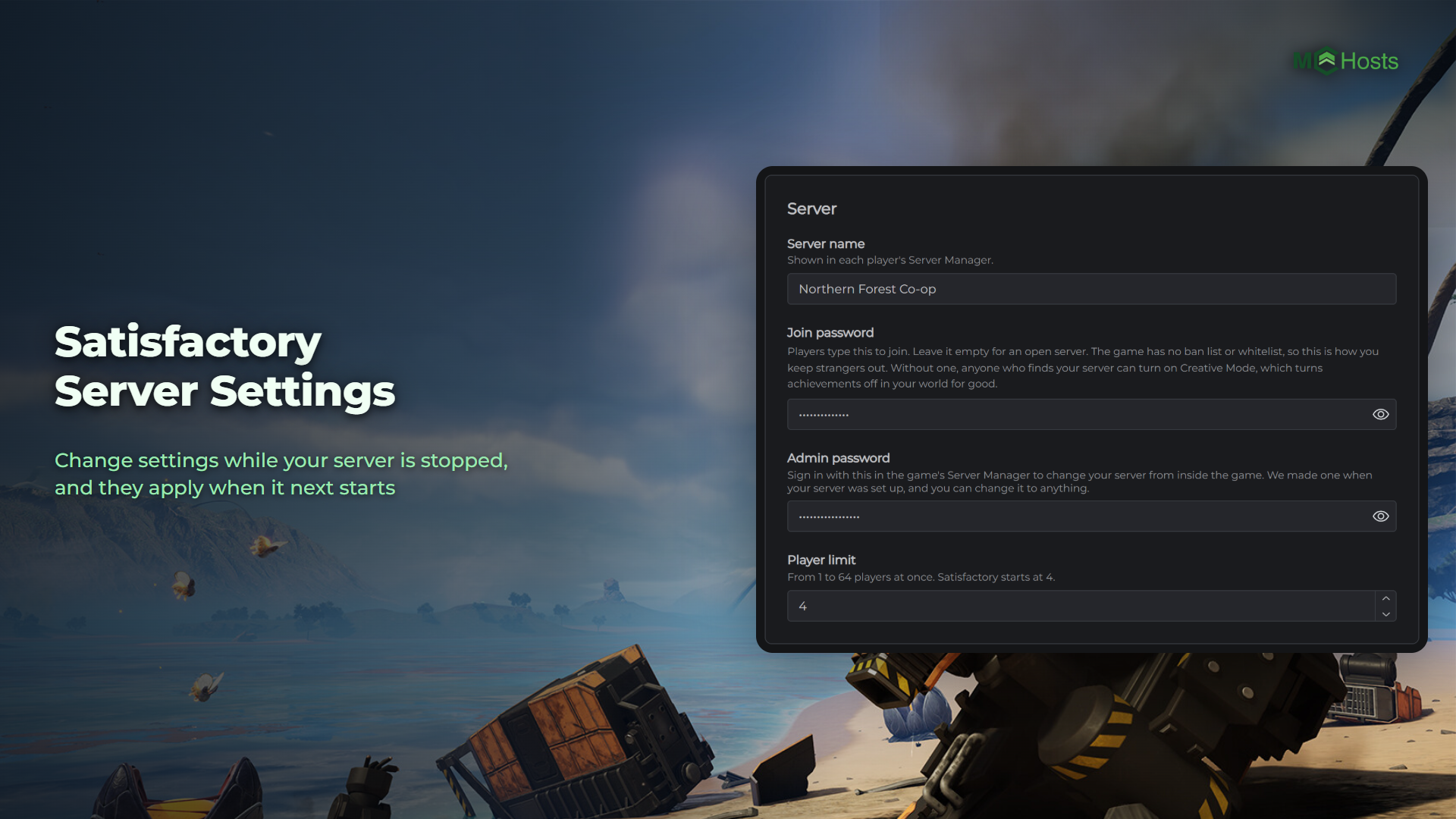
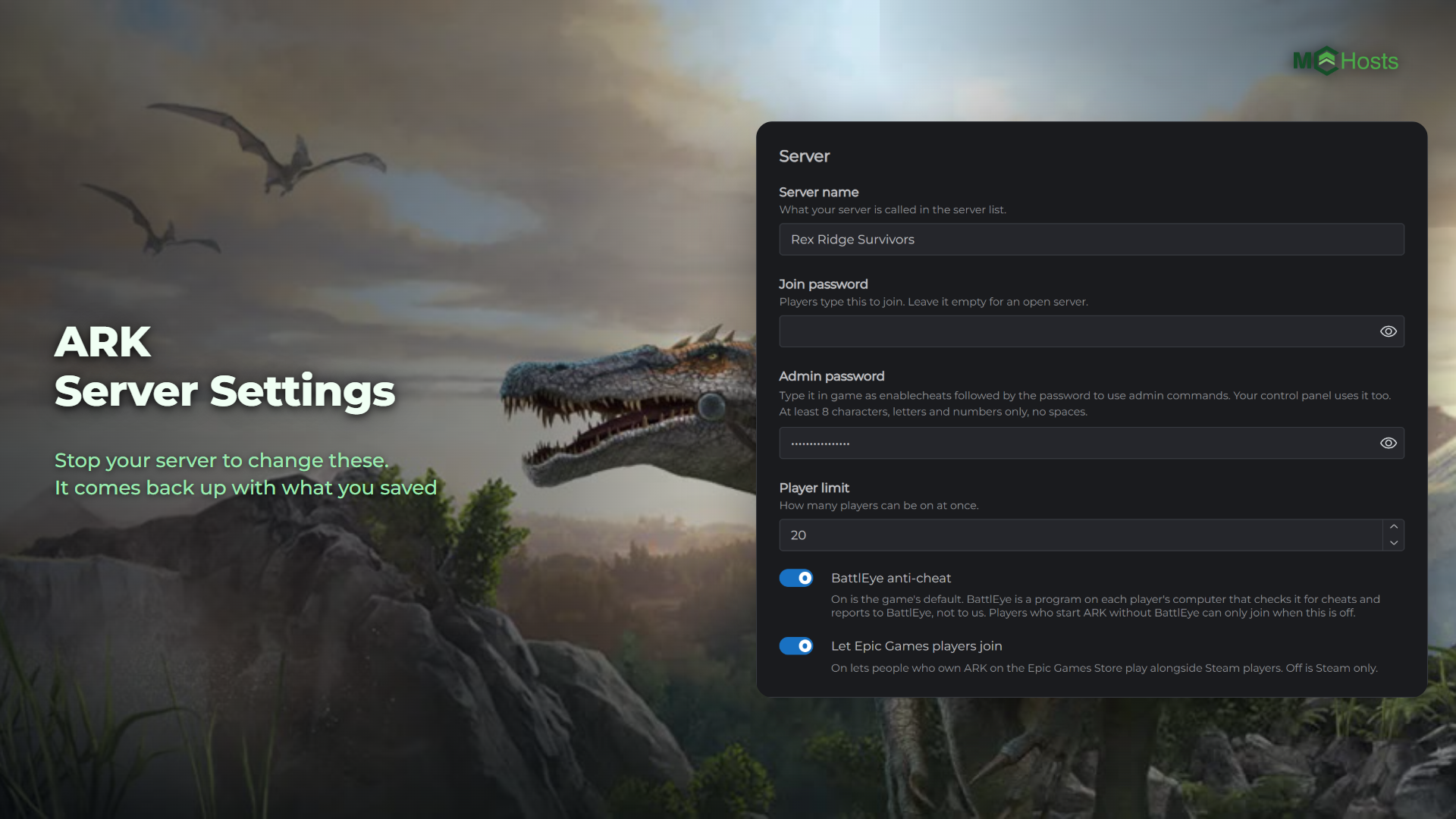
Server. The name, the description, the join password, who can find your server and how many players it takes.
Crossplay and anti-cheat. The game's crossplay switch, and EasyAntiCheat.
World. Which world your server runs, and the name of its save.
Difficulty and game rules. The game's difficulty, safe zones, bedrolls and who can hurt who.
Land claims. How many land claims each player gets, how big they are and how long they last.
Performance. How many zombies and animals can be out at once, and how far players can see.
Game version. Stable or Experimental.
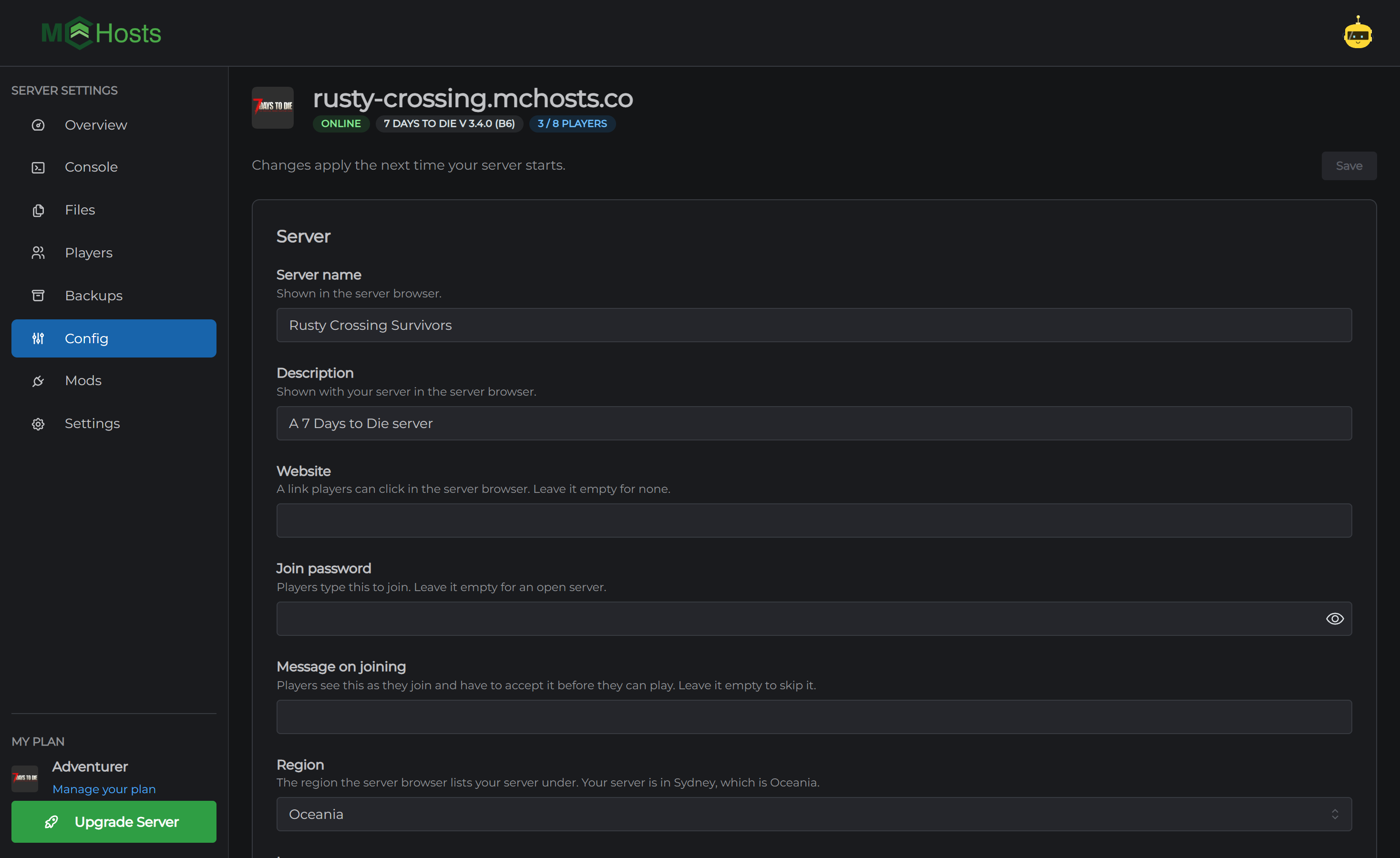
Changing a setting
- Change anything on the Config tab
- Click Save
- Restart your server from the Overview page
Your server never rewrites its own settings, so you don't have to stop it first. The settings live in serverconfig.xml on the Files tab, and the Config tab edits that file. Anything you add to it by hand is kept.
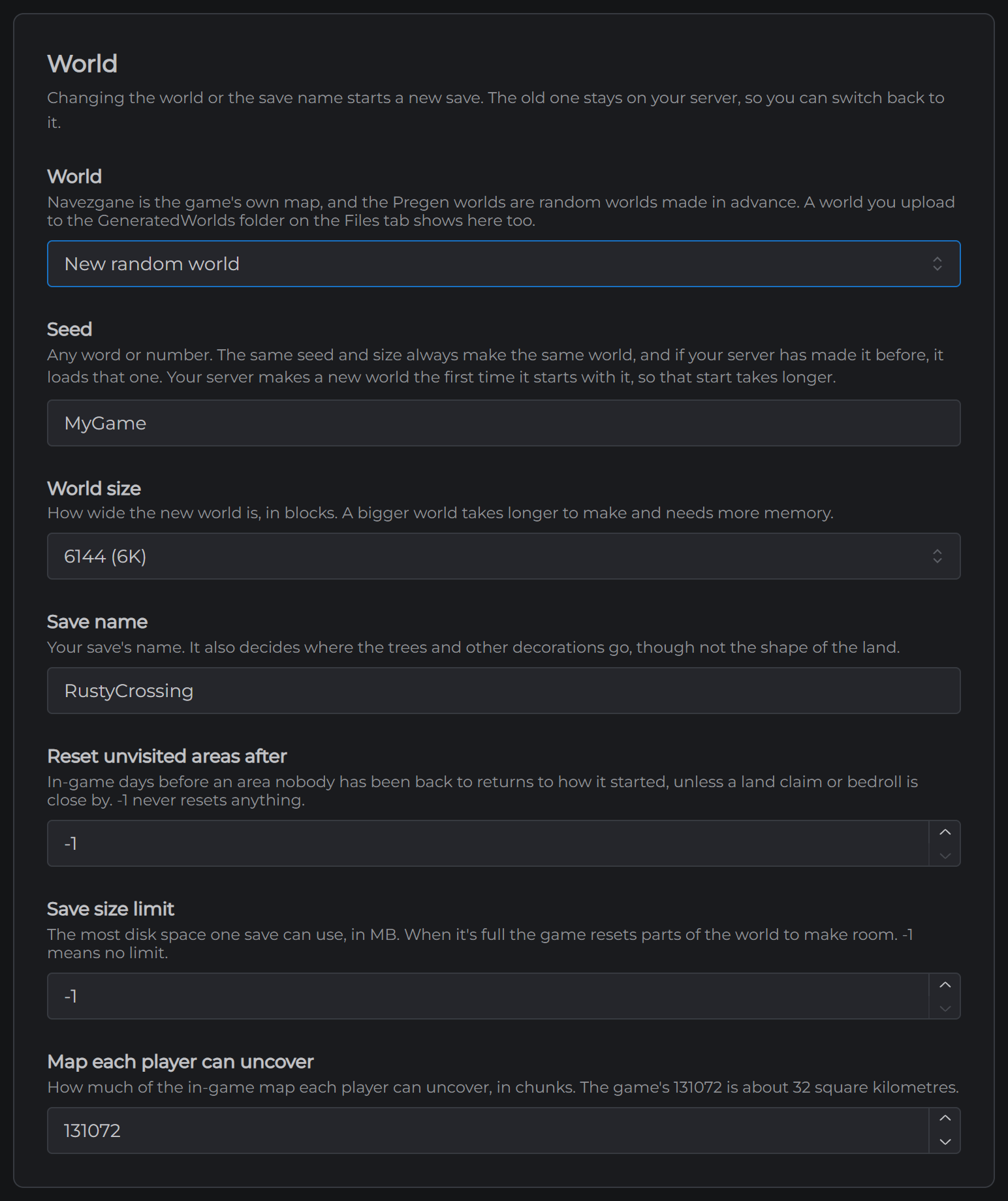
The World card
World picks what your server runs:
- Navezgane, the game's own map. It's where a new server starts.
- Pregen06k01, Pregen06k02, Pregen08k01 or Pregen08k02, random worlds the game ships ready made. The number is the size, 6K or 8K.
- A world you've uploaded. Put the world's folder in GeneratedWorlds on the Files tab and it shows up in the list.
- New random world. Pick a Seed and a World size and your server makes it the next time it starts. That start takes a minute or two longer. The same seed and size always make the same world.
Save name is your save's name. Changing the world or the save name starts a new save, and the old one stays on your server. Switch back and you're back where you left off.
Difficulty
7 Days to Die keeps most of its game settings in one code. Difficulty code starts as Adventurer, the game's default.
To change it, start a new game in 7 Days to Die on your own PC, set it up the way you want under the sandbox options, and use the copy code button. Paste the code into Difficulty code and save.
Crossplay
Crossplay is the game's own crossplay setting, and it's off on a new server. The game only allows it with Player limit at 8 or fewer, EasyAntiCheat on and Ignore EOS sanctions off, and the Config tab won't save crossplay otherwise.
Mods with their own code don't work with crossplay, because they need EasyAntiCheat off.
The Game version card
Your server runs the stable version of 7 Days to Die. Pick Experimental to move it to The Fun Pimps' experimental build at the next start. Your saves, worlds and mods are kept.
If you switch, your players need the same version in Steam. In their Steam library they open 7 Days to Die's properties, then Betas, and pick latest_experimental.
Players
The Players tab has three lists.
Admins can use the game's own console and its admin commands in game.
Whitelist turns on by itself when you add the first player, and from then on only players on it can join. Remove everyone to let anyone in again.
Bans keeps a player out.
Add players by their ID, like Steam_76561198012345678. Your console shows each player's ID when they join, after PltfmId=. For someone who's on your server right now, it's quicker to click the button beside their name under Online now. While your server is running a change applies straight away. While it's stopped, it applies when your server starts.
Mods
On the Mods tab, click Upload a mod and pick the mod's zip. Your server loads it the next time it starts. You can switch a mod off without removing it, and switch it back on later.
Zips up to 100MB upload from the Mods tab. Bigger mods, overhauls such as Darkness Falls among them, go in the Mods folder on the Files tab or over SFTP.
Mods with their own code need EasyAntiCheat off, on the Config tab. The Mods tab marks the ones that do. Some mods also have to be installed on each player's PC, and a mod's own page says when.
Commands from the panel
The Console tab takes every server command 7 Days to Die has. Type help to see them all. A few that come up often:
say "Blood moon tonight"sends a message to everyonelplists who is onkick <name>kicks a playergettimeshows the in-game day and timesaveworldsaves the world now
Next: Connecting to Your 7 Days to Die Server