Factorio Server Settings
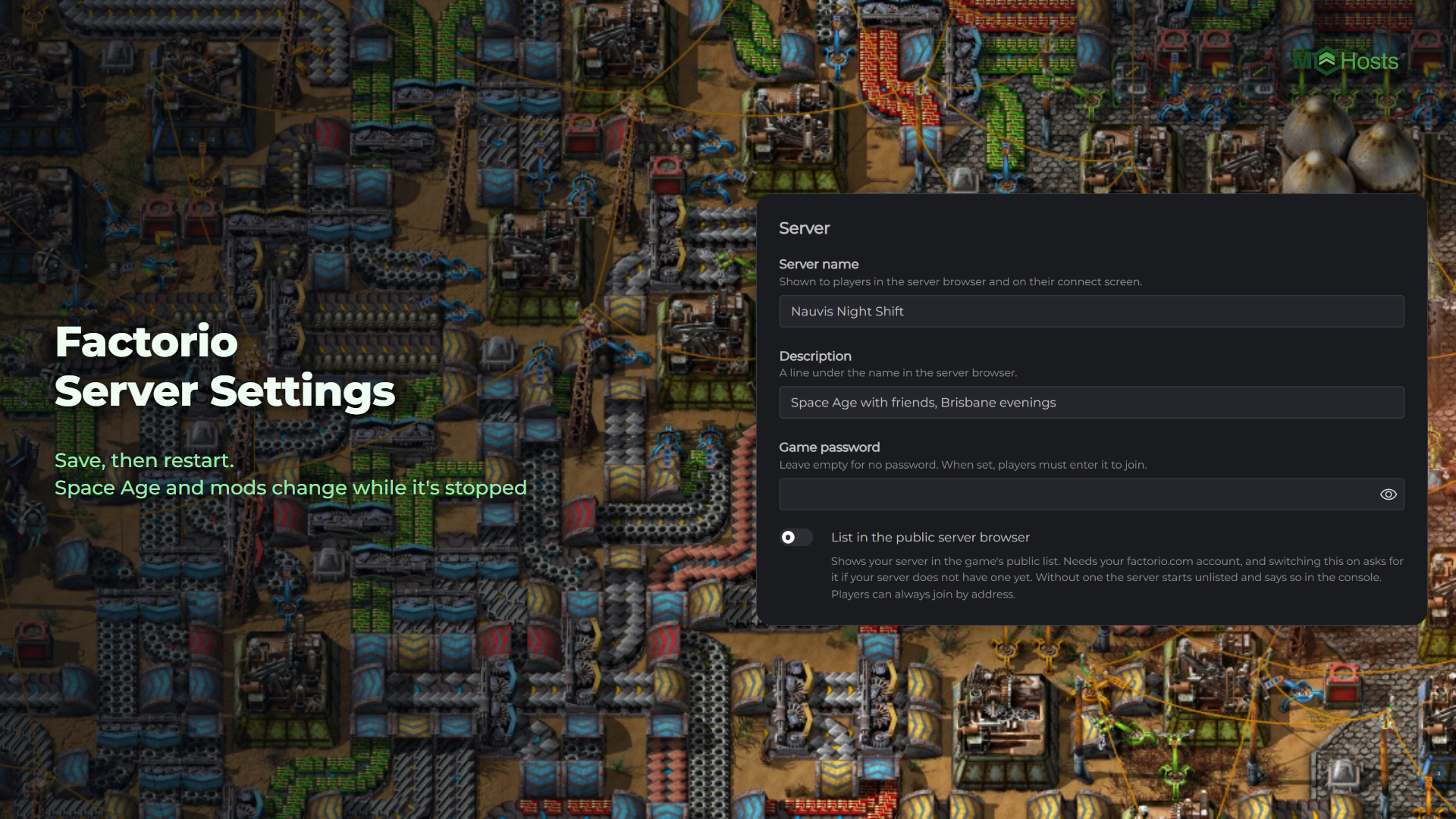
Factorio keeps its server settings in one small file, and your control panel edits the ones you'll change most without you opening it. The one thing the game does write back from memory is its mod list, so the two switches that touch it only work while your server is stopped. Here's what you can change where.
Where the settings are
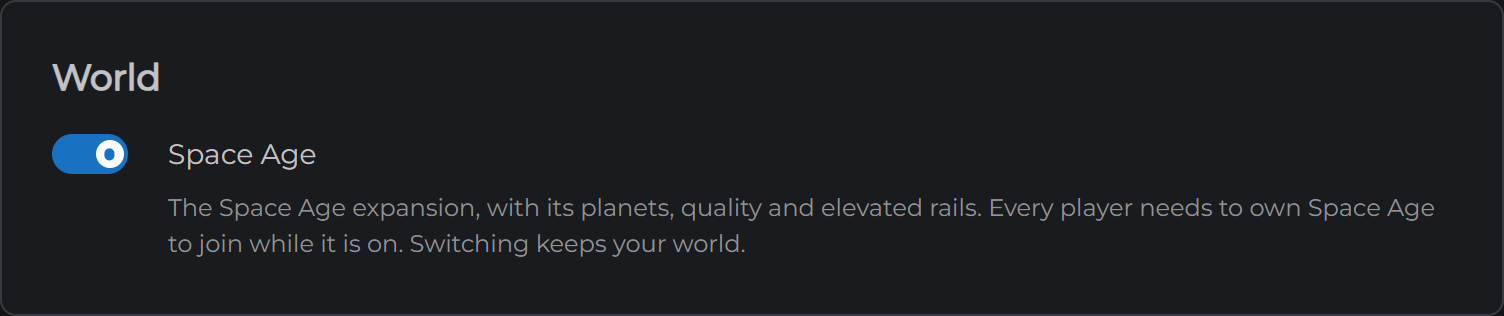
Open your control panel and click the Config tab. The Space Age switch is at the top, and the settings below it are grouped into four sections.
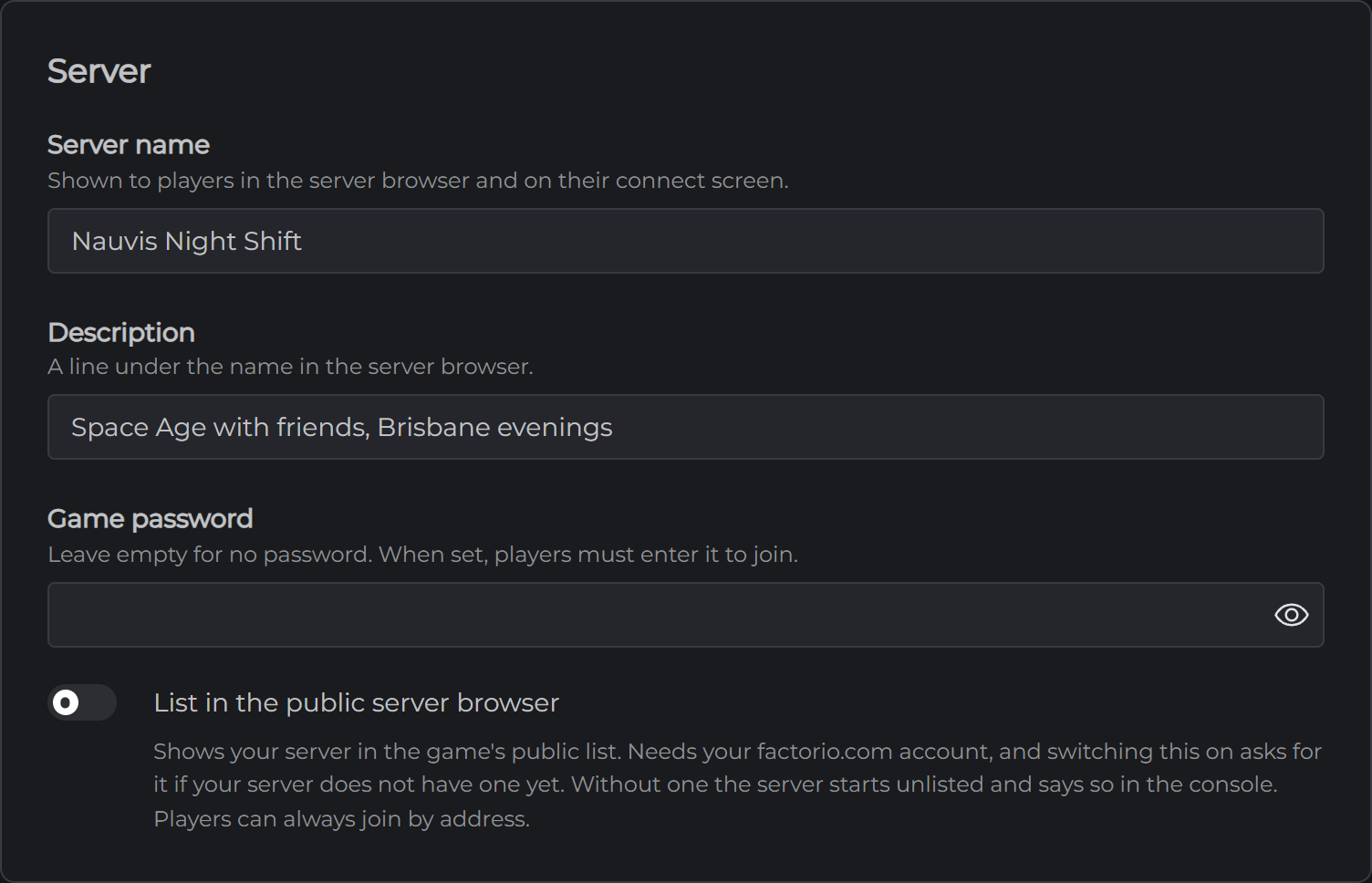
Server. Your server name, the line under it in the browser, the game password and the public listing.
Players. The player limit, the account check, who can run commands in game and when idle players are kicked.
Saving. How often the game autosaves, how many it keeps and whether the factory pauses when nobody is on.
Performance. Map download speed for joining players and the latency setting, which you can leave alone.
Changing a setting
- Open Config
- Change what you want and click Save
- Restart your server from the Overview page
Your server reads its settings as it starts, so a change waits for the next restart. The Space Age switch is the exception. It's greyed out while your server runs and asks you to confirm, because Factorio rewrites its mod list when it stops and would undo a switch made while it was running.
Vanilla or Space Age
Space Age is Wube's paid expansion. It adds the other planets, quality and elevated rails, and it runs as three built in mods that your server turns on or off. You chose at checkout, and the switch at the top of the Config tab owns it from then on.
Turning it on keeps your world. The expansion's content arrives at the next start, and from then on every player needs to own Space Age to join.
Turning it off keeps your world too, but Factorio doesn't recommend going back once a world has used Space Age content. Anything from the expansion that's in the world is lost at the next start. A world that never had it on loses nothing.
Stop your server, flip the switch, confirm, and start it again. The console's first line after a start tells you which one it came up on.
The settings worth knowing about
Server name and Description are what players see in the public browser and on their connect screen. New servers come with a name you'll want to change.
Game password is empty on a new server, which means anyone with the address can join. Set one if you want to keep it to people you know.
List in the public server browser puts your server in the game's own list, where players can find it by name. It needs your factorio.com account, and the first time you switch it on your server asks for the username and the service token from your profile page. Players can always join by address whether this is on or off.
Maximum players is 0 on a new server, which is Factorio's way of saying no limit.
Require a factorio.com account is on. It checks that each player is signed in to a real Factorio account, which every Steam player is without doing anything. Turning it off lets pirated copies join.
Who can run console commands in game is set to admins only, which is Factorio's default. Console commands typed in the game's chat can change anything, including spawning items, and the game turns achievements off for everyone when somebody uses one.
Autosave every is 10 minutes, and Autosaves to keep is 5. Your server also saves when it stops.
Pause when nobody is on is on, so the factory stops the moment the last player leaves and picks up when somebody comes back. Turn it off to let the factory run overnight. The biters keep going too.
Commands from the panel
The Console tab is Factorio's own console. Type players to see who's on, admins to see who can run admin commands, kick or ban followed by a player's name, promote or demote to change who's an admin, or save to save right now. You don't need the slash the game wants in its chat. The console adds it for you.
Type a plain sentence instead of a command and it goes to everyone on the server as chat, which is handy for a warning before a restart.
Admins, bans and who can join
These are on the Players tab, in three lists. Each takes a player's Factorio username, the one they signed in with, and when somebody is online their name is on a chip under the list so you can add them with one click.
Admins can use admin commands in the game without asking you. A change here applies straight away while your server is running.
Bans can't join at all. Banning somebody who is online kicks them too.
Whitelist is a guest list. Add one person to it and everyone not on it is locked out, so leave it empty unless you mean that. While your server is running a change applies straight away, and while it's stopped the list is read at the next start.
Mods
The Mods tab searches Wube's official mod portal, the same one the game uses. Search for a mod and click Install.
The first time, your server asks for your factorio.com account, because the portal only hands mods to a signed in account. Type the username and the service token from your profile page. Your server keeps the token in a file of its own that no backup includes, and uses it for every download after that. If you ever change the token on factorio.com, the Mods tab asks for the new one.
Anything a mod needs comes with it, and your server picks the release made for the version of Factorio it runs. You can install while your server is running, and the mod loads at the next restart. The console says how many mods it loaded.
Turning a mod off keeps it on the server so it can come back without a download. Removing one deletes its files and gives the space back. Both need your server stopped, because Factorio writes its mod list back from memory when it stops and would undo the change. The switch and the bin on each row say so while it's running.
Players don't need to do anything. When they join a server whose mods differ from theirs, the game offers to match them to your server's, which takes a short download the first time.
Factorio updates can stop a mod working until its author updates it. If a mod stops your server starting, the console says which one, and you can turn it off while the server is stopped.
Everything else
Factorio keeps a few more files on the Files tab, all under Server.
server-settings.json is the file the Config tab edits, so a setting you change there and a setting you change in the file are the same setting. Your server reads it as it starts.
saves holds your world and its autosaves. Your server loads the newest file in there every time it starts, so to bring in a save from your own computer, stop your server, upload the zip into saves, and start it. To start a fresh world, stop your server, delete everything in saves, and start it. Before you do, you can put a map-gen-settings.json and a map-settings.json in Server to set the world's resources, enemies and size. The game makes a new world from them.
mods holds the mods themselves and mod-list.json, the list the game rewrites when it stops. The Mods tab is the better way to change it.
Next: Connecting to Your Factorio Server