Choosing Between Standard and Modded Palworld
Your Palworld server runs either Standard or Modded. That one choice is the difference between having mods and not, and changing it later starts your world over, so it's worth settling before you build anything.
The short answer
Just want to play Palworld? Pick Standard. It's what new servers start on and what almost everyone should be on.
Want mods? Pick Modded, and read the rest of this page first, because it's experimental and we'd rather you knew that going in.
What Modded is
Palworld has a Steam Workshop and a mod list built into the game. That part is Pocketpair's own, and they are clear about what it does. It runs on the Windows dedicated server only, and they call it experimental themselves.
Most mods worth having need more than that. They're built on UE4SS, a mod loader the community wrote and maintains, not Pocketpair. It's a Windows component and it has no Linux support at all.
Our servers run Linux. So Modded is the Windows dedicated server, running through a compatibility layer, with a community mod loader on top of it. None of those pieces was built to be stacked this way.
It works. We've run real Workshop mods on it and watched them change a live world. But Pocketpair support none of that arrangement, which is why we call it experimental and mean it.
What to expect on Modded
A Palworld update can break your mods. Mods are written against one version of the game, and your server takes each new one at its next restart. So when Palworld updates, some mods stop working until their authors catch up. That's normal for modded servers and it is not something we can fix.
Some mods stop a server starting at all. We've seen it with one popular mod. If it happens, your server doesn't come up and you get a message naming the mod you added last. Remove it on the Mods tab and start the server again.
Your players need the mods too. Most Palworld mods have to be installed on the server and on every player's game, and your server cannot hand them out. Everyone subscribes on Steam and turns the mod on themselves. A few are server only, and each mod's Workshop page says which it is.
It uses more memory than Standard. Around a quarter more when nothing is happening, before any mods are added.
A mod takes about twice its size in storage. The game keeps its own copy of everything it installs, so a 1GB mod costs about 2GB of your space.
The two options
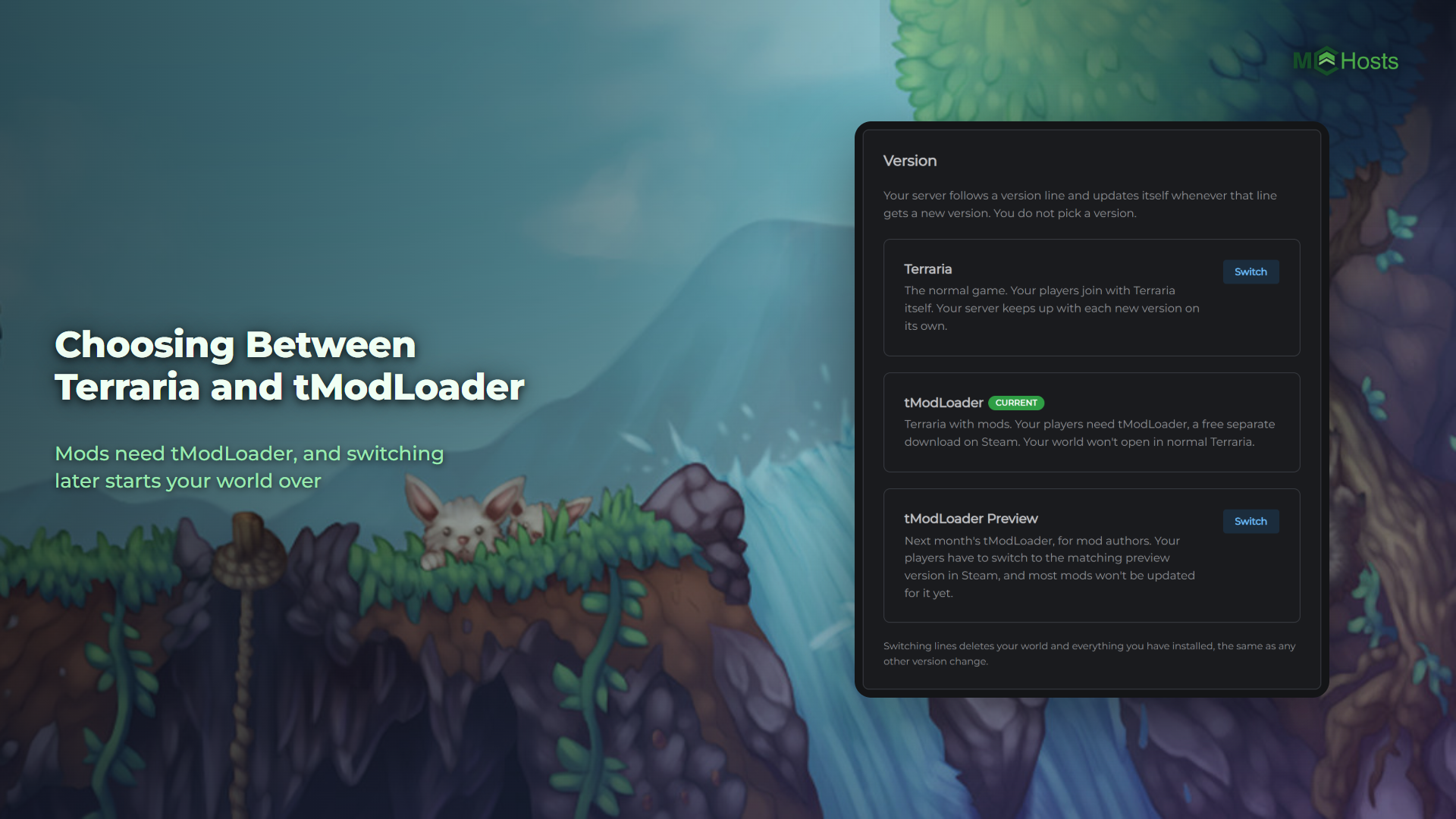
Open the Settings tab in your control panel and find the Version card. Your current one is marked Current.
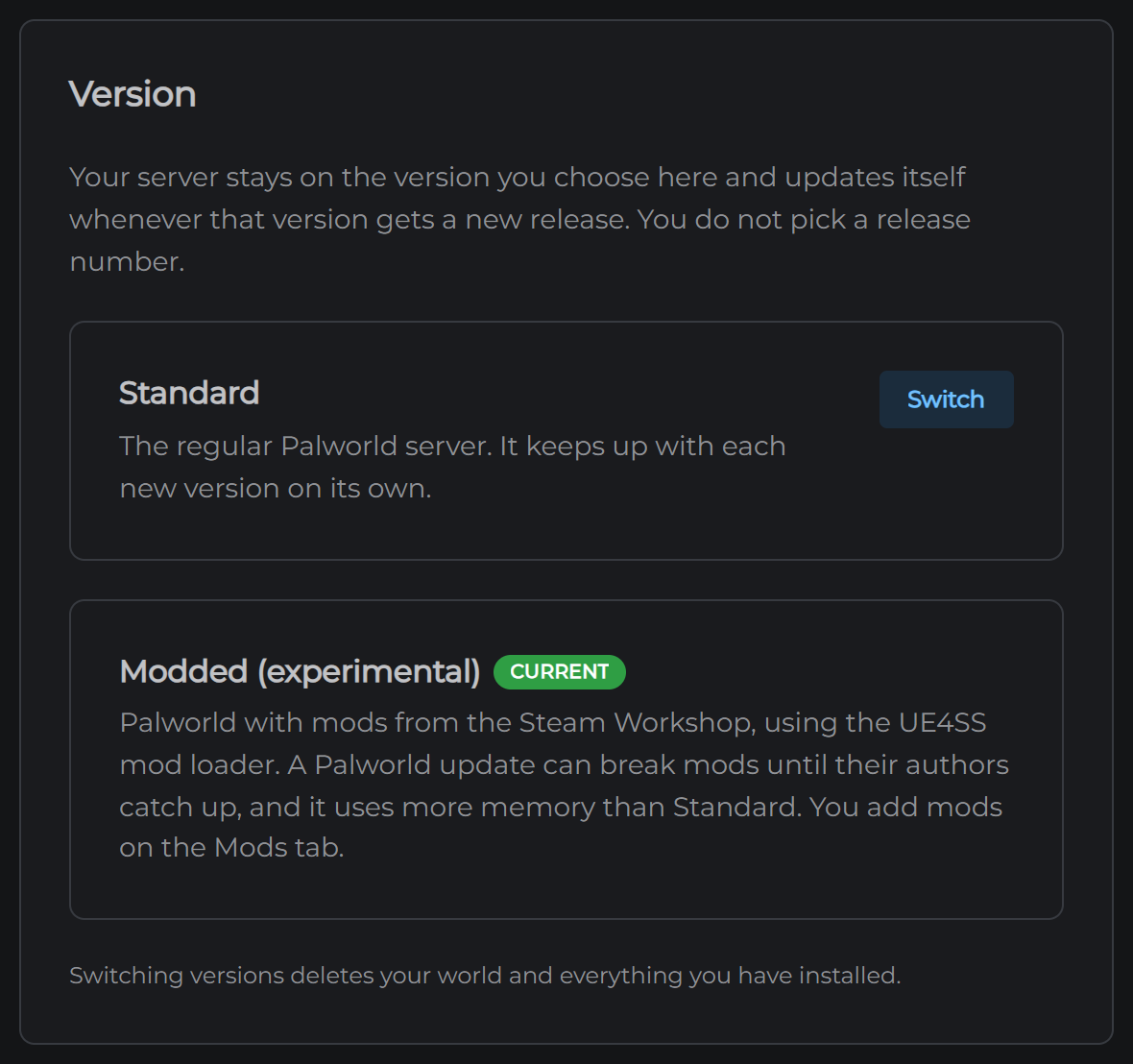
Standard. The regular Palworld server. It keeps up with each new version on its own.
Modded (experimental). Palworld with mods from the Steam Workshop. Everything above applies.
Switching deletes your world
This is the part to read twice. Switching between them deletes your world, your settings and anything you have installed, and the server downloads itself again.
The panel says the same thing and asks you to confirm before it does anything.
If you've got a world you care about, take a backup first. A backup taken on one version restores onto the other, so this is how you carry a world across.
How to switch
- Open Settings
- Find the Version card
- Click Switch next to the one you want
- Confirm
Your server rebuilds itself and comes back. Give it a few minutes, because it downloads the game again.
Your address and port don't change, so nobody needs a new one.
After you switch to Modded
The Mods tab is where you install things. See How to install Palworld mods.