Local Backups
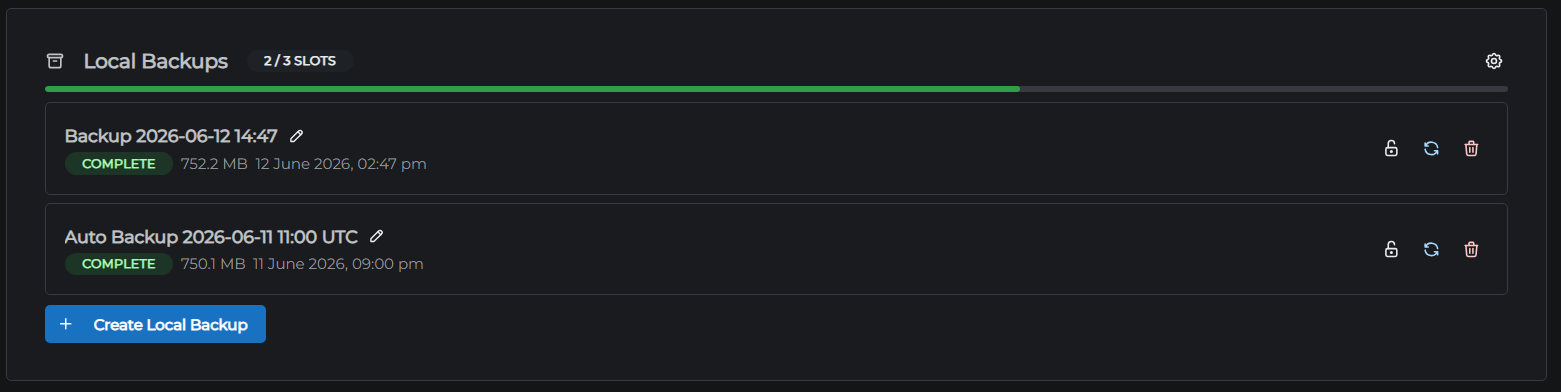
Local backups are snapshots of your entire server stored on your server's own disk. They're fast to create and restore, and require no additional subscription.
Backup slots
| Plan | Backup slots |
|---|---|
| Sand | 1 slot |
| Cobblestone - Redstone | 2 slots |
| Gold - Diamond | 3 slots |
| Netherite | 4 slots |
When all slots are full, you must delete an existing backup before creating a new one.
What's included in a backup
A local backup is a ZIP archive of your entire server directory - world files, plugins, configs, everything. It captures the server's complete state at the moment the backup was created.
Creating a backup
- Go to the Backups tab in the control panel
- In the Local Backups section, optionally enter a label to identify this backup later
- Click Create Local Backup
The backup runs in the background and you can continue using the control panel while it runs. When it's done, the new backup appears in the list showing its label, creation date, and file size.
Restoring a backup
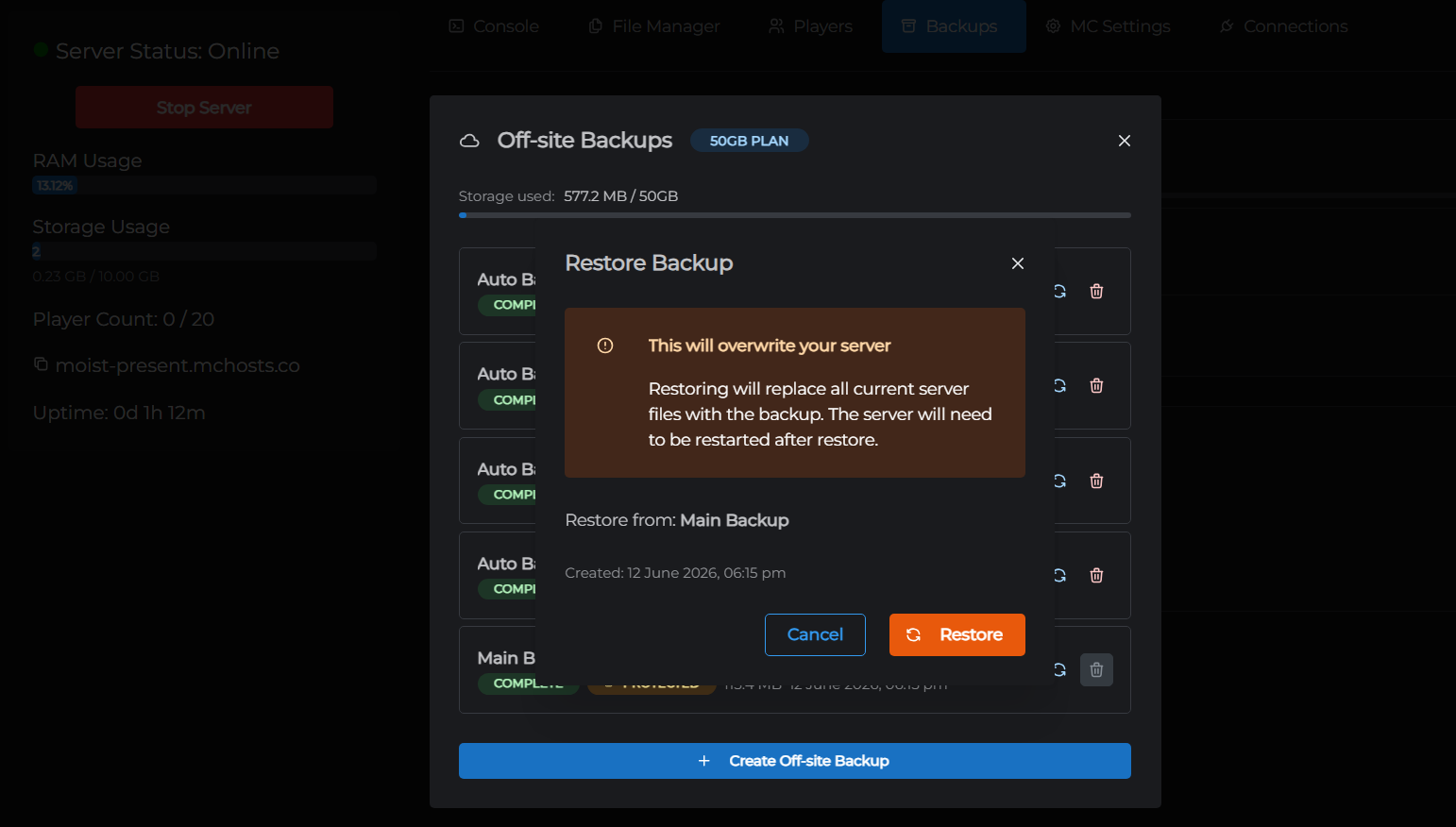
Warning: Restoring a backup replaces all current server files. This cannot be undone. If your current server state is important, create a new backup first.
- Click Restore on the backup you want to restore
- Confirm the prompt
- The server stops, the backup is extracted, and the server restarts automatically
Restoration typically completes in under a minute for local backups.
Deleting a backup
Click the trash icon on a backup entry and confirm. The backup file is permanently deleted and the slot becomes available for a new backup.
Storage usage
Local backup files are stored on your server's PVC (the same disk as your server files) and count toward your plan's storage allocation. Large world saves or many mods can result in large backup files - check your storage usage on the Dashboard if you're running low.
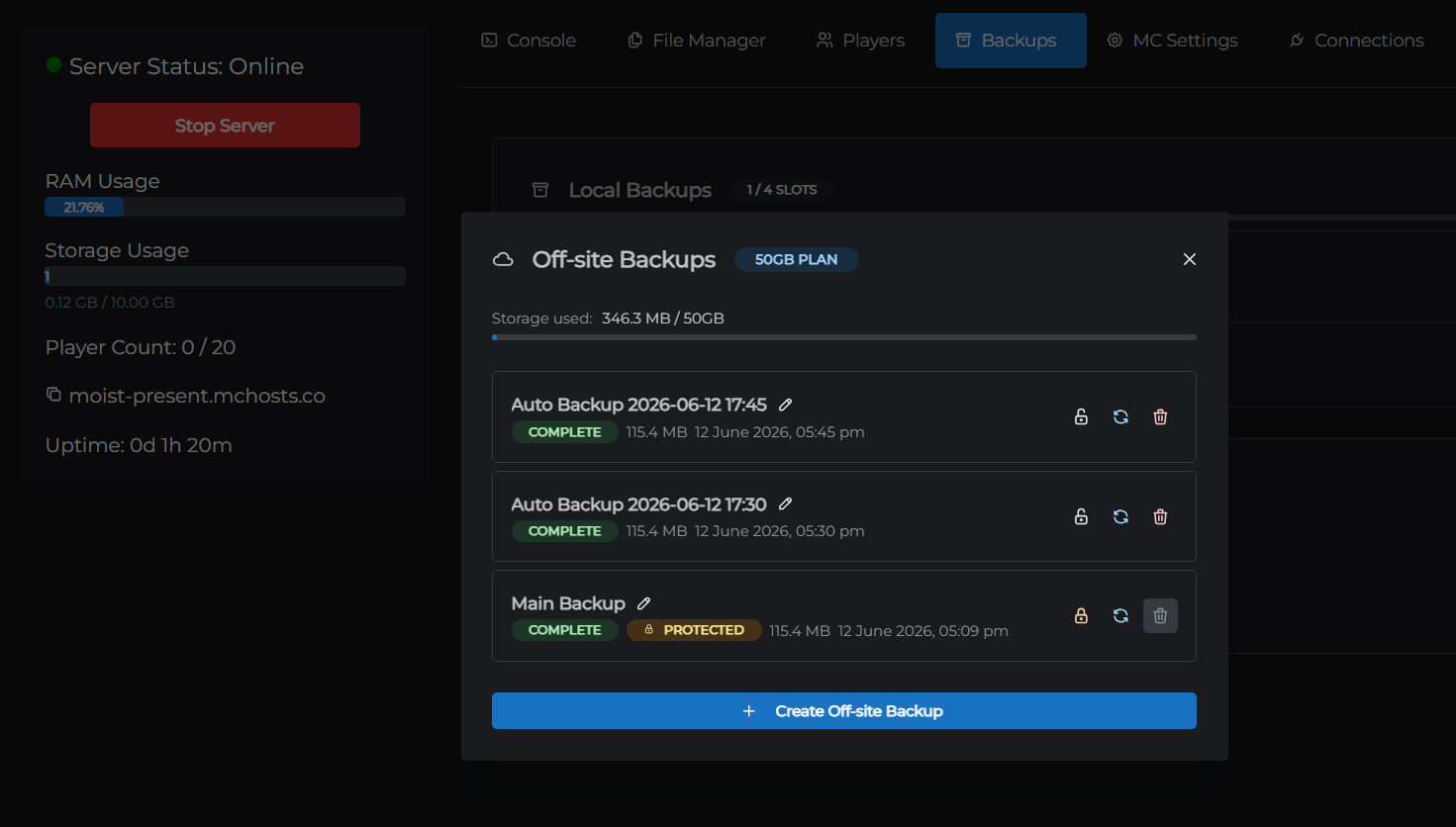
If you need more backup capacity without counting against your server's storage, consider the off-site backup add-on.
Auto backups
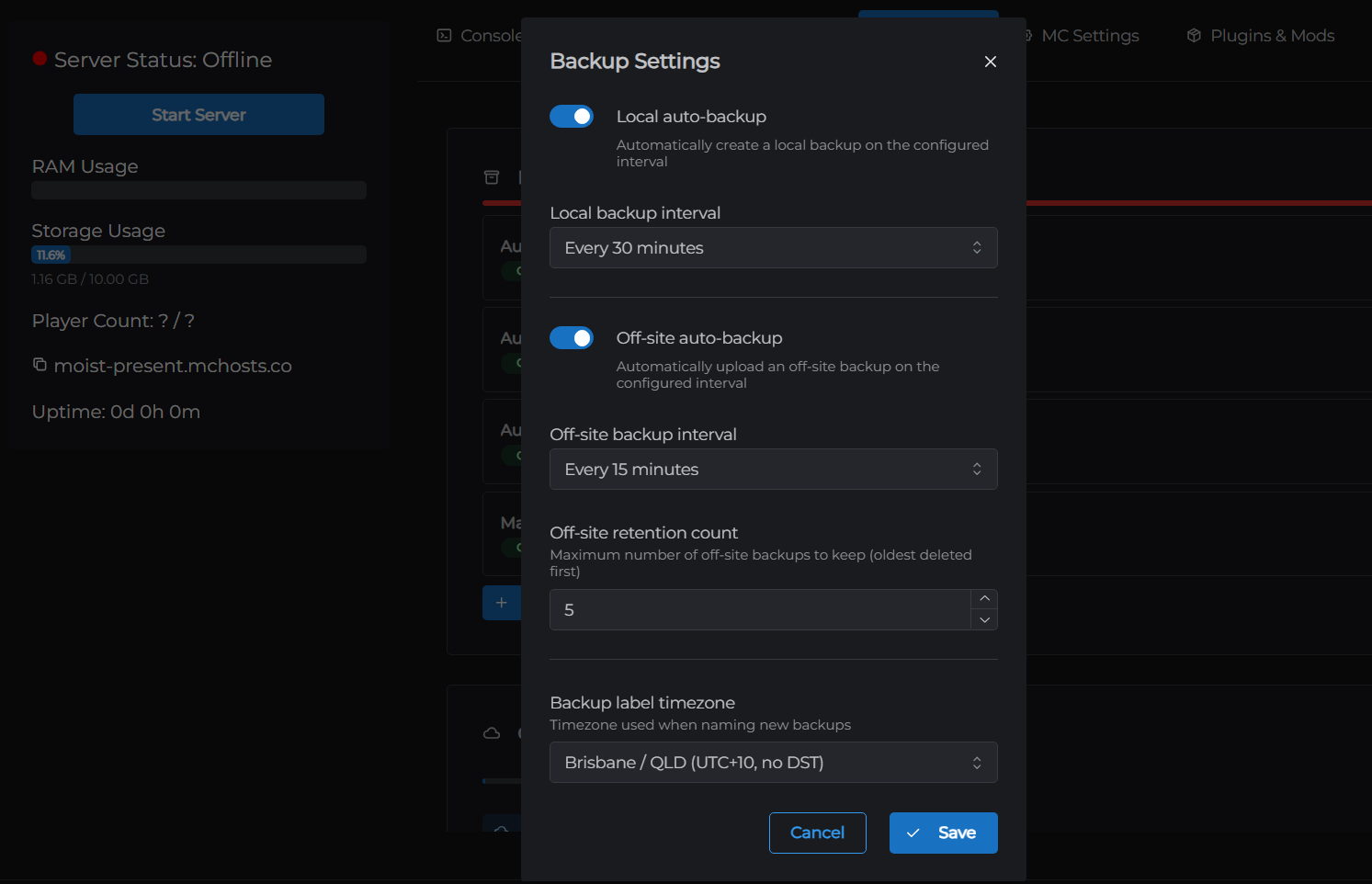
Local backups can run automatically on all plans except Sand. See Automatic backups to set this up.
Next: Off-site Backups →