Support Tickets
Troubleshooting
16 June 2026 · By Josh P
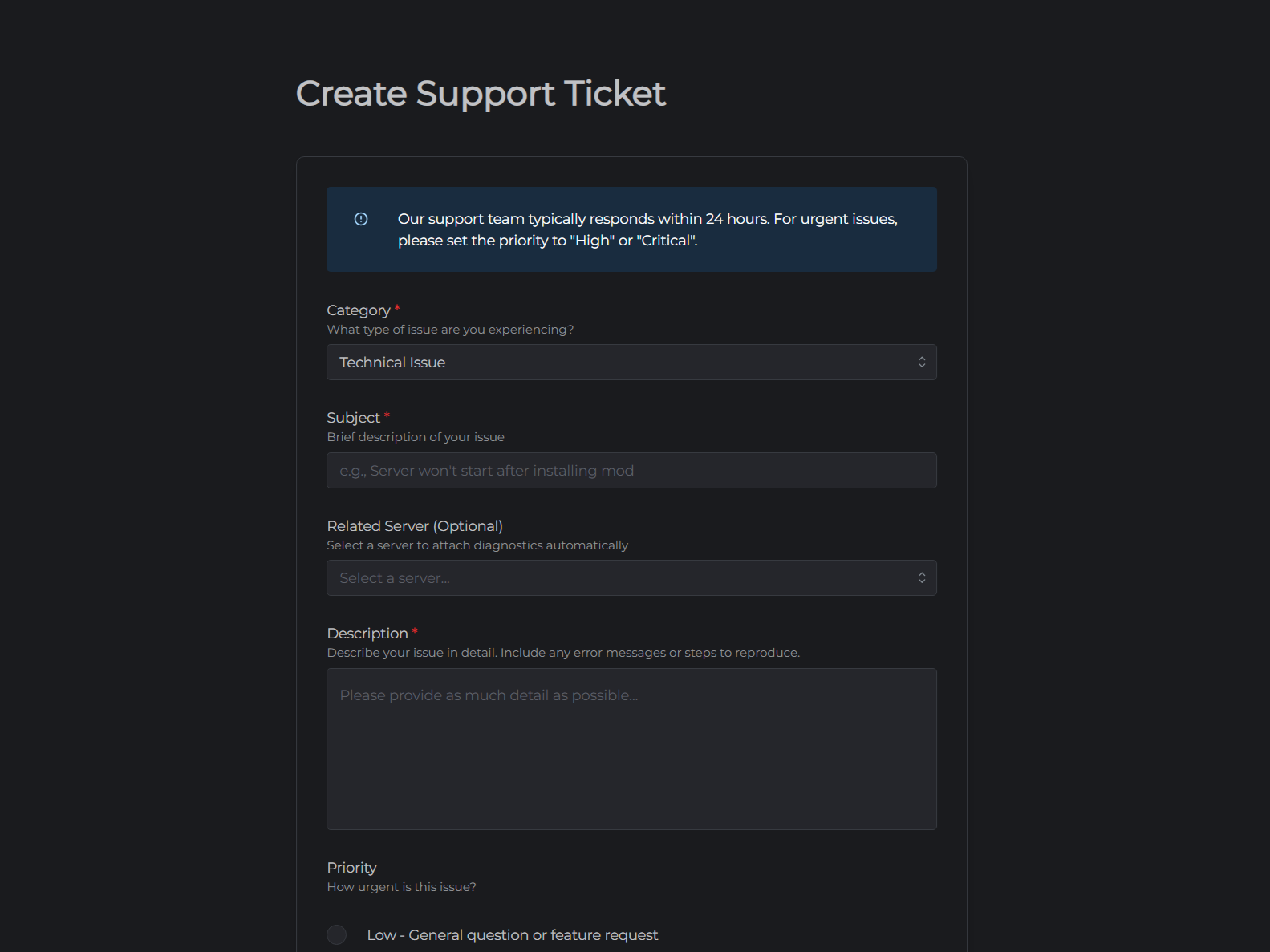
If you need help with something that isn't covered by the knowledgebase, you can open a support ticket. Our team receives your ticket immediately and will respond as soon as possible.
Opening a ticket
- Go to mchosts.com.au/support and click New Ticket
- Fill in the ticket form:
| Field | Description |
|---|---|
| Category | Billing & Payment, Technical Issue, Modpack Support, Account Management, or Other |
| Subject | A short description of your issue (e.g. "Server won't start after version change") |
| Related Server | Select which of your servers the issue relates to (optional) |
| Description | Describe the problem in as much detail as possible |
| Priority | How urgently you need a response (see below) |
| Screenshot | Attach a screenshot if helpful - PNG, JPG, or GIF up to 5 MB |
- Click Submit
Choosing a priority
| Priority | When to use it |
|---|---|
| Low | General questions, feature requests, non-urgent issues |
| Medium | Issues affecting your server that you can work around |
| High | Server performance is significantly affected but still usable, and you need help soon |
| Critical | Server is completely down, with no workaround, data loss risk, or billing emergency |
Please use Critical sparingly - it flags your ticket for immediate attention.
Tracking and replying to tickets
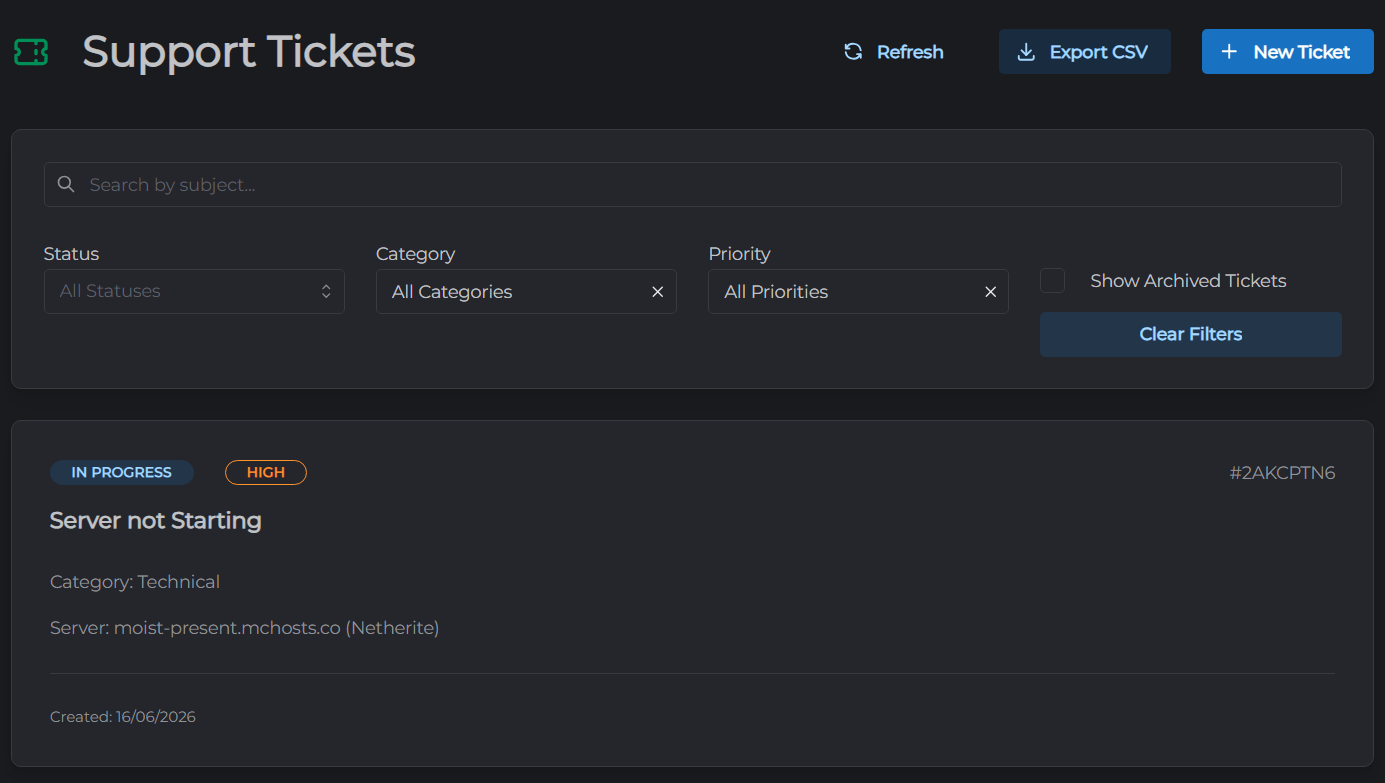
All your tickets are listed at mchosts.com.au/support. Click a ticket to open the message thread.
- You can reply with additional information or attachments at any time
- Replies from the support team appear in real time
- You will receive an email notification for each staff reply (configurable in Account Settings)
Ticket statuses
| Status | Meaning |
|---|---|
| In Progress | Your ticket has been received and is awaiting a staff response - this is also where it goes back to after you reply to a staff message |
| Waiting on You | Staff has replied and is waiting for more information from you |
| Resolved | Staff considers the issue addressed. You can still reply if you need more help, but the status only changes when staff updates it |
| Closed | Ticket is archived and can no longer be replied to |
Tickets are automatically closed after 14 days of inactivity - whether they're marked Resolved with no further activity, or staff is waiting on a reply from you that never comes. If you still need help after a ticket closes, just open a new one.
Tips for faster resolution
- Include your server hostname - the
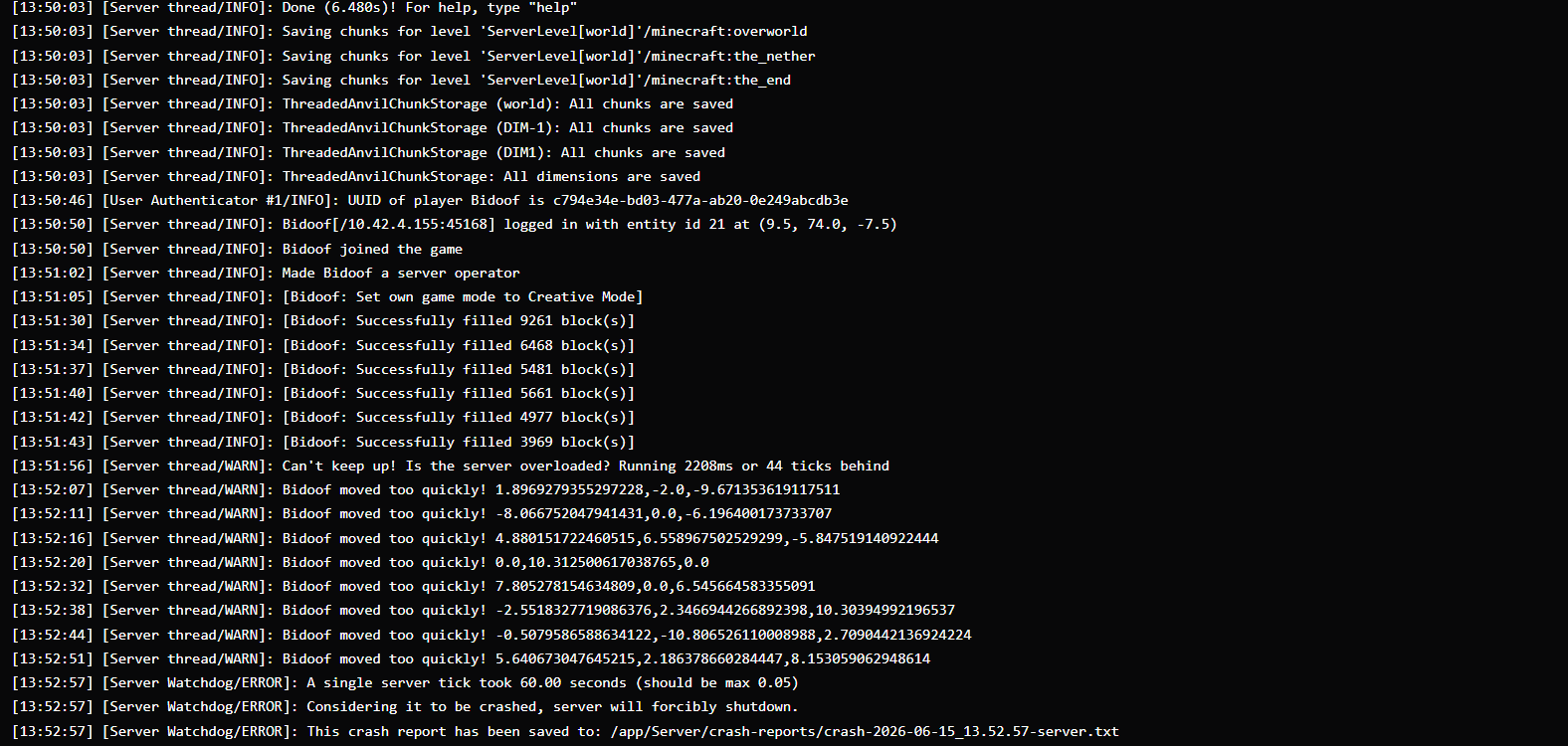
<yoursubdomain>.mchosts.coaddress - Copy relevant log lines from the Console tab - errors and stack traces are very helpful
- Describe what you tried - if you've already rebooted the instance or checked the console, say so
- Attach a screenshot of any error messages in Minecraft or the control panel