Account Settings
Billing & Accounts
12 June 2026 · Updated 16 June 2026 · By Josh P
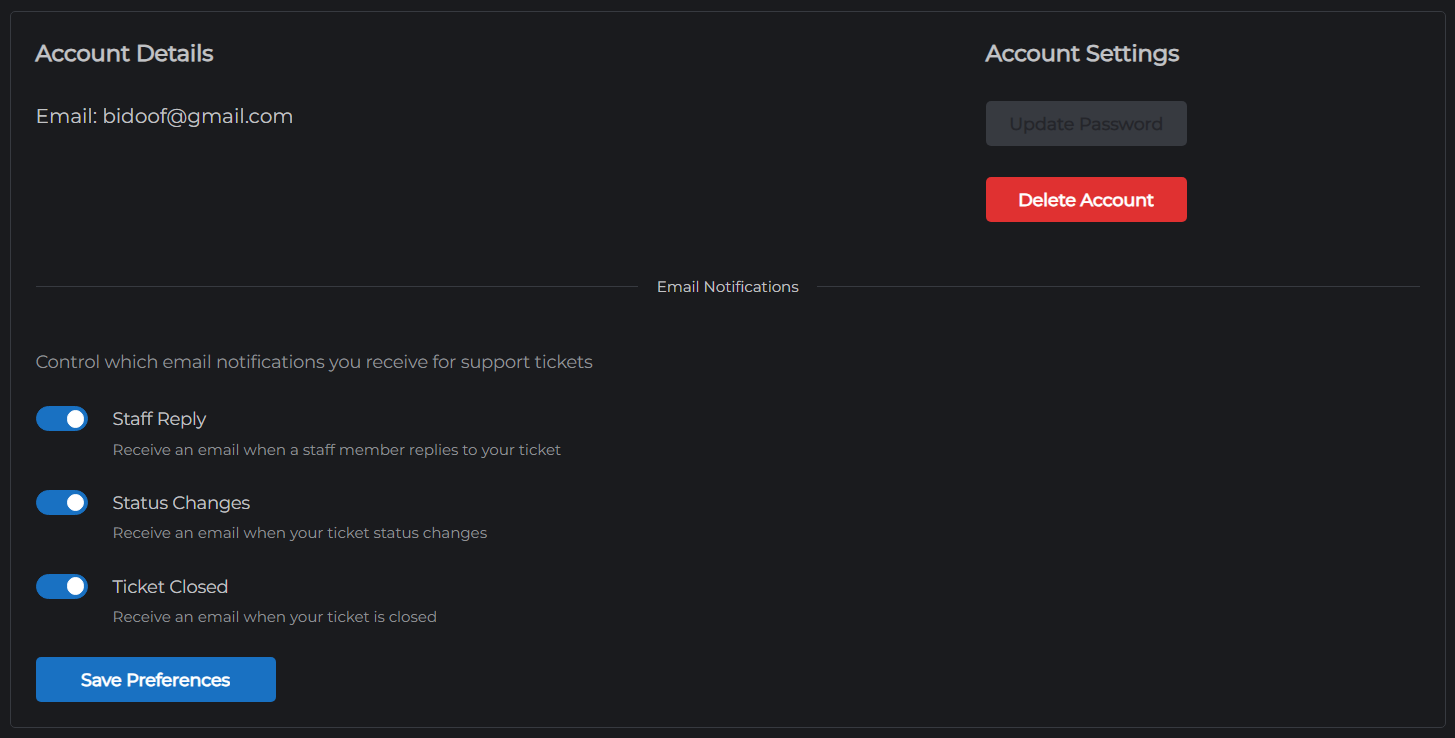
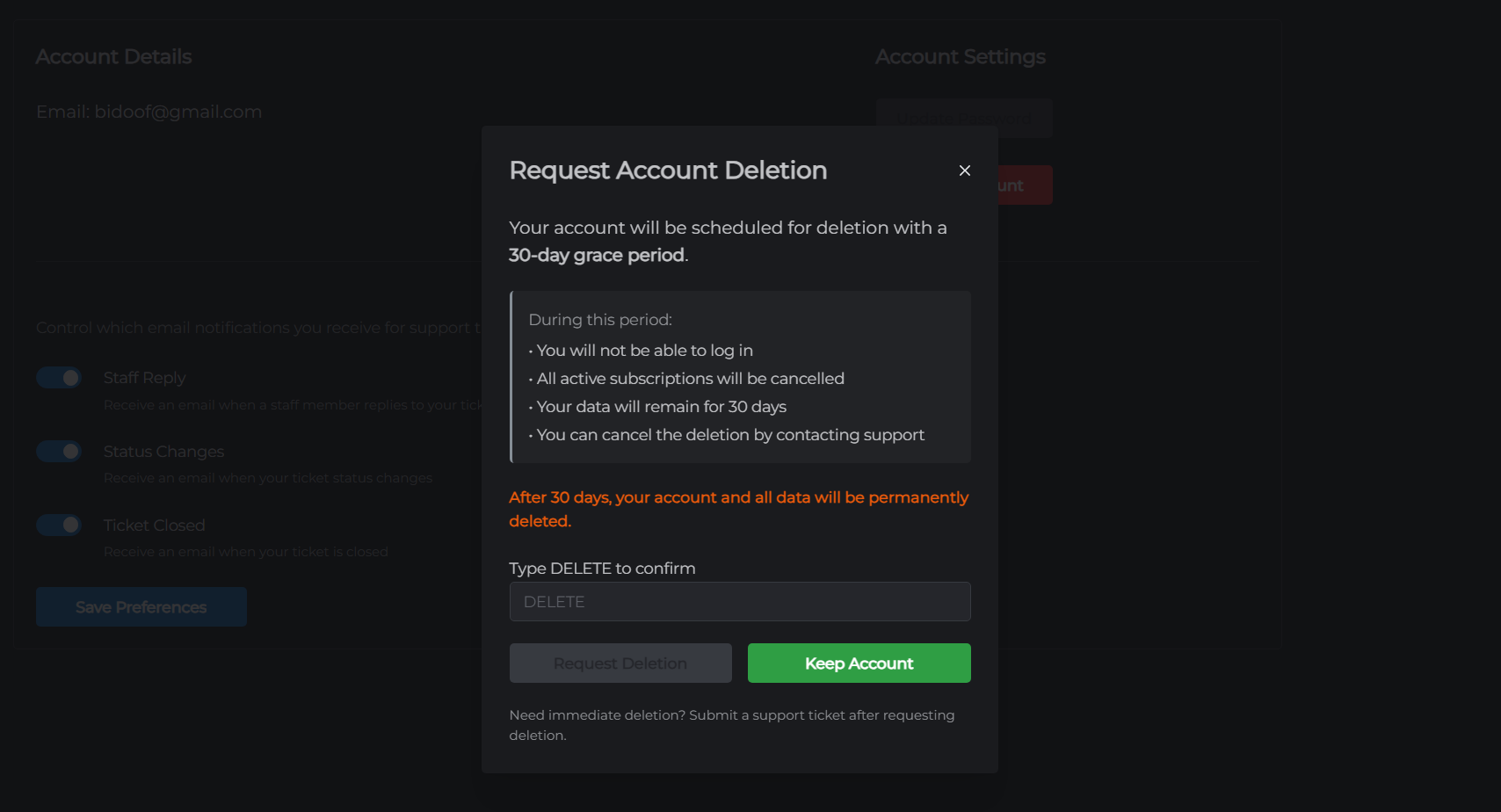
Your account settings let you update your password, manage email notification preferences, and delete your account.
Accessing account settings
- Go to mchosts.com.au/user-settings
- The Account Details tab opens by default
Email address
Your registered email address is displayed here. It is used for login, billing notifications, and support ticket replies. To change your email address, contact support.
Change password
Click Update Password to receive a password reset link by email. Follow the link to set a new password.
This button is not available if you signed up with Google. Google accounts manage passwords through your Google account settings.
Notification preferences
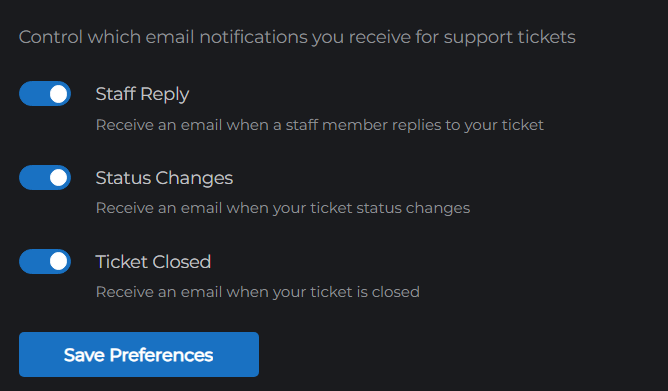
Control which email notifications you receive from MCHosts:
| Preference | What triggers it |
|---|---|
| Staff Reply | A support team member replies to one of your tickets |
| Status Changes | Your ticket is marked Resolved |
| Ticket Closed | One of your support tickets is closed |
Toggle each preference on or off and click Save Preferences.
Other settings tabs
| Tab | What it covers |
|---|---|
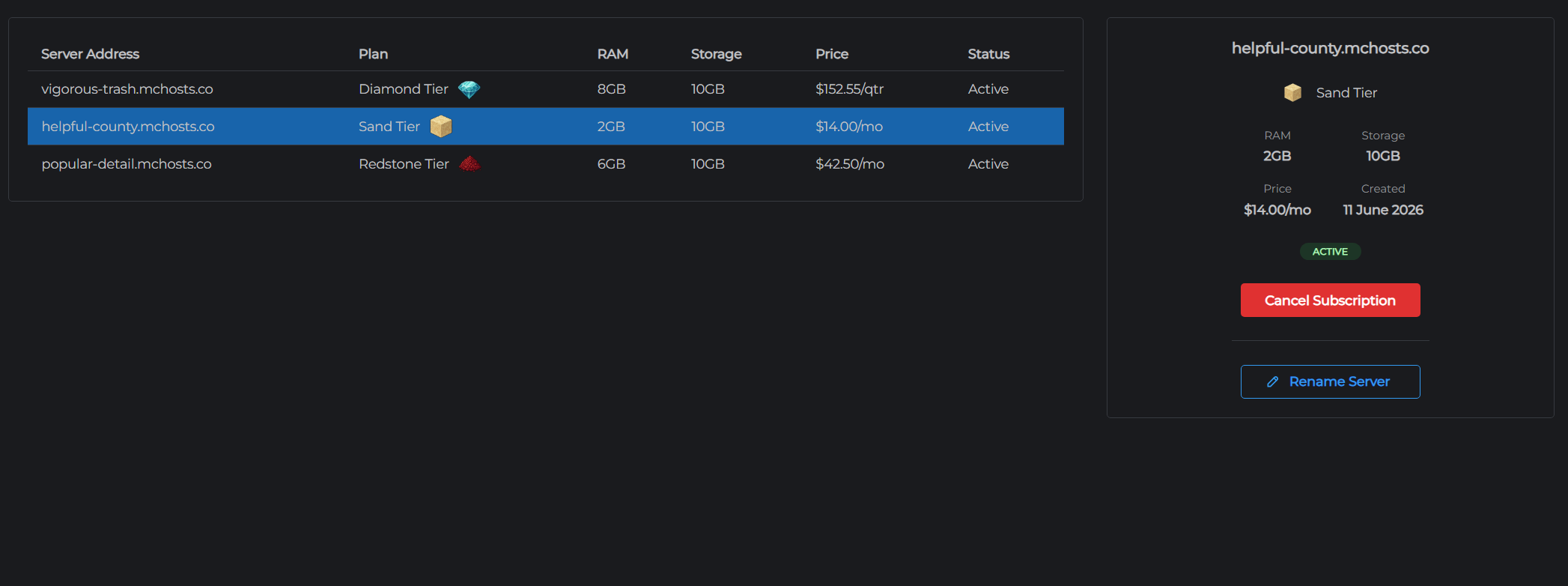
| Subscription Management | View your active server subscriptions, cancel, or rename your server |
| Backups | Purchase and manage the off-site backup add-on |
| Billing | Manage payment methods and view invoice history |