Cancelling Your Server
Billing & Accounts
11 June 2026 · By Josh P
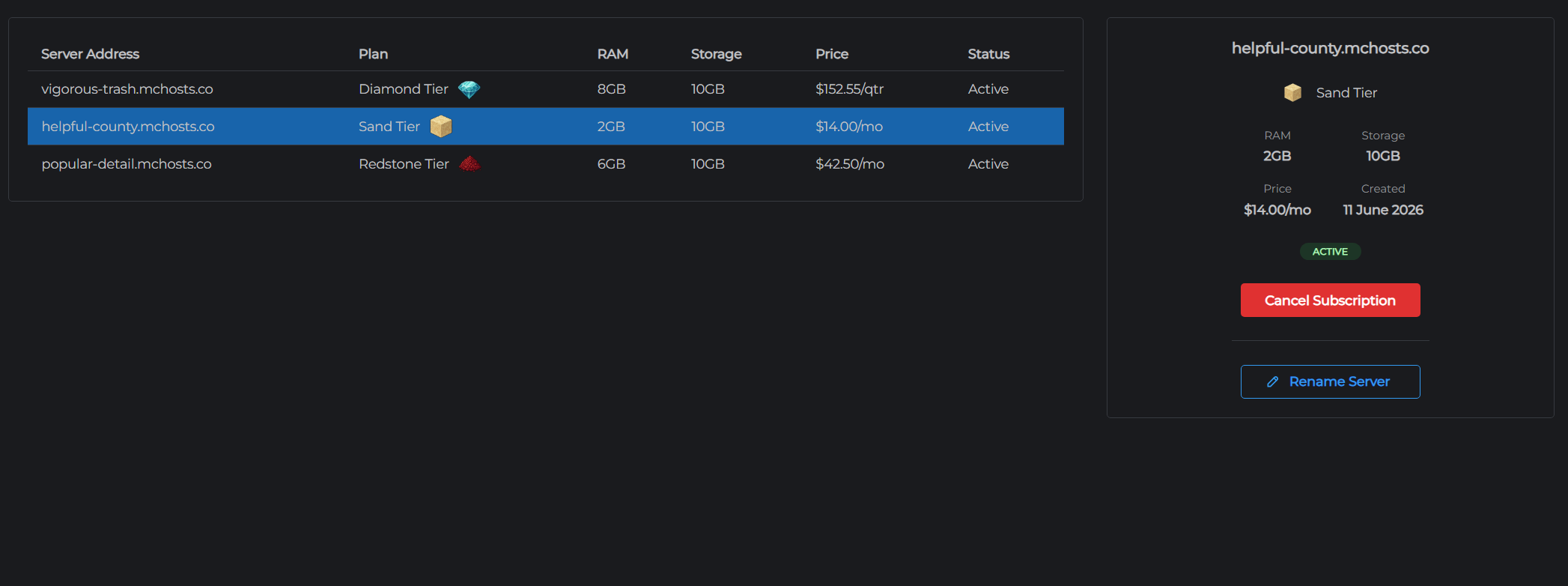
You can cancel your MCHosts server subscription at any time. Cancellation takes effect at the end of your current billing period - you keep full access until then.
How to cancel
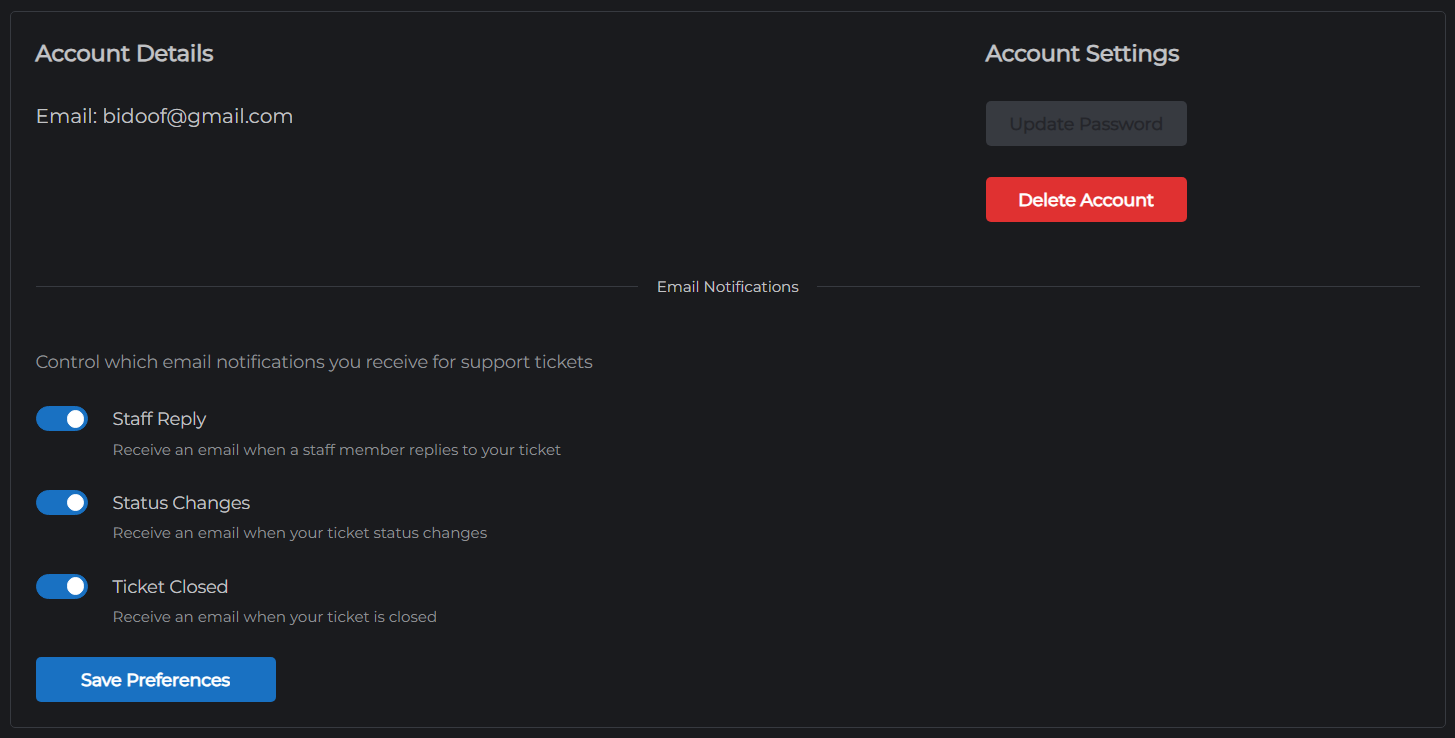
- Go to mchosts.com.au/user-settings
- Open the Manage tab
- Click Cancel next to the subscription you want to cancel
- Confirm the cancellation
A confirmation email is sent to your registered email address.
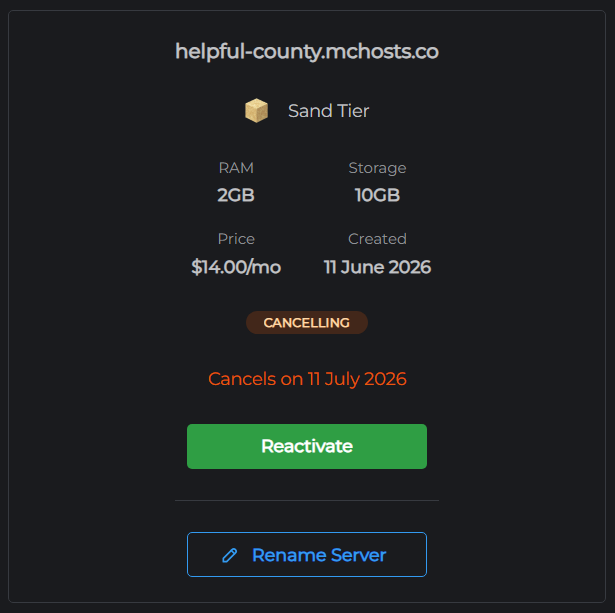
What happens after cancellation
- Your server remains fully accessible until the end of the current billing period
- No further charges are made
- When the period ends, your server and all associated data (world files, configs, backups) are permanently deleted
- Your MCHosts account remains active - you can purchase a new server at any time
Reactivating before the period ends
If you change your mind before the billing period expires:
- Go to mchosts.com.au/user-settings → Manage tab
- Click Reactivate next to the subscription
The cancellation is reversed and your subscription continues as normal. You are charged on your usual renewal date.
Data after cancellation
Once the billing period ends and the server is deleted, all data is permanently removed and cannot be recovered. If you want to keep your world or configs, download them before the period ends using the File Manager or by creating a local backup and downloading the ZIP.