Deleting Your Account
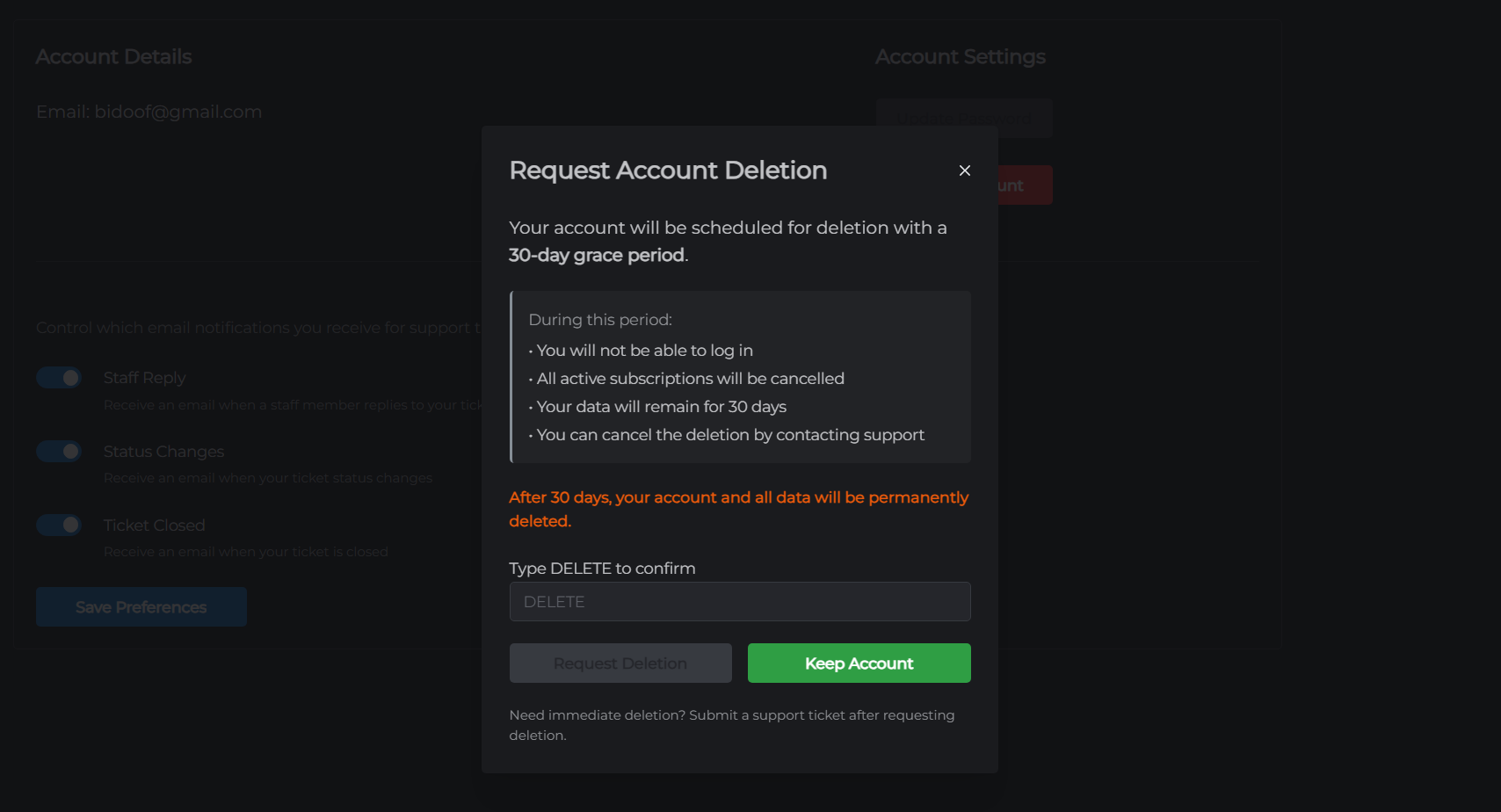
If you want to permanently remove your MCHosts account, you can request account deletion from your account settings. A 30-day grace period is provided in case you change your mind.
Before you delete
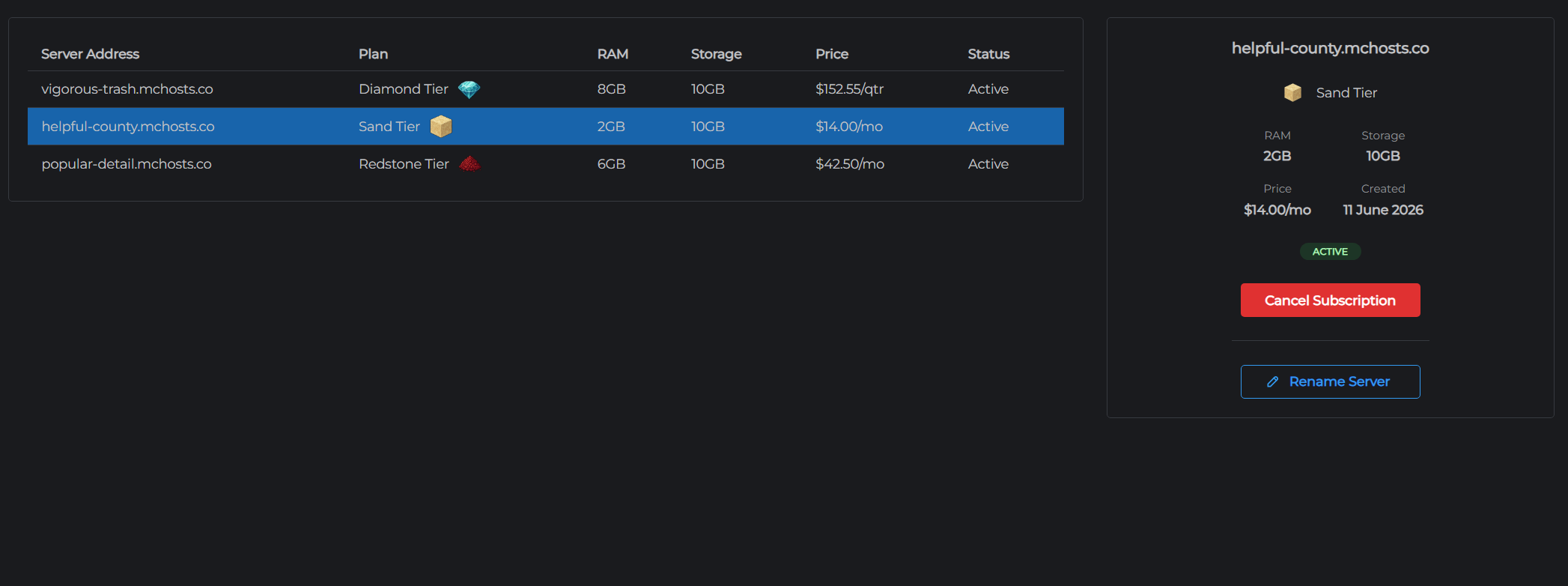
- All active server subscriptions are cancelled immediately when you request deletion
- Your servers and all data are permanently deleted - world files, backups, configs
- This action cannot be undone after the grace period
If you have active servers, consider downloading your world files or creating a backup before proceeding.
Requesting deletion
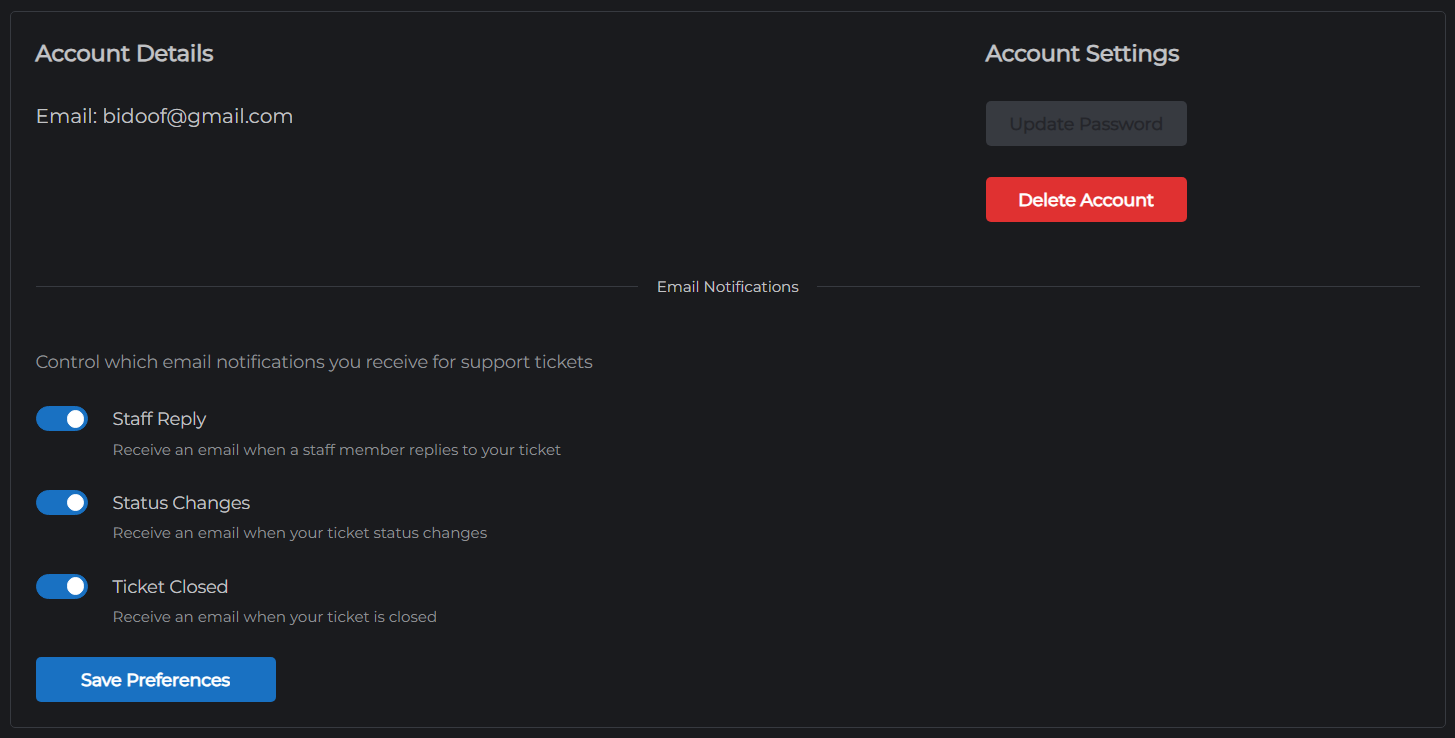
- Go to mchosts.com.au/user-settings → Account tab
- Click Delete Account
- Confirm the prompt
A deletion confirmation email is sent to your registered address. Your account enters a 30-day grace period - you are signed out but the account is not yet permanently deleted.
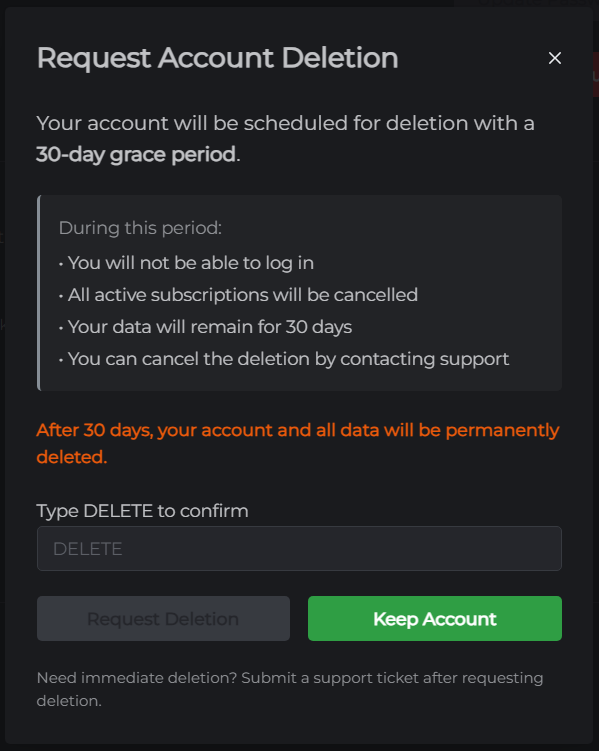
Cancelling a deletion request
If you change your mind within 30 days:
- Open the deletion confirmation email sent to your address
- Click the Cancel Deletion link
Your account is reactivated immediately. Note that any subscriptions that were cancelled as part of the deletion request are not automatically restored - you will need to purchase new servers.
What is deleted after 30 days
Once the 30-day grace period expires, the following is permanently deleted:
- Firebase Authentication record (login credentials)
- All Firestore user data (account details, server records, backup metadata)
- All server files for any associated servers
This data cannot be recovered after deletion.