Billing History
Billing & Accounts
11 June 2026 · By Josh P
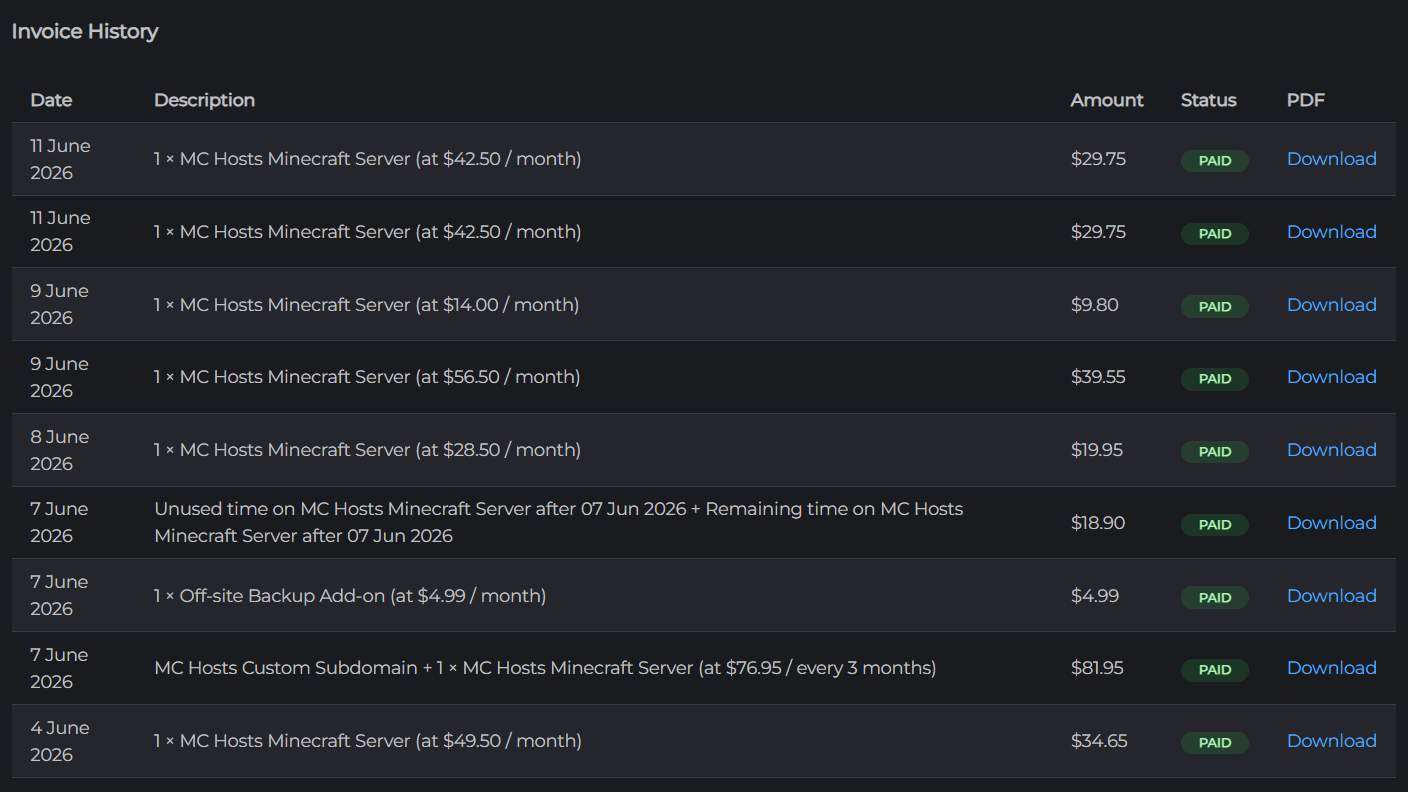
You can view and download all past invoices from your account settings.
Viewing invoices
- Go to mchosts.com.au/user-settings
- Open the Billing tab
- Scroll to the Billing History section
Each invoice entry shows:
| Column | Description |
|---|---|
| Date | When the invoice was issued |
| Description | What was charged (e.g. subscription tier, add-on name) |
| Amount | Total amount charged in AUD |
| Status | Paid or Failed |
Downloading a receipt
Click the PDF icon on any invoice to download a copy as a PDF. This can be used for expense reporting or accounting purposes.
Failed invoices
An invoice marked Failed means the payment was not collected. See Payment methods for how to update your card details.