Which Danger Zone Action Do I Need?
Troubleshooting
16 June 2026 · By Josh P
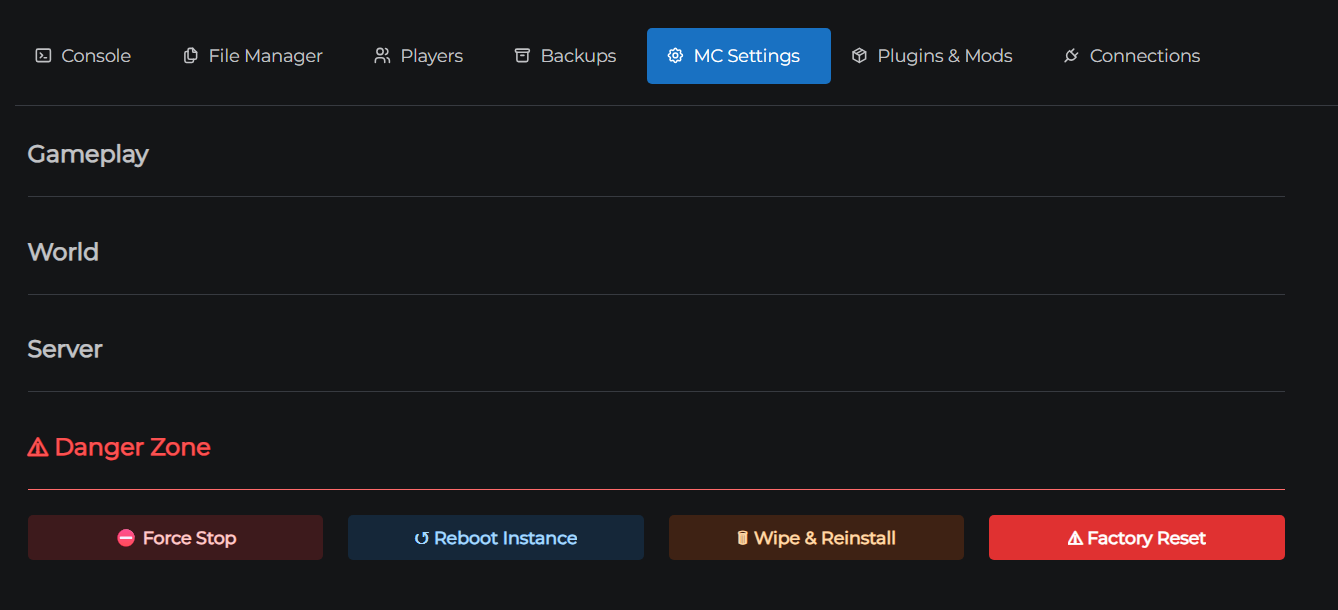
Your server is in trouble and you're looking at Settings → Danger Zone. This guide helps you pick the right action for the situation.
For a full description of what each button does, see Danger Zone.
Try these before going to the Danger Zone
Most problems don't need a Danger Zone action. Work through this list first:
- Stop and start from the Dashboard - clears most temporary hangs and restarts the Minecraft process cleanly
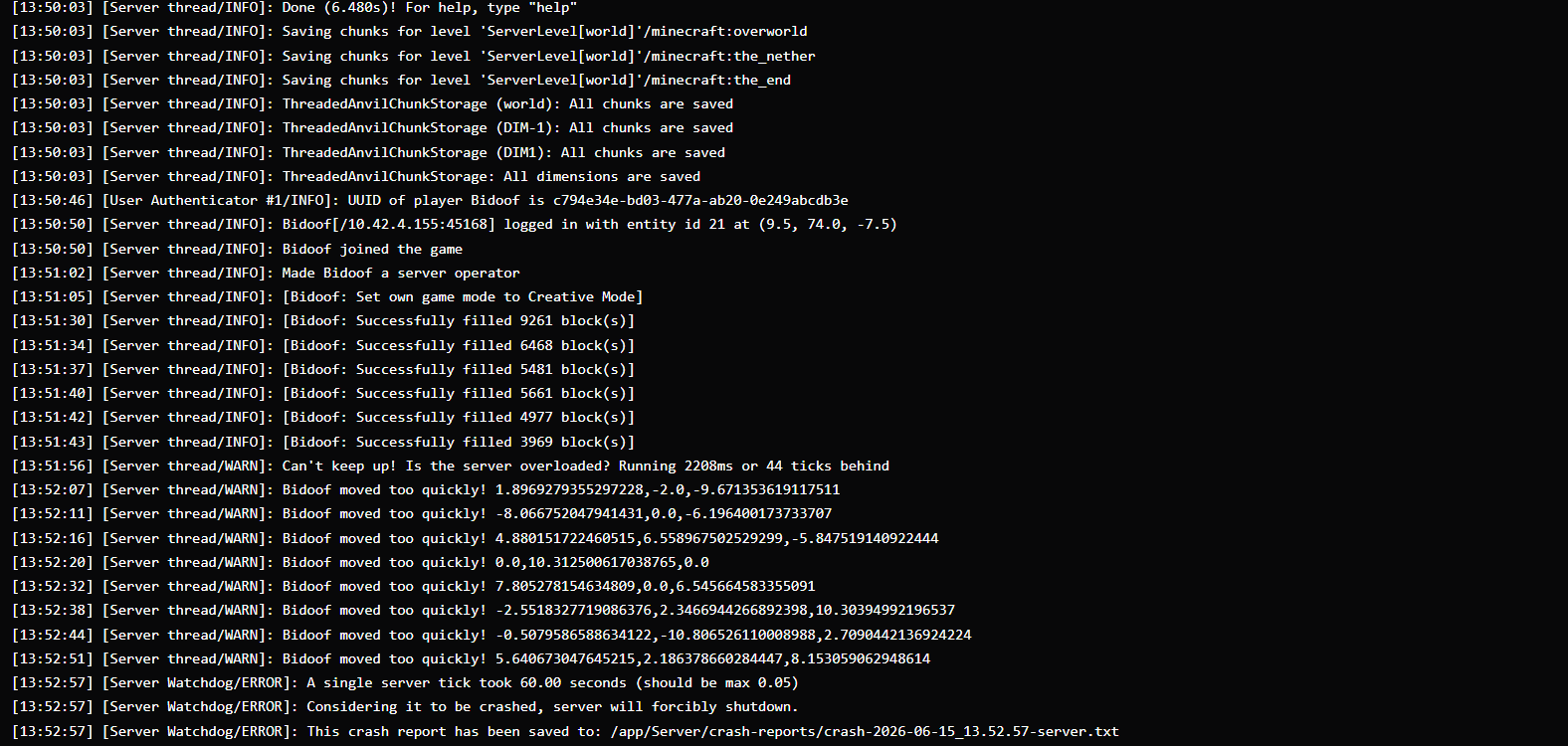
- Check the Console tab - a crash log or error message usually points to a config issue or a bad plugin that can be fixed without wiping anything
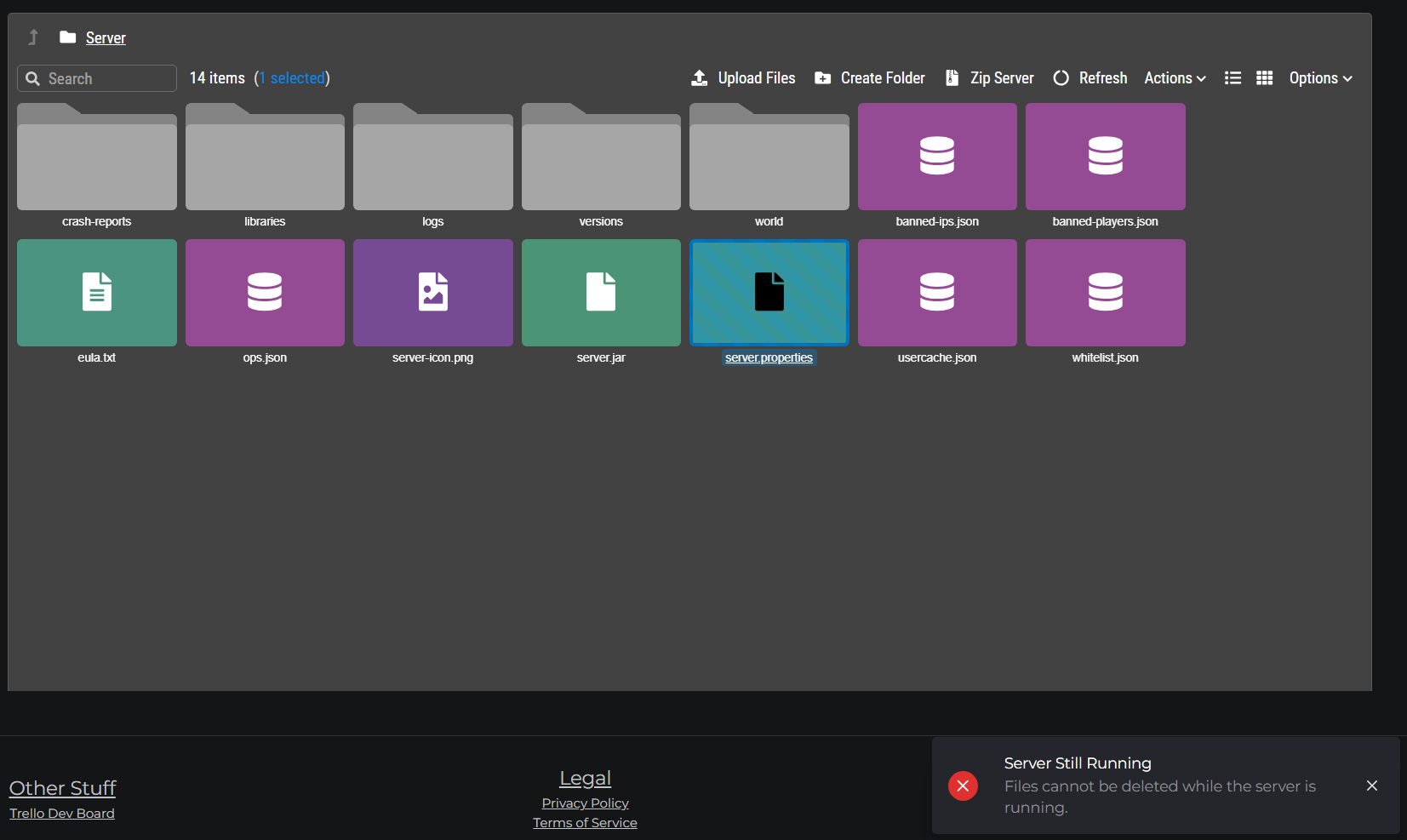
- Remove or fix the problem file via the File Manager - if a plugin or config is causing crashes, delete or replace just that file
Only move to the Danger Zone if these steps haven't helped.
Which action do I need?
| My situation | Action to take |
|---|---|
| Server is frozen, Dashboard Stop isn't responding | Force Stop |
| Console stopped updating or commands aren't sending | Reboot Instance |
| Server shows as online but nobody can connect, Force Stop didn't help | Reboot Instance |
| I want a fresh world on the same version and software | Wipe & Reinstall |
| Server files are corrupted and need a clean slate | Wipe & Reinstall |
| I want to change server software as part of a full rebuild | Factory Reset |
| Wipe & Reinstall failed or the server is unrecoverable | Factory Reset |
At a glance
| Force Stop | Reboot Instance | Wipe & Reinstall | Factory Reset | |
|---|---|---|---|---|
| Deletes server files | ✗ | ✗ | ✓ | ✓ |
| Deletes version config | ✗ | ✗ | ✗ | ✓ |
| Data loss risk | Unsaved chunks | None | All files | All files + config |
| Time | Instant | ~30 sec | ~2 min | ~5 min |
Before using Wipe & Reinstall or Factory Reset
These actions are irreversible. Once confirmed, deleted data cannot be recovered without a backup.
- Go to the Backups tab
- Click Create Local Backup (or Create Off-site Backup for a cloud copy)
- Wait for the backup to complete
- Then proceed
If the server won't start and you can't reach the Backups tab, your world files may still be accessible via the File Manager while the server is offline - download them manually before wiping.