Danger Zone
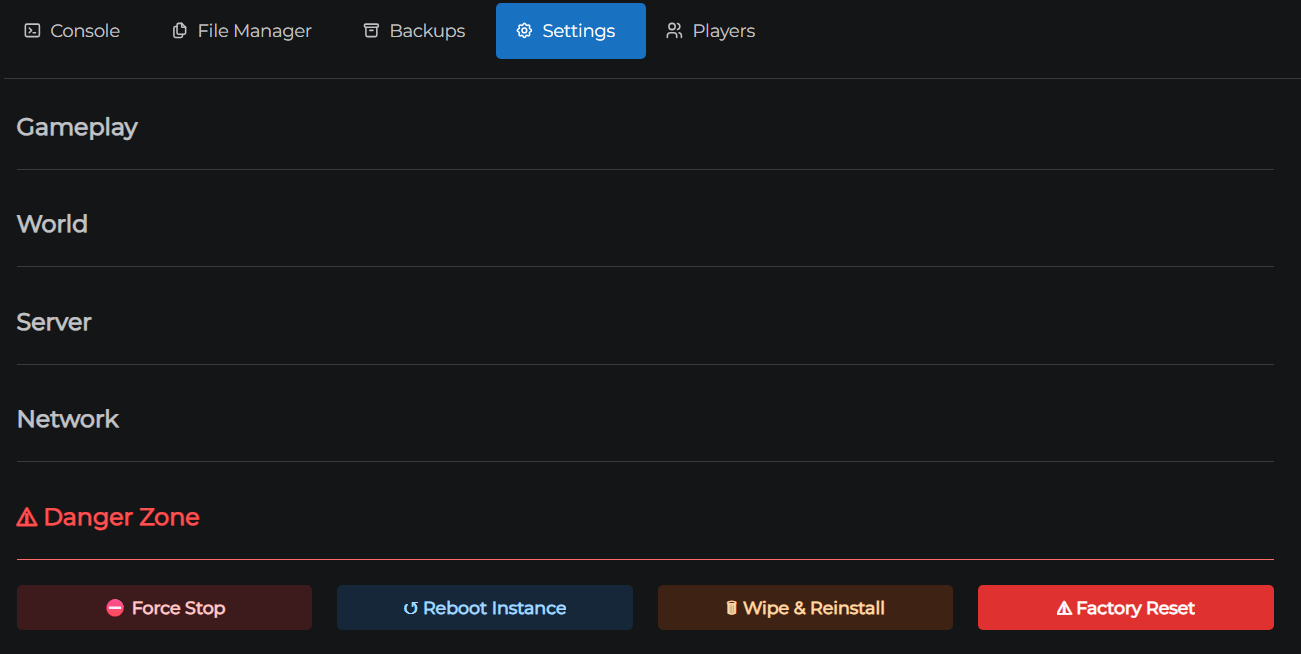
The Danger Zone is the fifth and final panel in the Settings tab. It has a red heading to signal that these actions are serious. The four buttons are ordered from least to most destructive.
Wipe & Reinstall and Factory Reset are irreversible. It is recommended to create a backup before using either.
Opening the Danger Zone
- Go to the Settings tab
- Click the Danger Zone accordion panel - it's the last one and has a red title

Force Stop
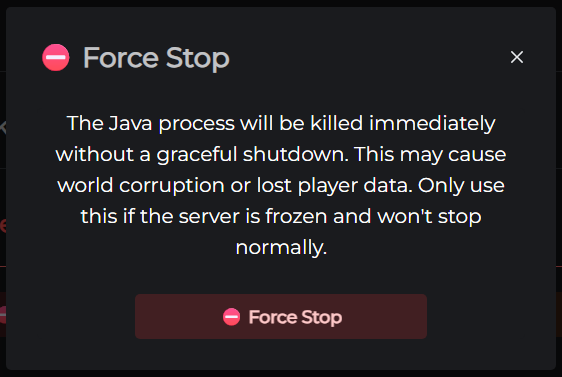
Immediately kills the Minecraft server process without a graceful shutdown.
| Files deleted | None |
| Data at risk | Unsaved chunk data (a few seconds' worth) |
| Time | Instant |
| Restarts automatically | No - start manually from the Dashboard |
The normal Stop button on the Dashboard sends a graceful shutdown signal that saves all chunks first. Force Stop skips this entirely. Use it only when the server is completely frozen and the Dashboard Stop button isn't responding.
Reboot Instance
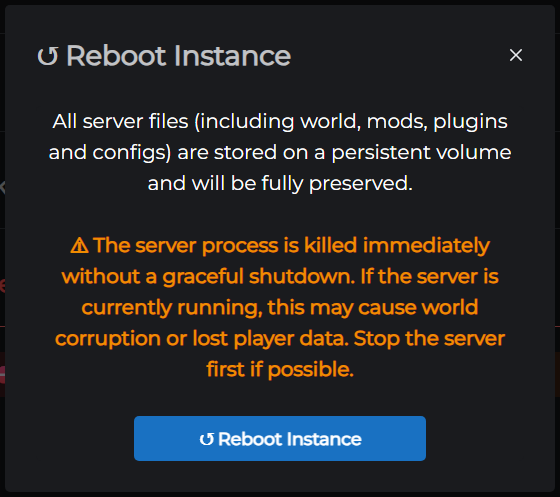
Restarts the entire server container - the underlying system running both the Minecraft server and the control panel connection. This is more thorough than a normal stop and start from the Dashboard, which only restarts the Minecraft process.
| Files deleted | None |
| Data at risk | Unsaved chunk data (a few seconds' worth) |
| Time | ~30 seconds |
| Restarts automatically | Yes |
Your world, plugins, and configs are completely untouched. Use this when the console has stopped updating, commands aren't sending, or the server appears online but players can't connect and Force Stop didn't help.
Wipe & Reinstall
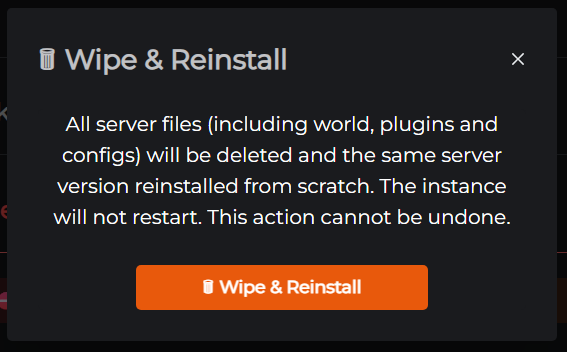
Deletes all server files and reinstalls the same Minecraft version and type. The server comes back with a fresh world and default configuration.
| Files deleted | World, plugins, configs - everything |
| Data at risk | All of it |
| Time | ~2 minutes |
| Restarts automatically | Yes |
The version and type are preserved (e.g. if you were running PaperMC 1.21.4, the server comes back on PaperMC 1.21.4). Use this to start a new season or recover from a corrupted installation where you don't need to change versions.
Create a backup first. There is no undo.
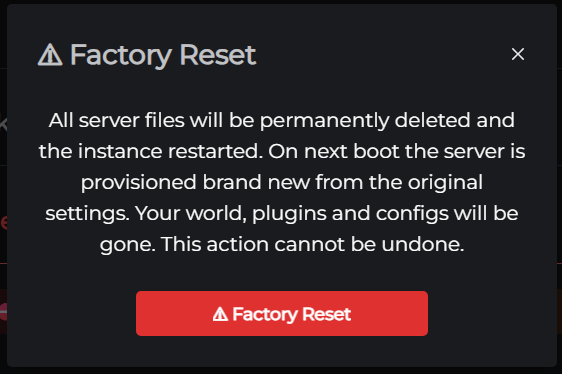
Factory Reset
Deletes all server files and the version configuration, then fully rebuilds the server as if it were newly purchased.
| Files deleted | World, plugins, configs, and version config |
| Data at risk | All of it |
| Time | ~5 minutes |
| Restarts automatically | Yes |
Because the version config is also cleared, this takes longer than Wipe & Reinstall - the server has to go through the full first-time provisioning process. The rebuild uses the most recently saved version and type.
Use Factory Reset when Wipe & Reinstall isn't enough: for example, if you want to change server type as part of the rebuild, or if Wipe & Reinstall failed and the server is in an unrecoverable state.
Create a backup first. There is no undo.
Need help choosing?
If your server is in trouble and you're not sure which button to reach for, see Which Danger Zone Action Do I Need?.
← Version Management & Scheduled Restarts | Next: Plugins & Mods →