Can't Upload or Modify Files
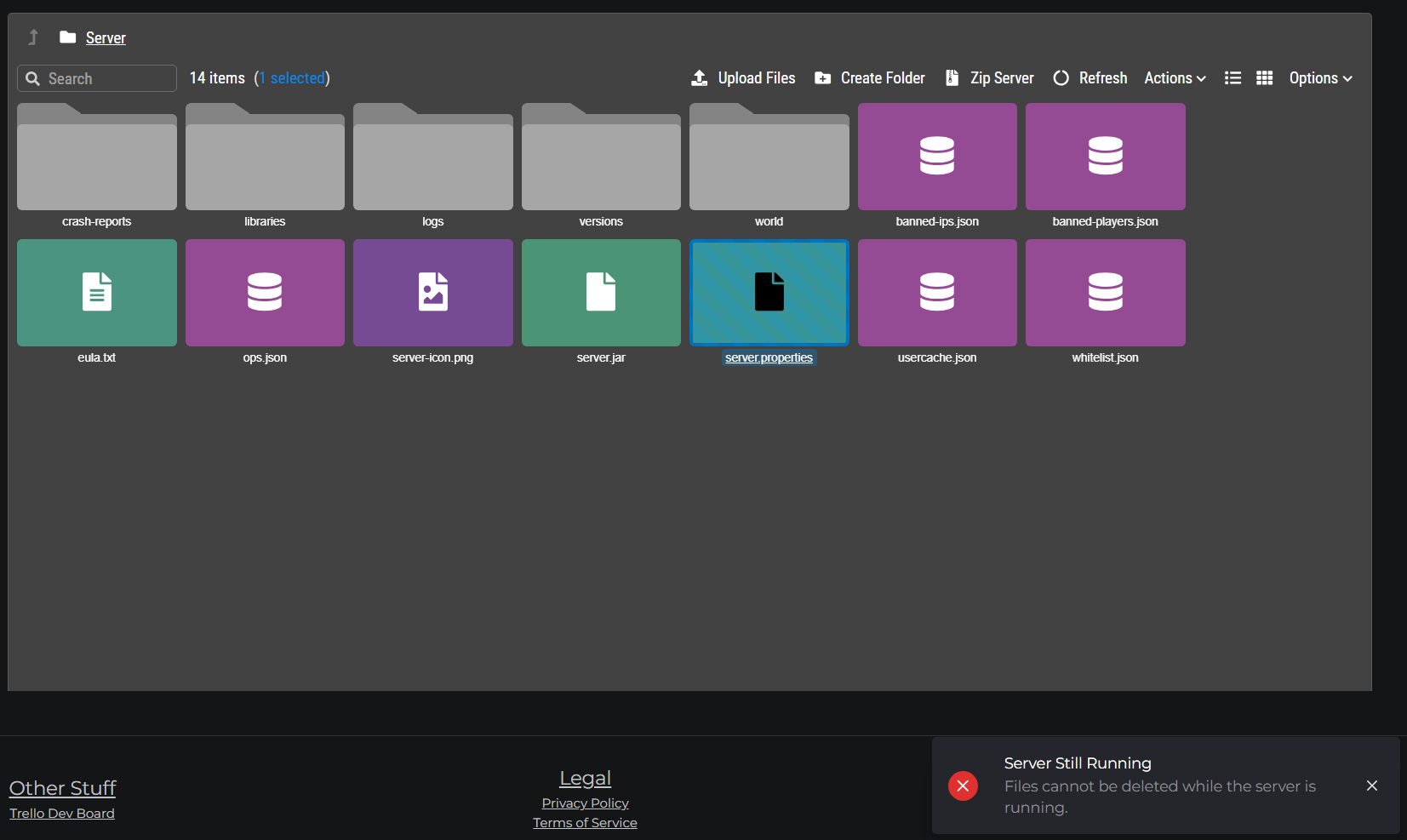
If file operations in the File Manager are failing or unavailable, the most common cause is that the server is running.
The server must be stopped first
Most file operations are blocked while the server is online to prevent data corruption. This includes:
- Uploading files
- Deleting files or folders
- Renaming files or folders
- Zipping or unzipping files
- Creating a full server ZIP
To stop the server:
- Go to the Dashboard tab
- Click Stop Server
- Wait for the status to change to Offline (usually 5–15 seconds)
- Return to the Files tab and try again

Protected directories
Two directories are always hidden from the file manager, even when the server is offline:
| Directory | Why it's hidden |
|---|---|
_system/ | Internal MCHosts system files - modifying these could break your server |
_backups/ | Local backup storage - managed by the backup system, not manual edits |
These directories do not appear in the file list at all. If you are missing files, they are not in either of these locations.
File size limit
The file manager has a 100 MB per file upload limit. If you're trying to upload something larger (e.g. a large modpack ZIP or a world export), use SFTP access instead - SFTP has no fixed file size cap and also works while the server is running. Very large transfers (multi-GB) can still time out depending on connection speed, so for large world exports the off-site backup system is more reliable.
Editing a file that won't save
If you're using the built-in text editor and changes aren't saving:
- Make sure the server is stopped (some config files are locked while the server holds them open)
- Check that the file isn't in a protected directory
- Try refreshing the file manager and editing again
Still having issues?
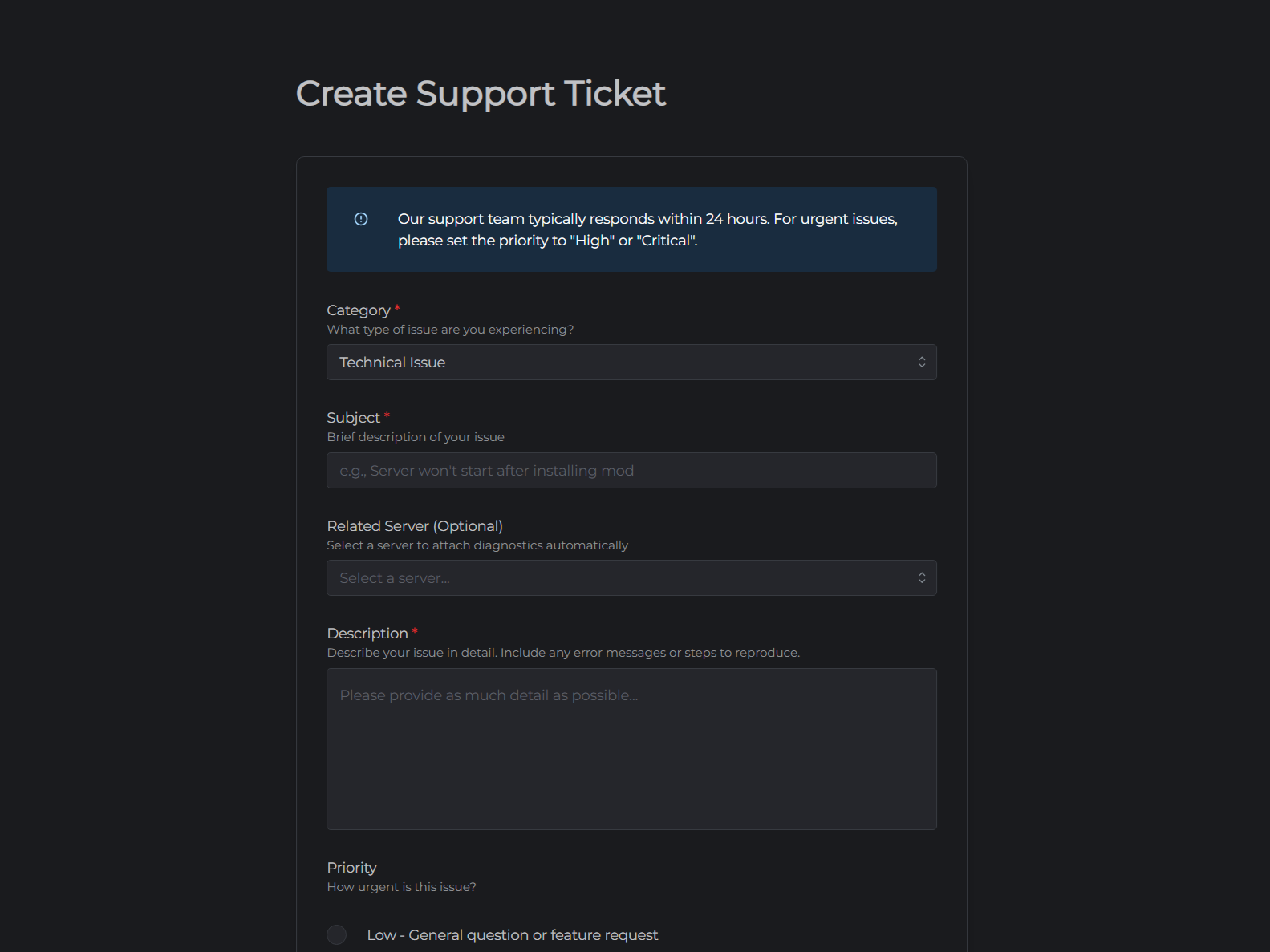
Open a support ticket with a description of what you were trying to do and what error message (if any) appeared.