Connecting to Your Terraria Server
Terraria asks for an address and a port in two separate boxes, and both are in your control panel. Here is where to find them and how everyone joins.
Find your address and port
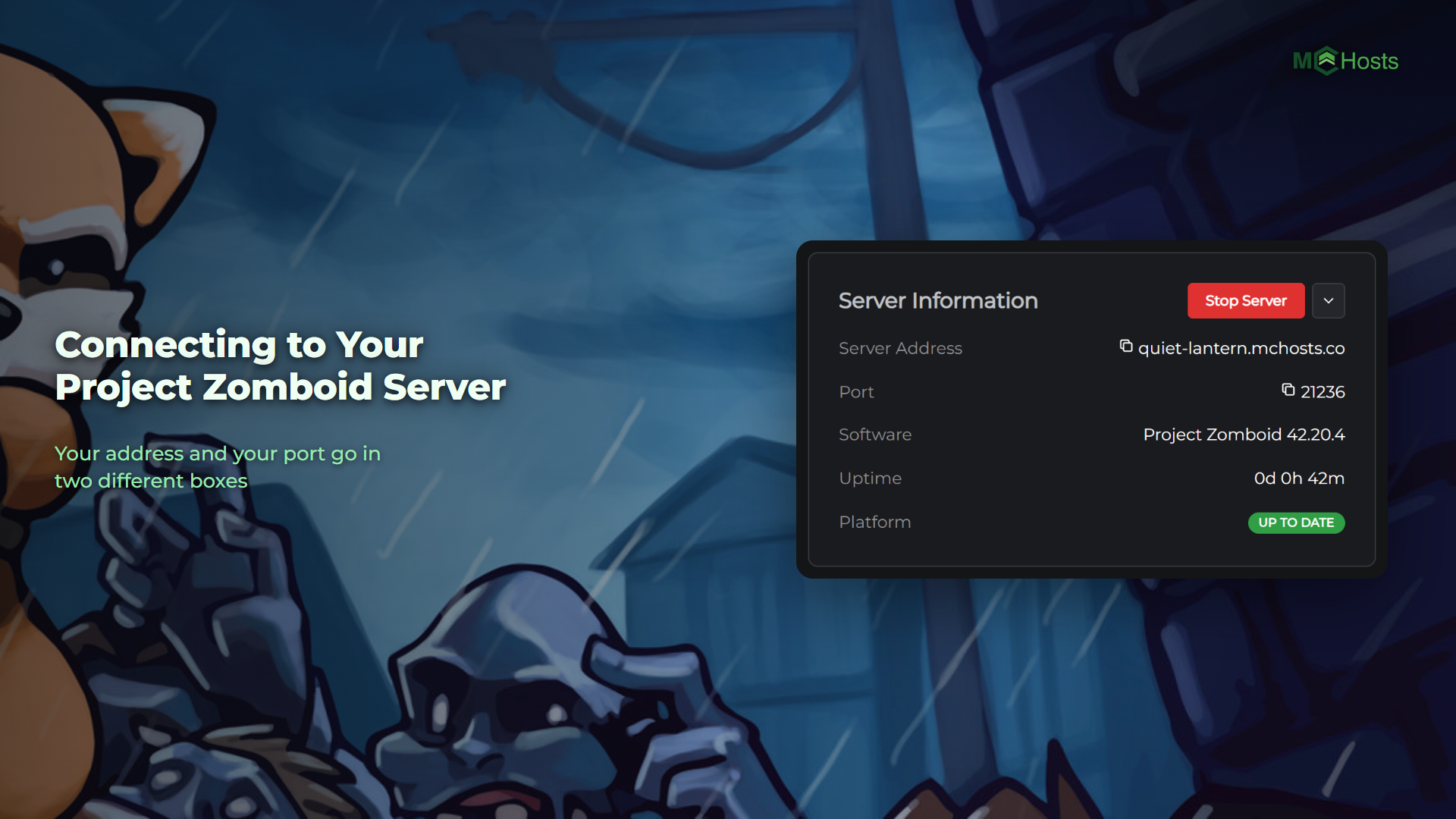
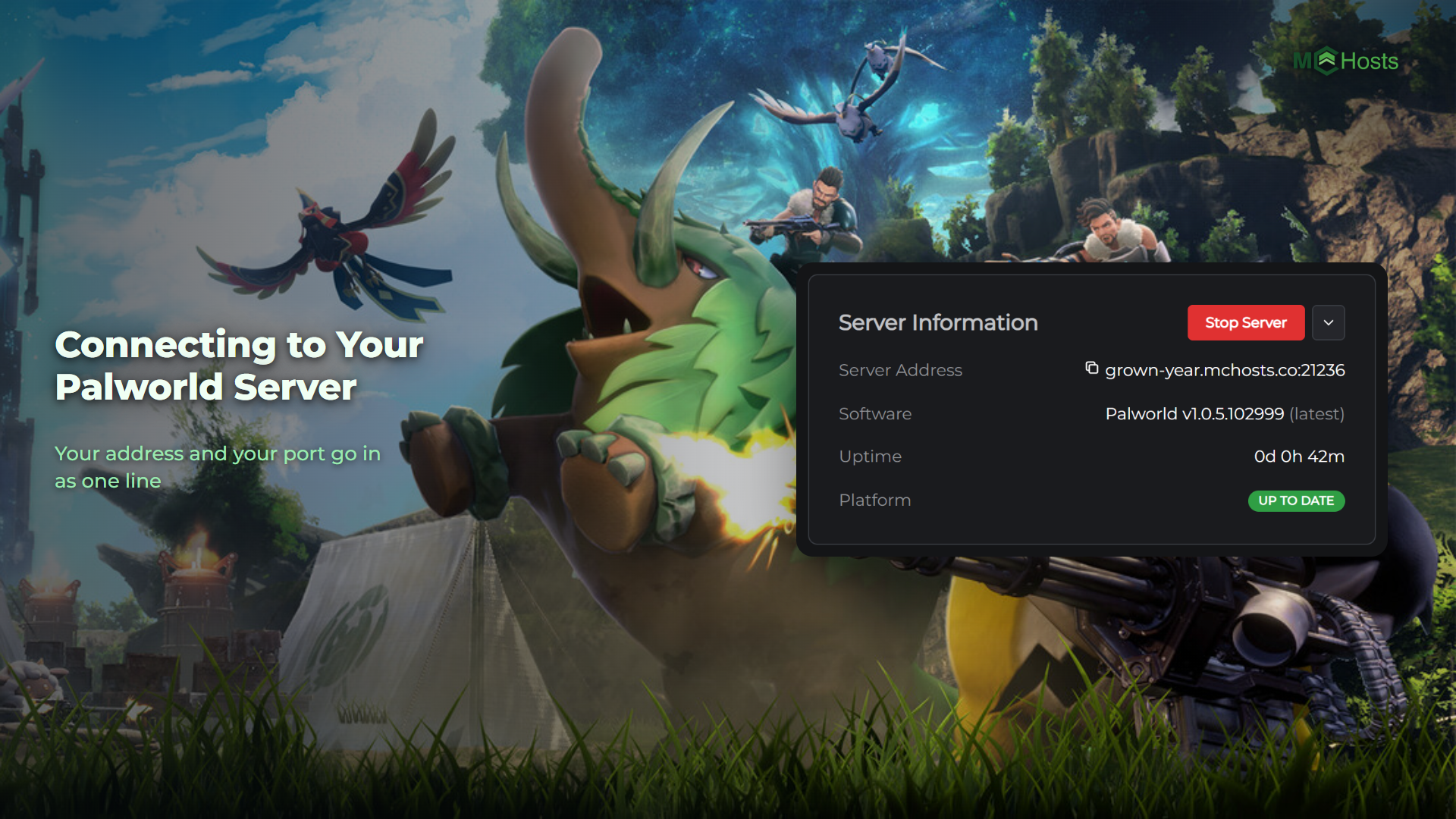
Open your control panel and look at the Overview page. Under Server Information you will see two rows you need:
- Server Address, which looks like
yourname.mchosts.co - Port, a five digit number like
21448
Click either one to copy it.
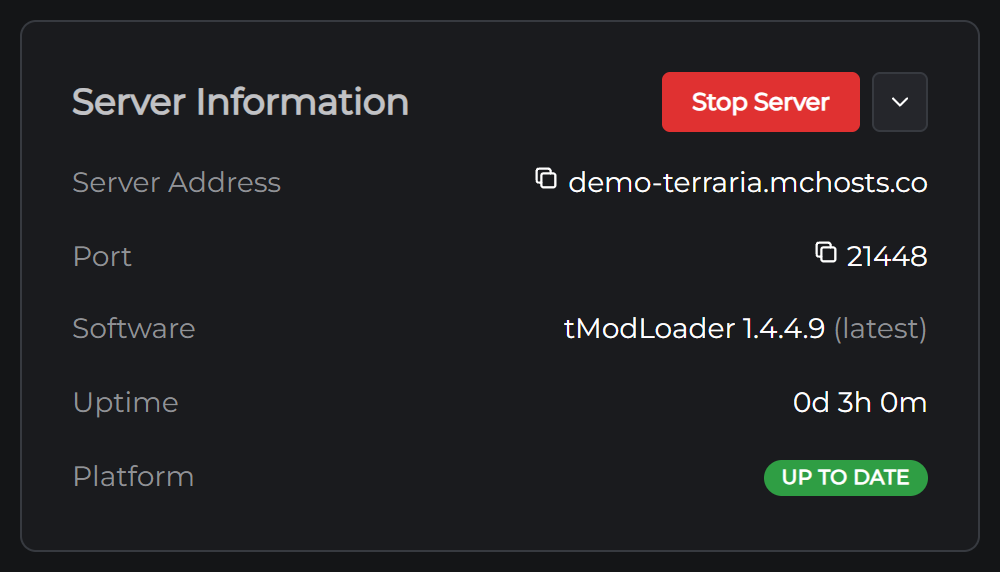
Your port is yours alone. Terraria's usual port is 7777 and yours won't be, because every server here gets its own number so they can all share one address. Use the one on your Overview page.
Join from Terraria
- Open Terraria
- Click Multiplayer
- Click Join via IP
- Pick your character
- Type your server address, with no port on the end, and press Enter
- Delete the 7777 in the port box, type your port, and click Accept
The game connects and drops you into the world. Terraria keeps no server list, so hang on to the address and the port. It does remember the last server you joined.
If your server runs tModLoader
tModLoader is a separate app on Steam, and a tModLoader server only takes tModLoader players. If your server runs mods, everyone joining needs to open tModLoader rather than Terraria. The steps inside are the same ones above.
Not sure which one your server runs? The Software row on the Overview page says. See Choosing between Terraria and tModLoader.
Sharing with friends
Send them the address and the port. There is nothing else they need.
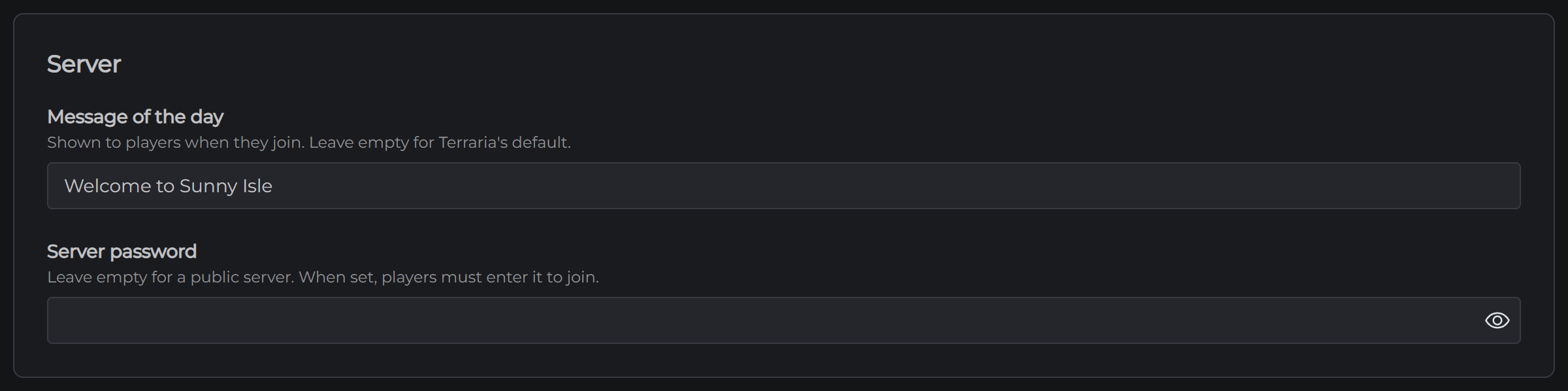
If you want the server private, open the Config tab and set a Server password. Everyone then gets asked for it when they join, so send that along too.
If you can't connect
The server may be off. On the Overview page, check for the Online badge. If it is offline, click Start Server and give it a minute.
It may still be starting. Watch the Console for the line saying the server started. Terraria takes a few seconds; tModLoader takes longer, because it loads every mod first.
Check the port. This is the most common one. A digit out of place fails exactly the same way as a server that is off.
You may be in the wrong game. Terraria cannot join a tModLoader server, and tModLoader cannot join a Terraria one.
Your versions may not match. Terraria only lets you join a server running the same version as your game, and it says so when they differ. Steam updates your game on its own, and your server takes the newest version each time it starts, so restarting the server from the Overview page usually settles it.
The password may be set. If you set one in Config, everyone needs it.
Still stuck? Open a support ticket and tell us what the game said when it failed.
Once everyone is in, the next thing most people want is mods.