Connecting to Your Satisfactory Server
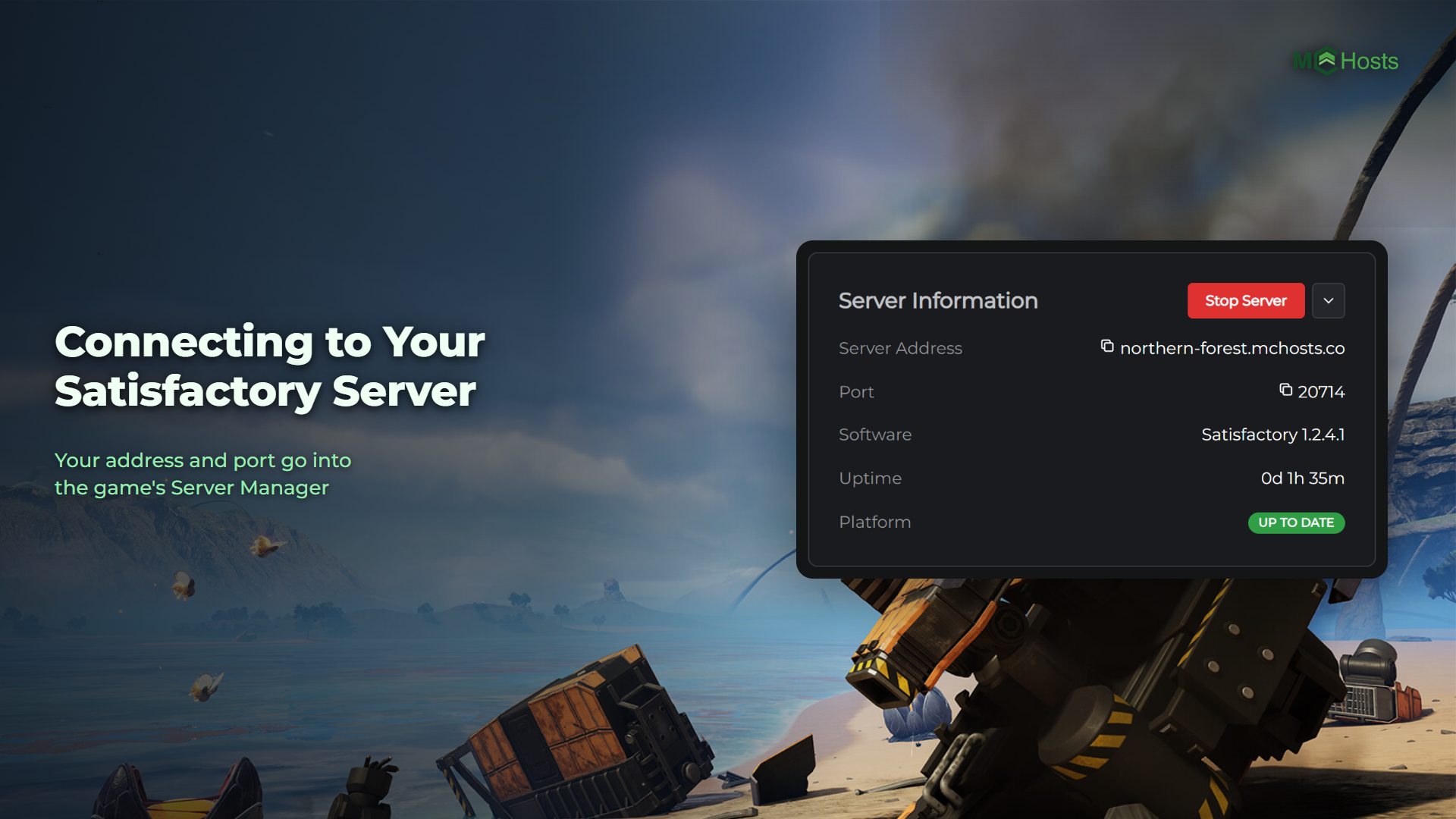
Players join a Satisfactory server from the game's Server Manager, not from its Join Game screen. They add your server with its address and port, then join it from their list.
Find your address and port
Open your control panel and look at the Overview page. Under Server Information you'll see your Server Address, with your Port on the row below it.
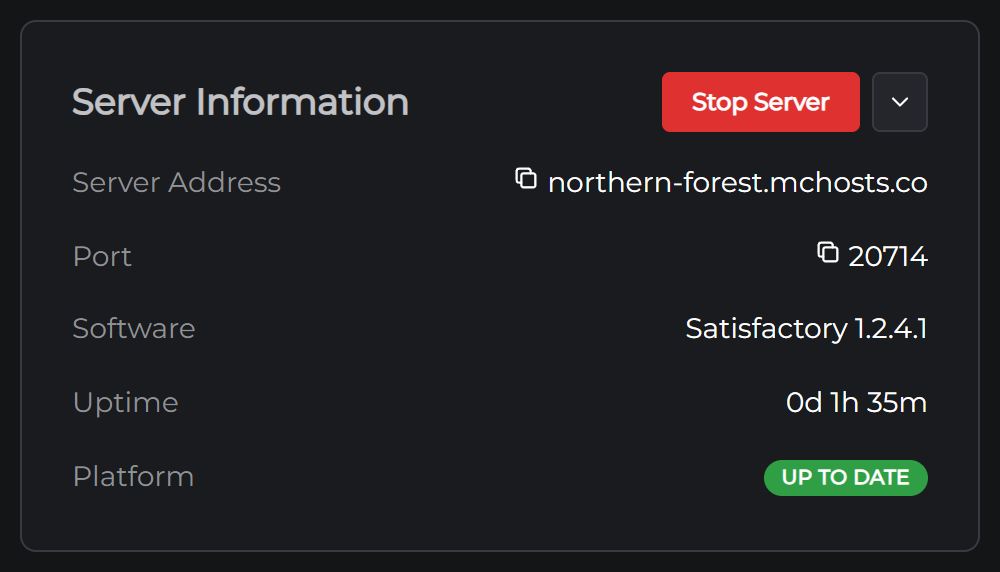
Every server here has its own port so they can all share one address. Click either one to copy it.
Add your server and join
- Start Satisfactory and click Server Manager on the main menu
- Click Add Server
- Type your Server Address into the address box and your Port into the port box, then click Confirm
- The first time, the game shows a Server Certificate Warning. Click Confirm
- Pick your server in the list, open its Status tab and click Join Game
If your server has a join password, the game asks for it before it lets you in.
The certificate warning is normal for a Satisfactory server, which makes its own certificate when it's first set up. You only see it once.
Don't use the Join Game button on the main menu for this. Its Join game directly box fails with "Encryption token missing" on a server like yours, even when the address and port are right.
Signing in as admin
The admin password lets you manage your server from inside the game. Signed in through the Server Manager, you can rename it, change its passwords and load or start another world.
It's on the Config tab, under Admin password. We made it when your server was set up, so nobody else could claim your server before you did. Pick your server in the Server Manager and sign in with it there.
Set a join password
A new server has no join password, which means anyone with your address and port can get in. Satisfactory has no ban list or whitelist, so the join password is how you keep your server to the people you invite.
Set one before you share your address. Without it, anyone who reaches your server can also switch on Creative Mode in your world, and that turns achievements off in it for good.
- Stop your server from the Overview page
- On the Config tab, type a password under Join password in the Server card and click Save
- Start your server
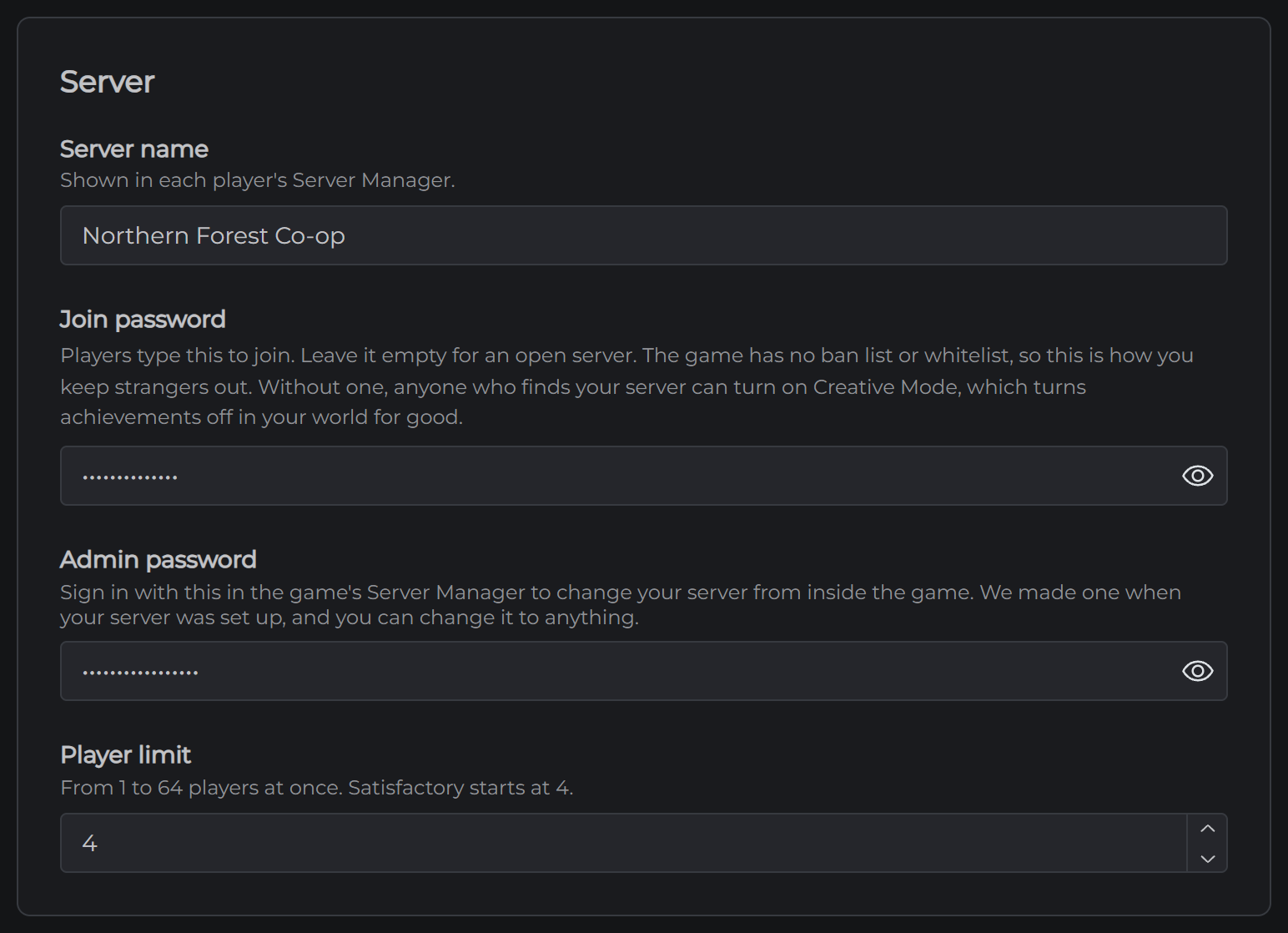
It has to be different from your admin password.
Sharing with friends
Send them your Server Address, your Port and the join password. Anyone who owns Satisfactory can join.
If you've added mods, your friends need the same ones before they join.
If your server is on the Experimental branch and Experimental is ahead of the public version, your friends have to be on Experimental in Steam too.
If you can't connect
Your server may be off. On the Overview page, look for the Online badge. If it's offline, click Start Server. The very first start downloads Satisfactory from Steam, so it takes a few minutes longer than the ones after it.
It may still be loading. The Console tab shows a line starting [MCHosts] Players online once your server is ready for players.
"Encryption token missing" means you joined from the Join game directly box on the main menu. Add your server in the Server Manager instead.
Check the address and port. They go in two separate boxes, and the port has to be the one on your Overview page.
Check the password. It's on the Config tab, and it has to match exactly. A password you've just saved there only applies once your server has restarted.
Check the version. Players have to be on the same version of Satisfactory as your server. Your server takes each update when it restarts, so if Steam has just updated the game, restart your server from the Overview page and it catches up.
Check the mods. A player whose mods don't match your server's may not get in.
Still stuck? Open a support ticket and tell us what the game said when it failed.
Next: Satisfactory Server Settings