Connecting to Your ARK Server
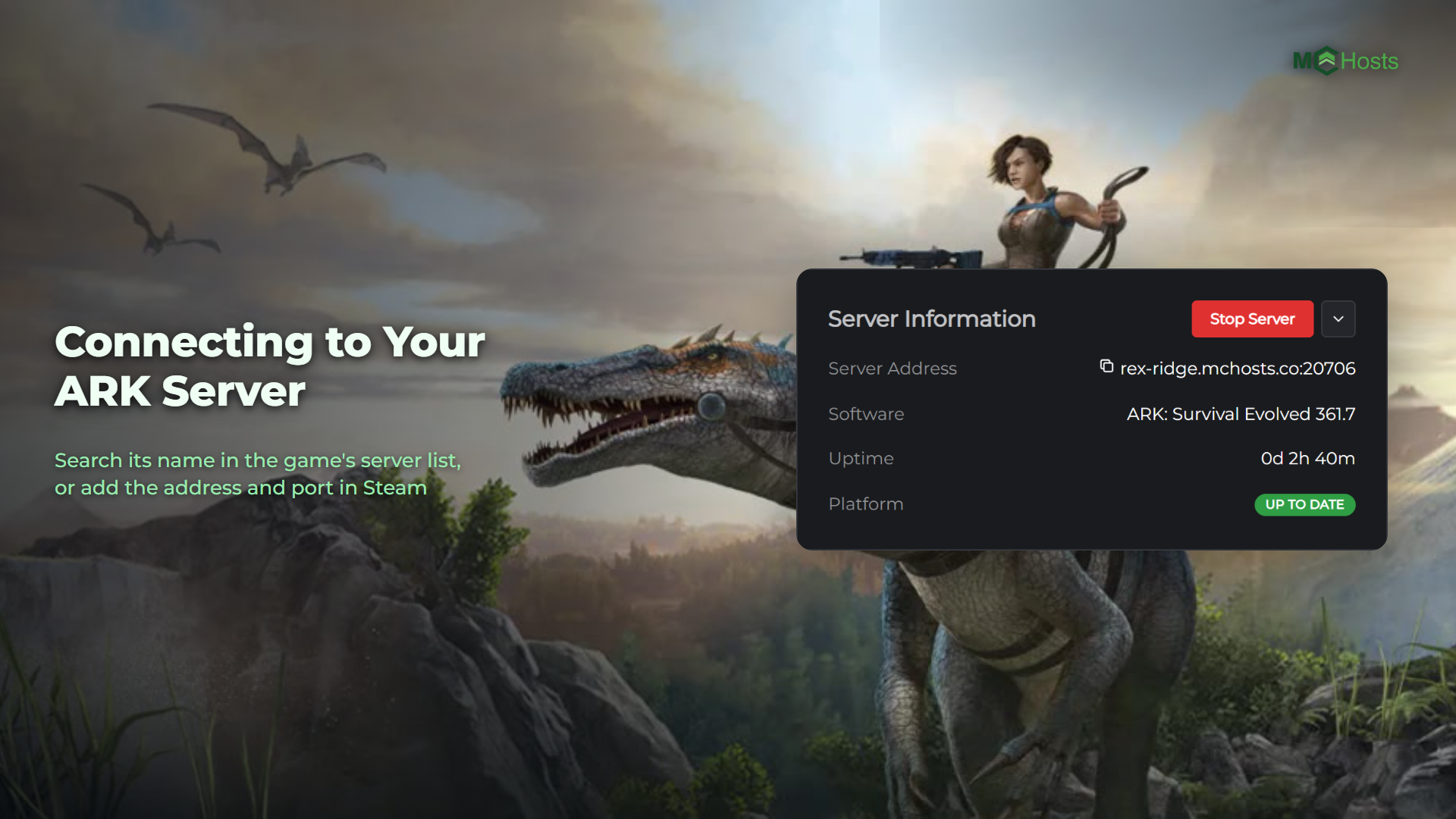
Players can find your ARK: Survival Evolved server by its name inside the game, or join it by its address. This article covers both.
Find it by name in the game
The quickest way, and the one that needs no numbers at all.
- Start ARK and click Join ARK
- Set the Session Filter to Unofficial
- Type your server's name into the Name Filter box at the top. The name is on your Config tab, under Server name
- Pick your server from the list and click Join
Your server shows up here a minute or two after it starts. If it's not there yet, give it a moment and search again.
Find your address and ports
Open your control panel and look at the Overview page. Under Server Information you'll see Server Address, and it looks like this:
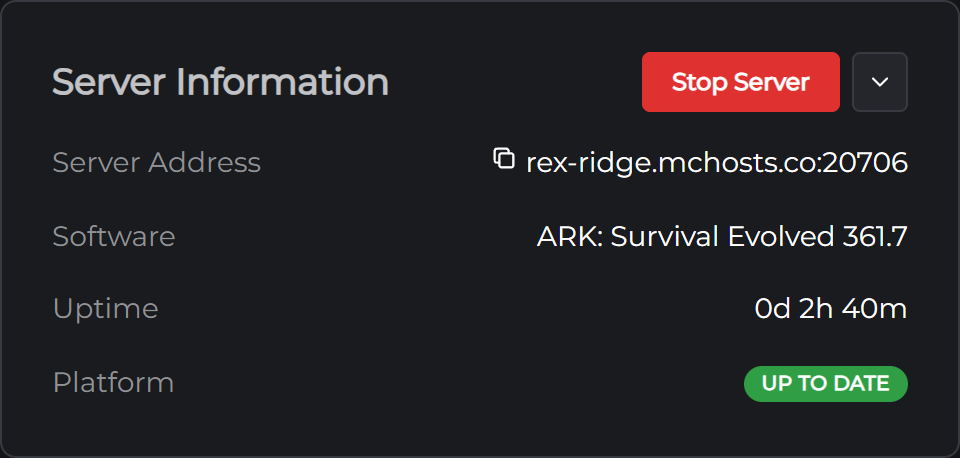
yourname.mchosts.co:22614
The number after the colon is the port Steam uses to find your server. Every server here gets its own number so they can all share one address. Click the line to copy it.
Join through Steam's server list
This is the way most ARK players join an unofficial server.
- In Steam, open the View menu at the top left and click Game Servers
- Go to the Favorites tab and click the + button at the bottom
- Paste your Server Address into the Add server by IP box and click OK
- Start ARK and click Join ARK
- Set the Session Filter to Favorites, pick your server and click Join
If Steam says it did not find any servers at that address, check you pasted the whole line, number included.
If your server has a password, the game asks for it before it loads you in.
Sharing with friends
Send them your Server Address and the password if you've set one. Anyone who owns ARK: Survival Evolved on Steam can join.
The password is on the Config tab, in the Server section, as Join password. New servers don't have one, so anyone who finds your server in the list can join until you set one.
Your server runs one map at a time. Players need to own the DLC for a paid map (Scorched Earth, Aberration, Extinction, the two Genesis parts and Aquatica) to join it. The free maps need nothing extra.
If you can't connect
Your server may be off. On the Overview page, look for the Online badge. If it's offline, click Start Server. The first start downloads the whole game, which is about 23 GB, so it can take twenty minutes or more. After that a start takes a minute or two.
It may still be loading. The Console tab shows Full Startup with a number of seconds once players can get in. Before that line the server isn't listening yet.
Check the address. Steam wants the whole Server Address line, number included. A different number fails the same way a server that's off does.
Check the password. It's on the Config tab, and it has to match exactly.
Check you're on the current version. Your server takes each ARK update when it restarts. If Steam has just updated the game and your friends can't join, restart your server from the Overview page and it will catch up.
Check BattlEye. Your server runs BattlEye anti-cheat unless you've turned it off, and a player who started ARK without BattlEye can't join a server that runs it. Either start the game with BattlEye, or turn it off on the Config tab and restart.
Still stuck? Open a support ticket and tell us what the game said when it failed.
Next: ARK Server Settings