Connecting to Your Project Zomboid Server
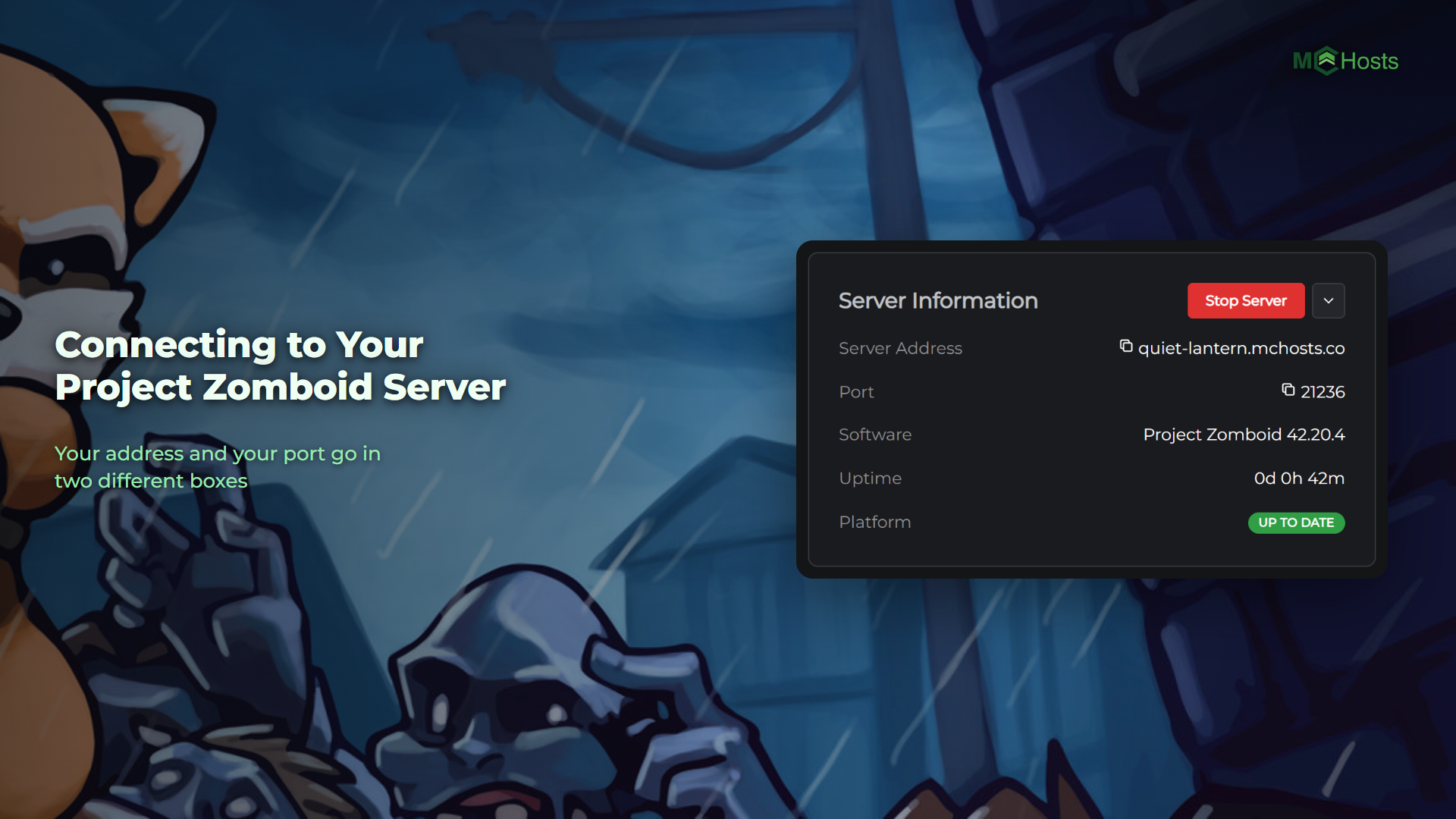
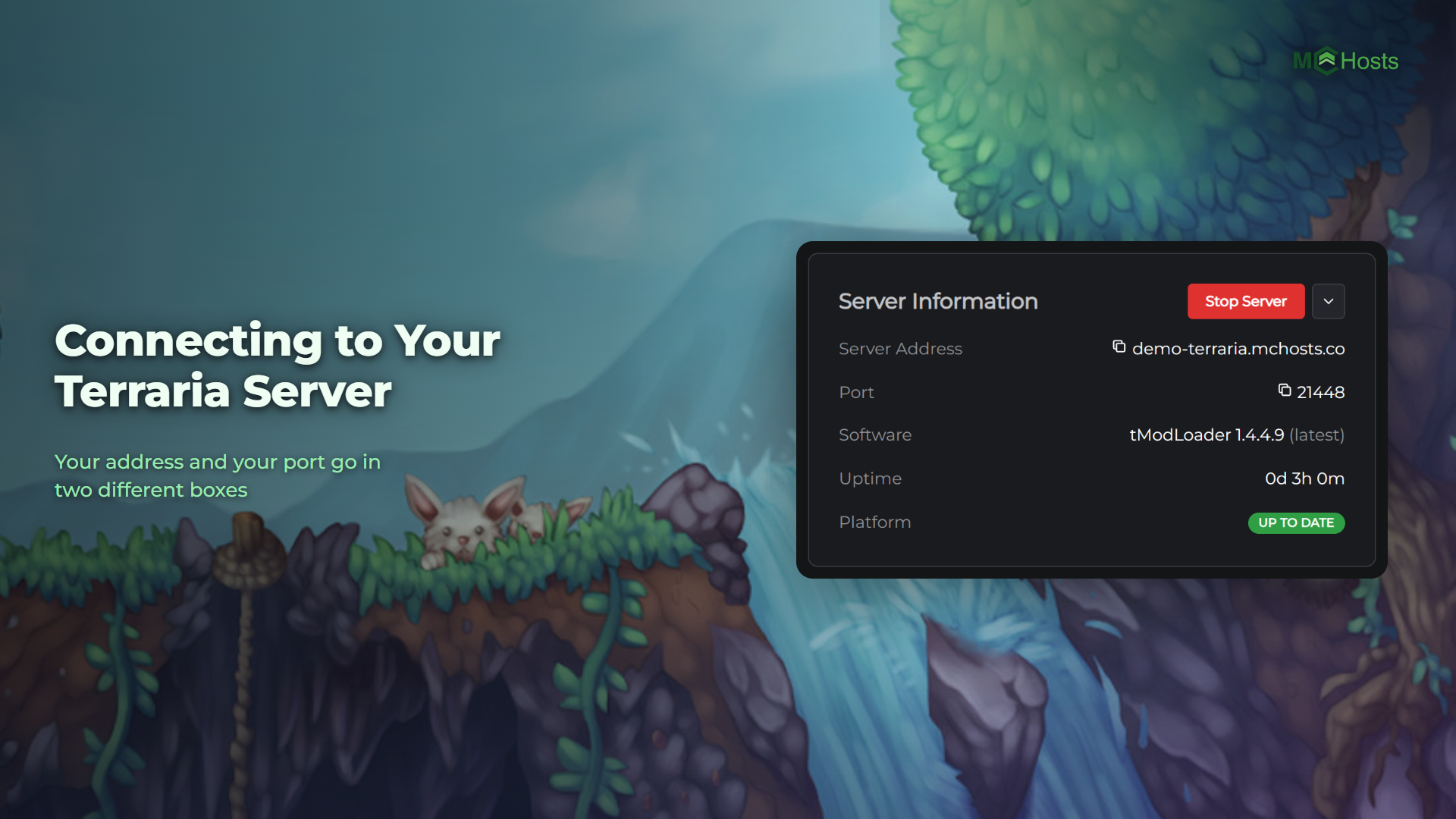
Project Zomboid asks for your address and your port in two separate boxes, and both are sitting on your control panel ready to copy. Here is where to find them and how everyone joins.
Find your address and port
Open your control panel and look at the Overview page. Under Server Information you will see two rows:
Server Address    yourname.mchosts.co
Port              21236
Click either one to copy it.
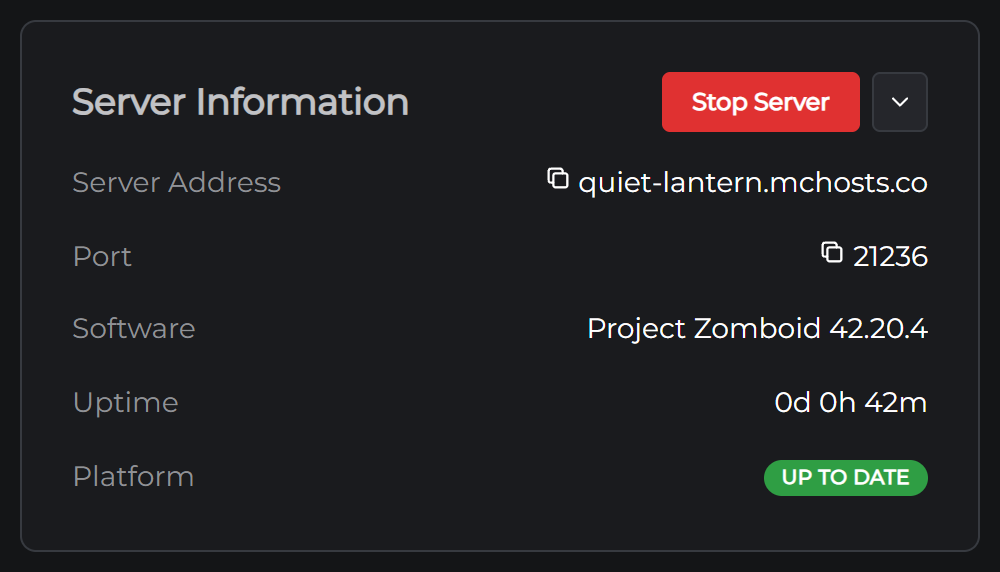
The port is yours alone. Project Zomboid's usual port is 16261 and yours will not be, because every server here gets its own number so they can all share one address.
Join from Project Zomboid
- Start Project Zomboid and click Multiplayer on the main menu
- Add a new server to your favourites
- Put your address in the IP box and your port in the Port box
- Choose an account username and password, save the server, then connect
That username and password are new. You're making an account on your own server, not typing in anything you already have. Pick whatever you like and remember it, and don't reuse a password that matters to you. That account is your character, so use the same one every time.
The first join takes a minute while the world loads. After that you spawn in Knox Country and the game is yours.
Sharing with friends
Send them the address and the port. There is nothing else they need, and each of them makes their own account the first time they join.
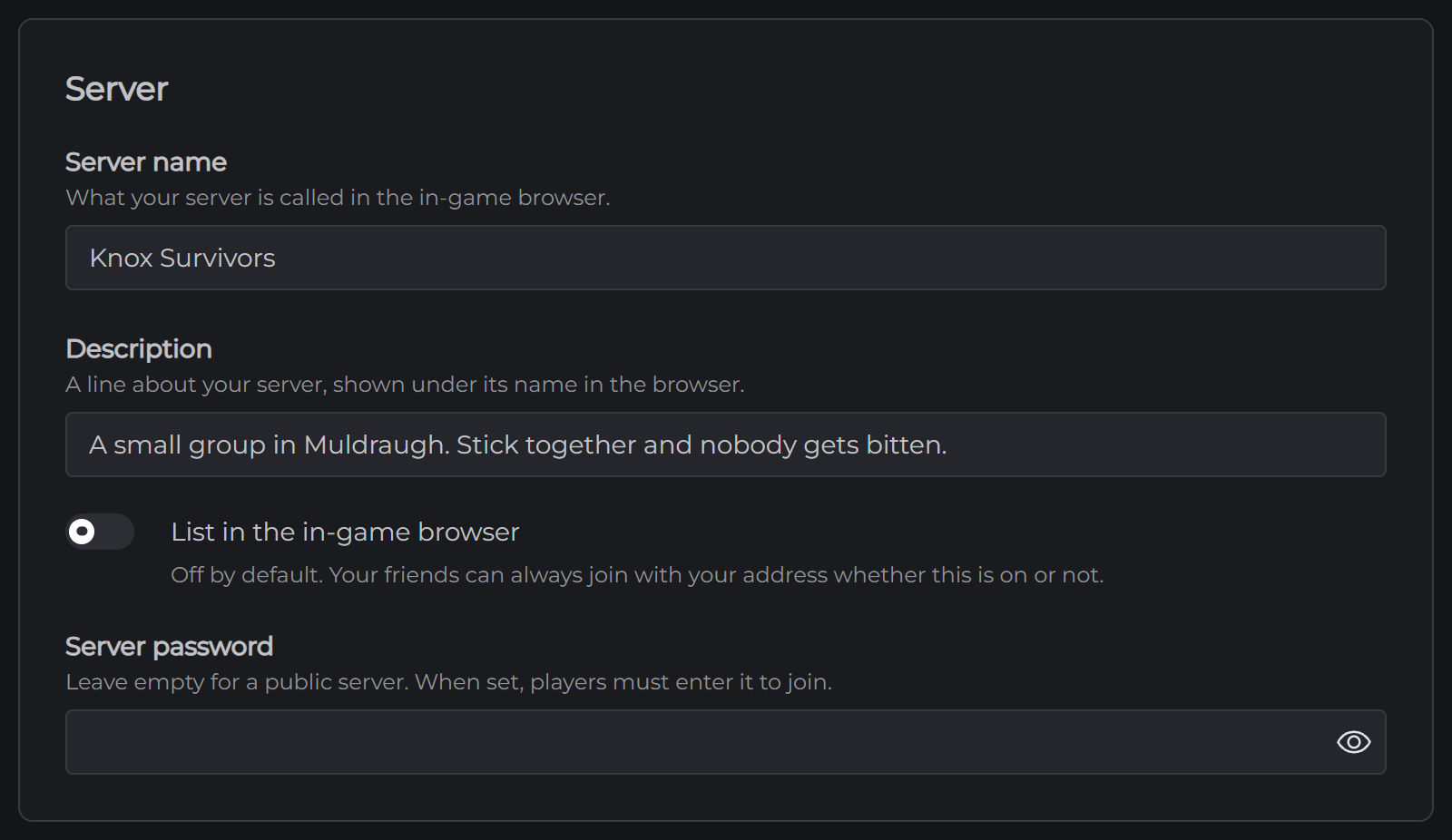
If you want the server private, open the Config tab and set a Server password in the Server section. Everyone then types it into the server password box when they add your server, so send that along too.
If it will not connect
Check your server is on. The Overview page says so at the top. If it's off, press Start Server and give it a minute.
Check the port. It is the most common one to get wrong, because the game fills in 16261 by itself and yours is different. Copy it from the panel rather than typing it.
Check you're on the right version. Your server runs the current version of Project Zomboid and keeps itself up to date. If Steam has just updated the game on your computer and your friends can't join yet, restart your server from the Overview page and it will catch up.
A player on a Steam beta, such as the Unstable branch, can't join until they switch back to the normal version. In Steam that's in the game's Properties, under Game Versions & Betas.
Next: Adding Mods to Your Project Zomboid Server