Choosing Between Terraria and tModLoader
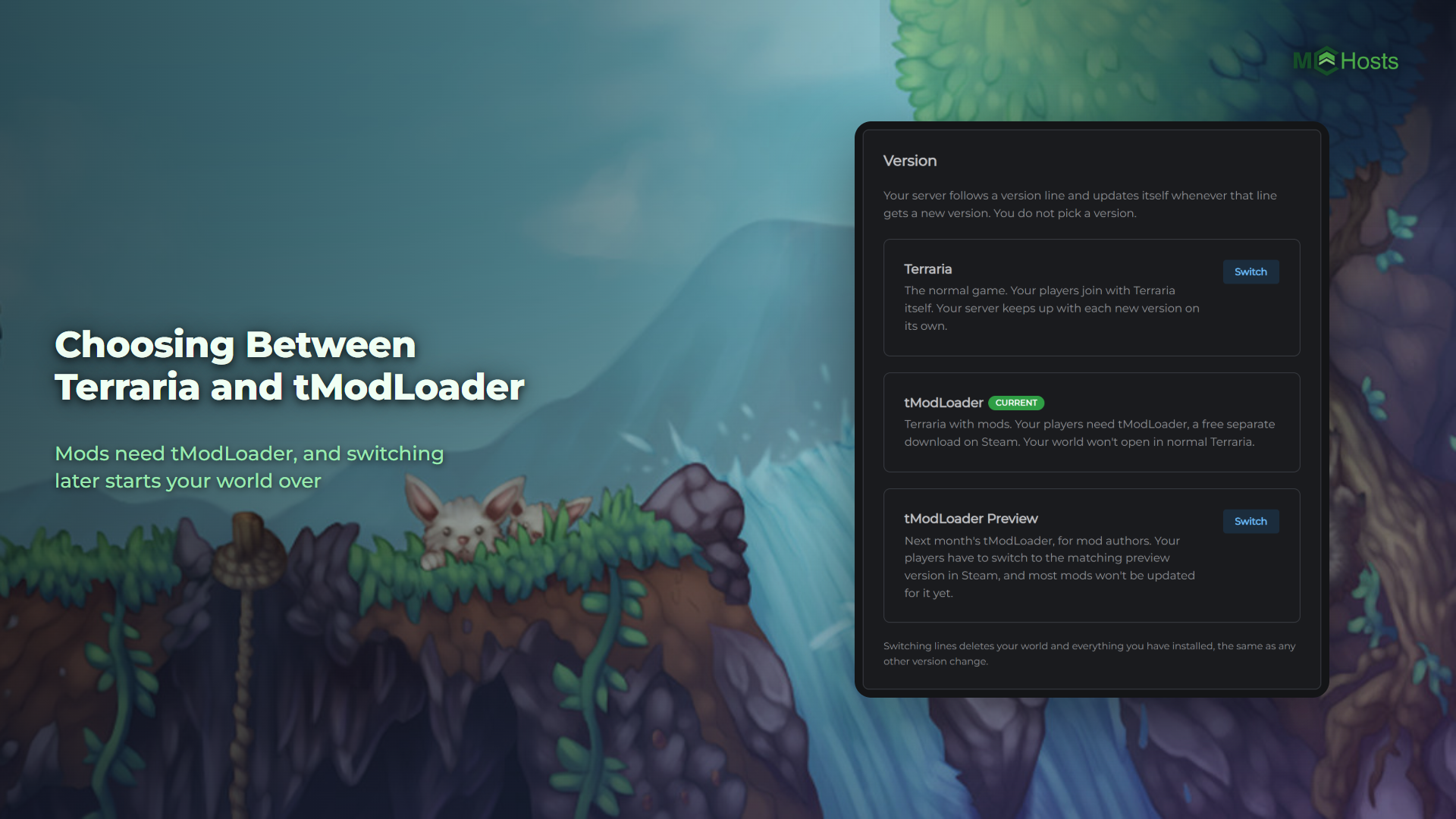
Your server runs either Terraria or tModLoader. That one choice is the difference between having mods and not, and changing it later starts your world over, so it's worth settling before you build anything.
The short answer
Want mods? Pick tModLoader. Everyone who plays needs tModLoader too.
Just want Terraria? Pick Terraria. It's the newest version of the game, and your players join with what they already have.
New servers start on Terraria.
What tModLoader is
tModLoader is Terraria with mod support added. It is a separate app on Steam, free to anyone who owns Terraria, and it sits in your library as its own entry. Your players open that instead of Terraria to join.
It usually runs a little behind Terraria's newest version, because it has to catch up each time Re-Logic ships an update. That is one reason a tModLoader world won't open in normal Terraria. The other is that a modded world carries mod data plain Terraria can't read.
The three options
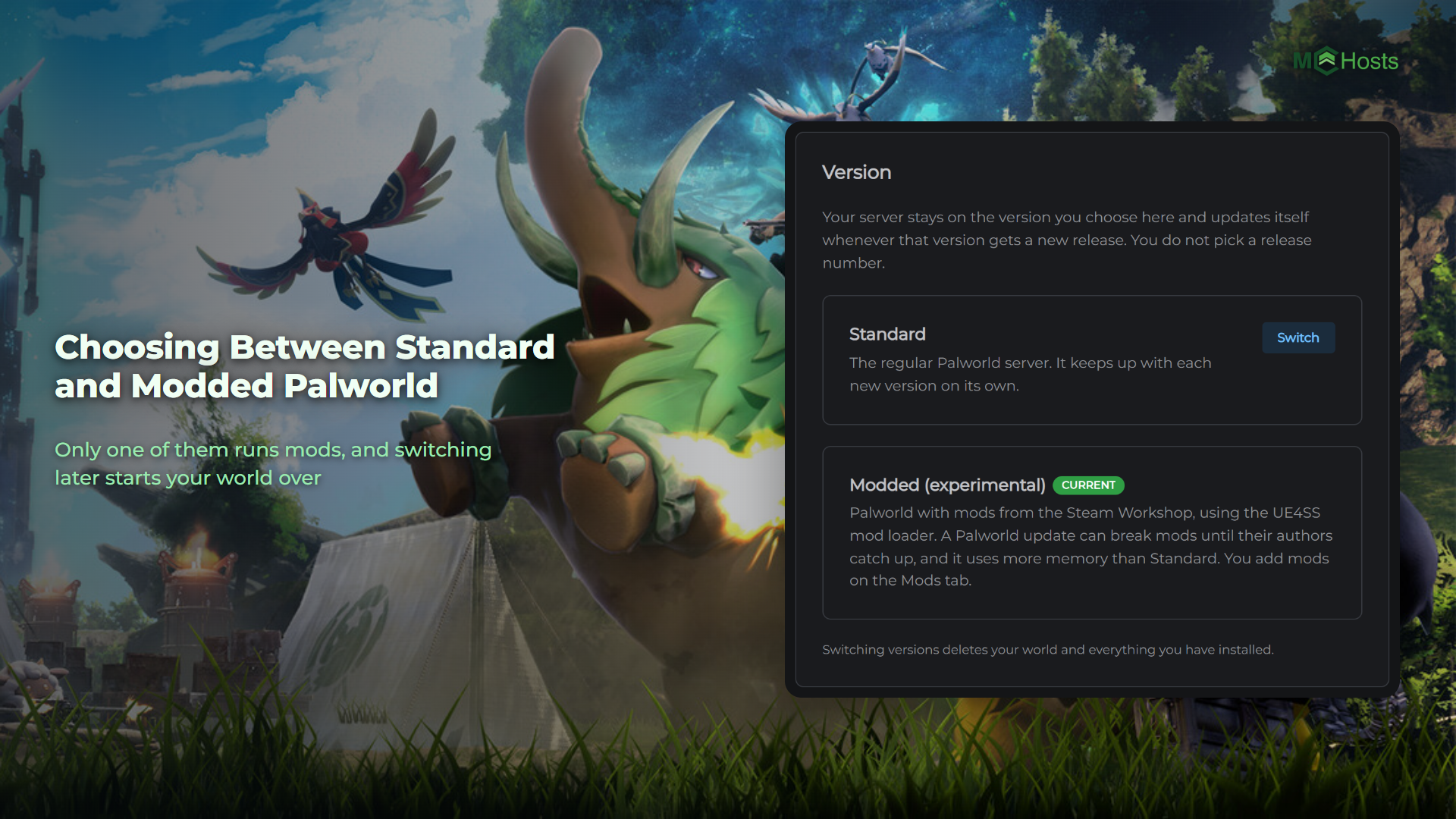
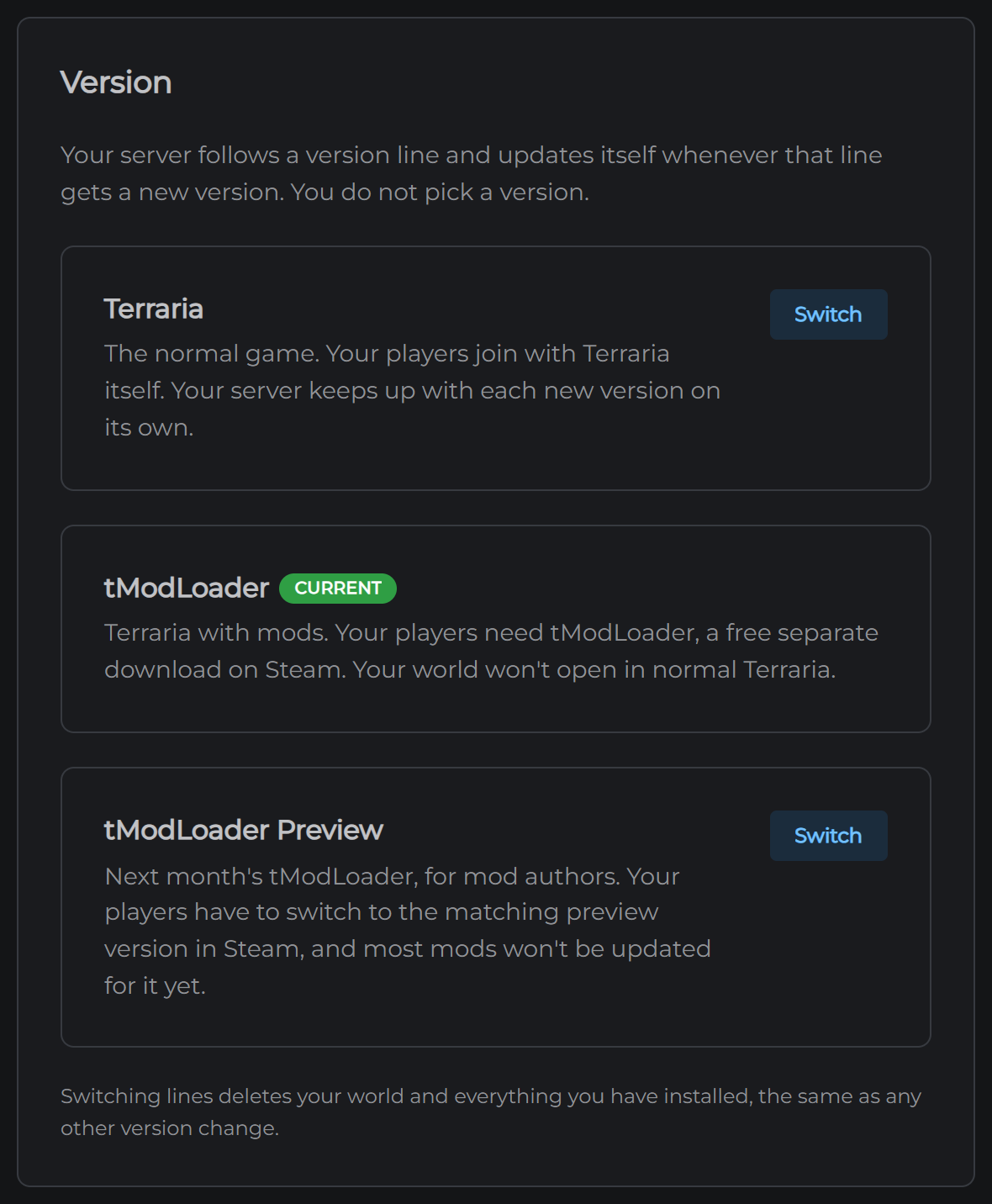
Open the Settings tab in your control panel and find the Version card. Your current one is marked Current.
Terraria. The normal game. Your players join with Terraria itself. Your server keeps up with each new version on its own.
tModLoader. Terraria with mods. Your players need tModLoader, a free separate download on Steam. Your world won't open in normal Terraria.
tModLoader Preview. Next month's tModLoader, for mod authors. Your players have to switch to the matching preview version in Steam, and most mods won't be updated for it yet. Pick this only if you know you need it.
Switching deletes your world
This is the part to read twice. Switching between them deletes your world, your mods and your settings, and the server downloads itself again. The two don't share worlds, so there's nothing to carry across.
The panel says the same thing under the three options, and asks you to confirm before it does anything.
If you already have a world you care about, take a backup before you touch this.
How to switch
- Open Settings
- Find the Version card
- Click Switch next to the one you want
- Confirm
Your server rebuilds itself and comes back on the new one. Give it a few minutes, longer for tModLoader, which downloads more.
Your address and port do not change, so nobody needs a new one.
After you switch to tModLoader
The Mods tab is where you install things. See How to install Terraria mods.
Everyone joining needs tModLoader open rather than Terraria. See Connecting to your Terraria server.