We now host Minecraft proxies!
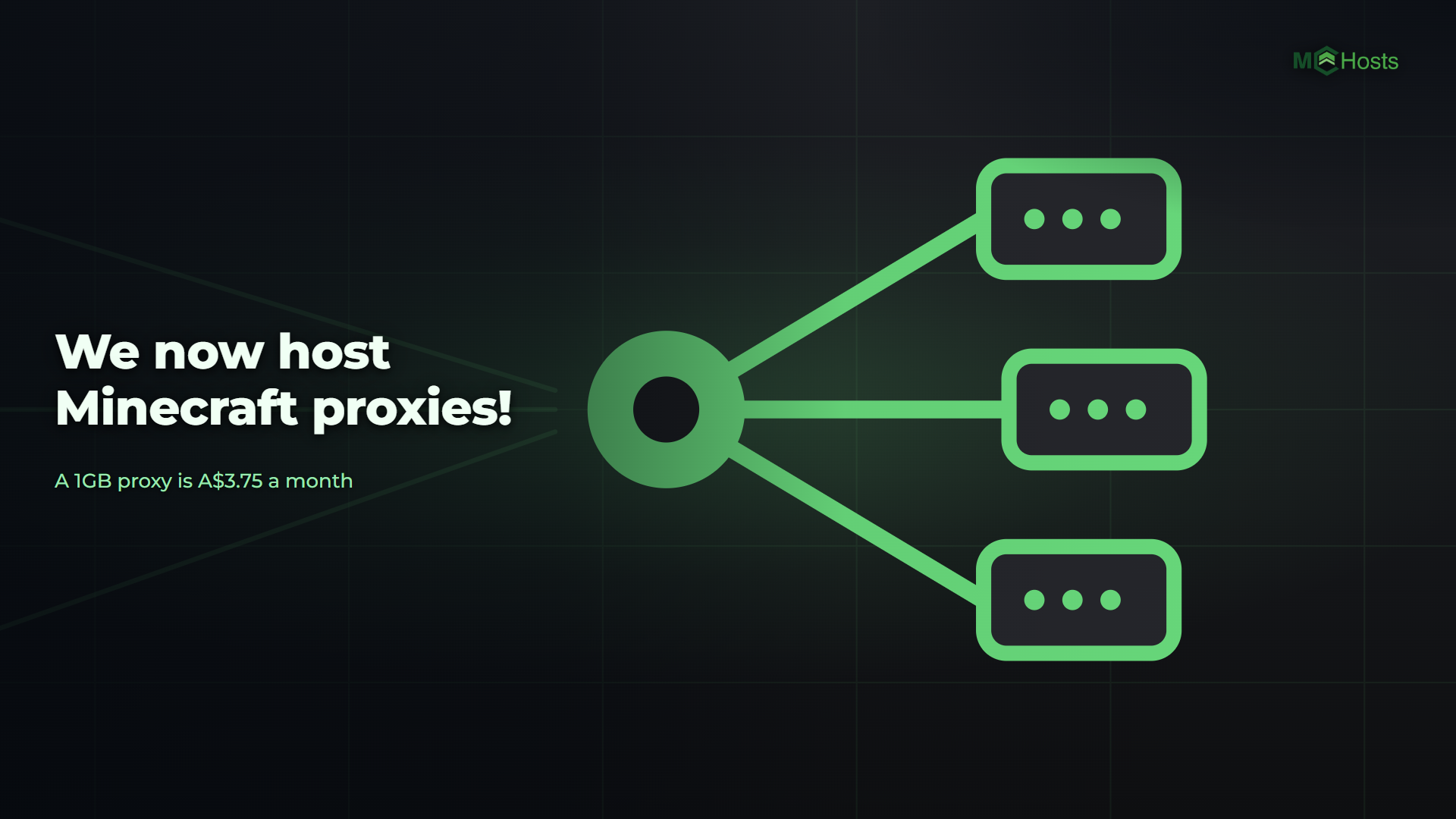
Minecraft proxy hosting is live. Two plans, Lobby at 1GB for A$3.75 a month and Network at 2GB for A$7.50, running on our own hardware in Sydney. A proxy puts one address in front of your Minecraft servers, and players move between them without leaving the game.
Plans: mchosts.com.au/plans/velocity
What a proxy does
You give out one address. Players join it, land on your lobby, and a command or a sign takes them to survival or the minigames with no disconnect. Their chat and their permissions can follow them. Add a server behind the proxy later and nobody has to change what they type.
Your proxy runs Velocity, the proxy software the PaperMC team maintains, and keeps itself on the newest stable release each time it starts. There's nothing to download.
The plans
Lobby is 1GB with 5GB of storage and one vCore, for a private network of a few servers. Network is 2GB with 10GB of storage and two vCores, for a public network with more plugins and more people passing through. Both are A$3.75 per GB, the same rate as every game we host. These are the ongoing prices, not an introductory rate.
Your first month is 20% off on monthly billing, applied automatically at checkout. Or pay up front and take 10% off three months, 15% off six or 20% off a year. Those prices are rounded down to a whole dollar, so you always save at least that much. The two offers don't stack.
Need more storage? Add it in 10GB blocks for A$2.50 a month each, up to five, at checkout or later from your control panel.
What's in the control panel
- Config tab. Add the servers behind the proxy, two clicks for a server on your account and an address box for one hosted elsewhere. Set the order players land in, your MOTD, and whether the proxy updates itself.
- Players tab. Everyone on the network, which server each is on, and a button to move them.
- Plugins tab. Velocity's own plugins from Modrinth and Hangar. Permissions, older game versions, lobby balancing, a shared tab list.
- Bedrock. Turn it on once, on the proxy, and phones, consoles and the Windows app join the whole network through it.
- Backups, scheduled restarts and crash alerts, the same as on a Minecraft server.
Behind the proxy
A Paper server on your account joins the network with one switch on its Config tab and the secret the proxy gives you. Forge and Fabric need a mod for it. Vanilla works behind a proxy too, but its players show up without their real accounts or IP addresses. Simple Voice Chat works on each server, and your proxy can carry everyone's voice too.
Setting Up a Minecraft Network With a Proxy takes you from a new proxy to a working network, with Bedrock, voice chat and plugins each in their own guide.
The guarantee
Every new proxy comes with the same 7 day money back guarantee as our servers. If you're not happy within 7 days of your purchase, open a support ticket and we'll refund you in full. That's in addition to your rights under Australian Consumer Law.