We now host 7 Days to Die!
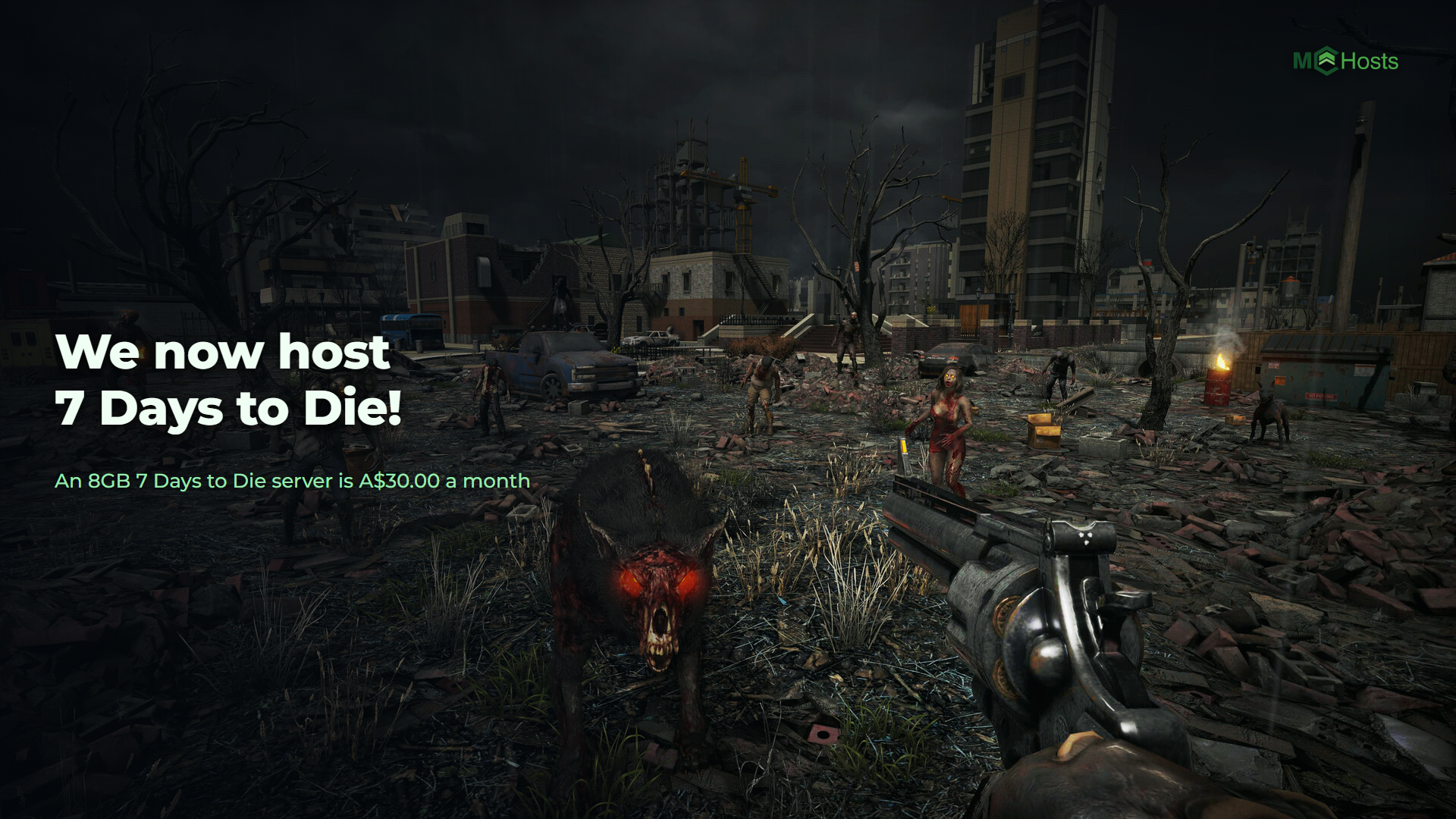
7 Days to Die servers are live. Five plans, from 8GB at A$30.00 a month up to 16GB at A$60.00, running on our own hardware in Australia. Nothing to pick at checkout. Your server starts on Navezgane and you can change the world from your control panel whenever you like.
Plans: mchosts.com.au/plans/seven-days-to-die
The plans
There are five, named after the game's own difficulty settings, from Adventurer at 8GB up to Insane at 16GB. When your base outgrows its plan, upgrade and your world comes with you.
Every plan is A$3.75 per GB, the same rate as every other game we host. These are the ongoing prices, not an introductory rate.
Your first month is 20% off on monthly billing, applied automatically at checkout. Or pay up front and take 10% off three months, 15% off six or 20% off a year. Those prices are rounded down to a whole dollar, so you always save at least that much. The two offers don't stack.
Plans of 8GB and 10GB come with 30GB of storage, and plans from 12GB come with 40GB. The game itself takes about 18GB of that before your saves and mods go on. If your server needs more room, open a support ticket and we'll expand it at no extra cost.
What is different about a 7 Days to Die server
You pick the world on the Config tab. Navezgane, one of the four pregenerated worlds the game ships with, a world you upload, or a new random world from your own seed. A random world is made the first time your server starts with it, which takes a minute or two. Your old saves stay on your server when you switch.
The console takes every server command. Type them into the Console tab the way you would in the game's own console, without opening the game.
Admins, whitelist and bans are on the Players tab. Add players by their Steam or EOS ID. While your server is running a change applies straight away.
Mods go in by upload. Put a mod's zip on the Mods tab and your server loads it the next time it starts. Mods with their own code need EasyAntiCheat off, and the Mods tab tells you which ones.
Your friends can find it in the server list. Your server shows up in the game's own server browser under the name on your Config tab. Or send them the address and port from your Overview page.
Experimental is one setting away. Your server runs the stable version of 7 Days to Die, and one setting moves it to The Fun Pimps' experimental build at the next start with your world kept.
It restarts once a day. At 4am Brisbane time your server restarts and takes any new version of the game. Steam updates your players' games without asking, and a server left on an older version is one they can't join. You can move the time or turn it off on the Settings tab.
What is the same
Everything else. The control panel, the file manager, SFTP, backups and support work the way they do for a Minecraft server, because it's the same panel and the same team. So does the 7-day money-back guarantee. Every 7 Days to Die plan comes with automatic daily backups, and you can take one whenever you like.
A 7 Days to Die backup holds your saves, your worlds, your settings and your mods. The game itself isn't in it, which keeps it small.
Eleven games now
Minecraft is still what most of our customers run, and nothing about those plans has changed. 7 Days to Die makes eleven games on the same hardware, the same panel and the same support. Come and see the lot at mchosts.com.au/games.