Voice Chat on a Network
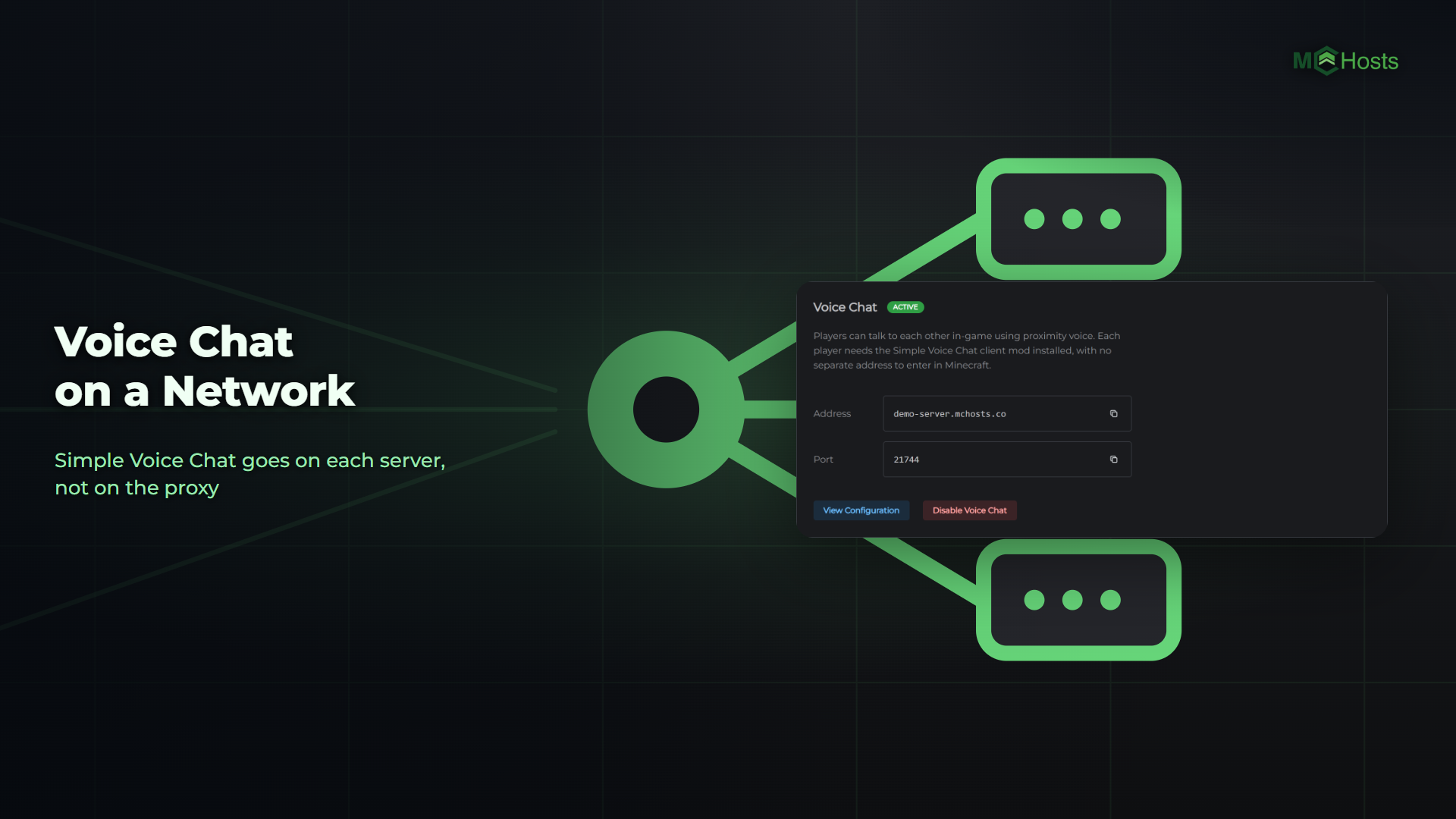
Simple Voice Chat lets your players talk to each other while they play, and it works across every server behind your proxy.
What voice chat does
Players talk through their microphone in the game itself. They hear the people standing near them, from the direction they're standing in, and someone on the other side of the map can't hear them at all. That's proximity voice, and it's the main thing Simple Voice Chat does.
Players also get:
- Push to talk, or voice activation if they'd rather not hold a key
- Whispering, for when only the person next to them should hear
- Groups, to talk with players anywhere on the server, with a password if they want one
- Their own volume for each player
It suits any server where who's nearby matters. A survival world feels busier when you hear your neighbours as you walk past. In hide and seek, a voice gives someone away. In roleplay, people talk to whoever's in the room with them. And a group of friends can play without keeping a separate call open.
Two ways to run it on a network
On each server. Turn voice chat on for every server behind your proxy. Players hear the people on the server they're on, and when they move to another server, their voice chat moves with them. If all your servers are on MCHosts, this is all you need.
Through the proxy as well. Turn it on for the proxy too, and every player's voice goes through your proxy on the way to the server they're on. Each server still runs Simple Voice Chat. Do this if one of your servers runs at home, or anywhere else outside MCHosts, and you want to keep its address private. Your proxy already hides that address for the game, but without this the voice mod connects straight to the server and gets its address. With it, players only ever reach your proxy. The server's voice port still has to be open so your proxy can reach it.
1. Enable it on each server
Open one of your Paper servers in the control panel, go to the Settings tab and find the Voice Chat card. Click Enable Voice Chat.
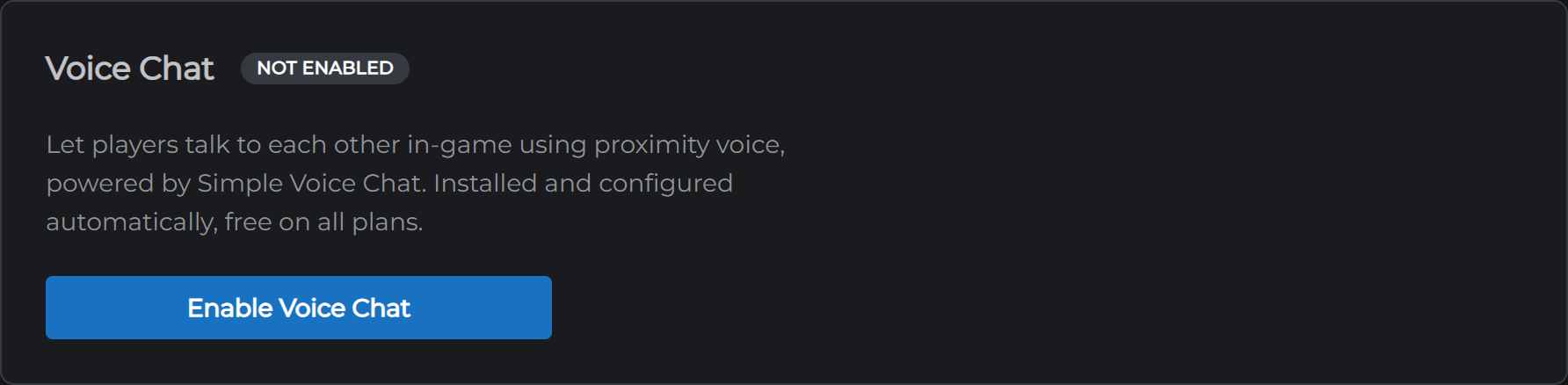
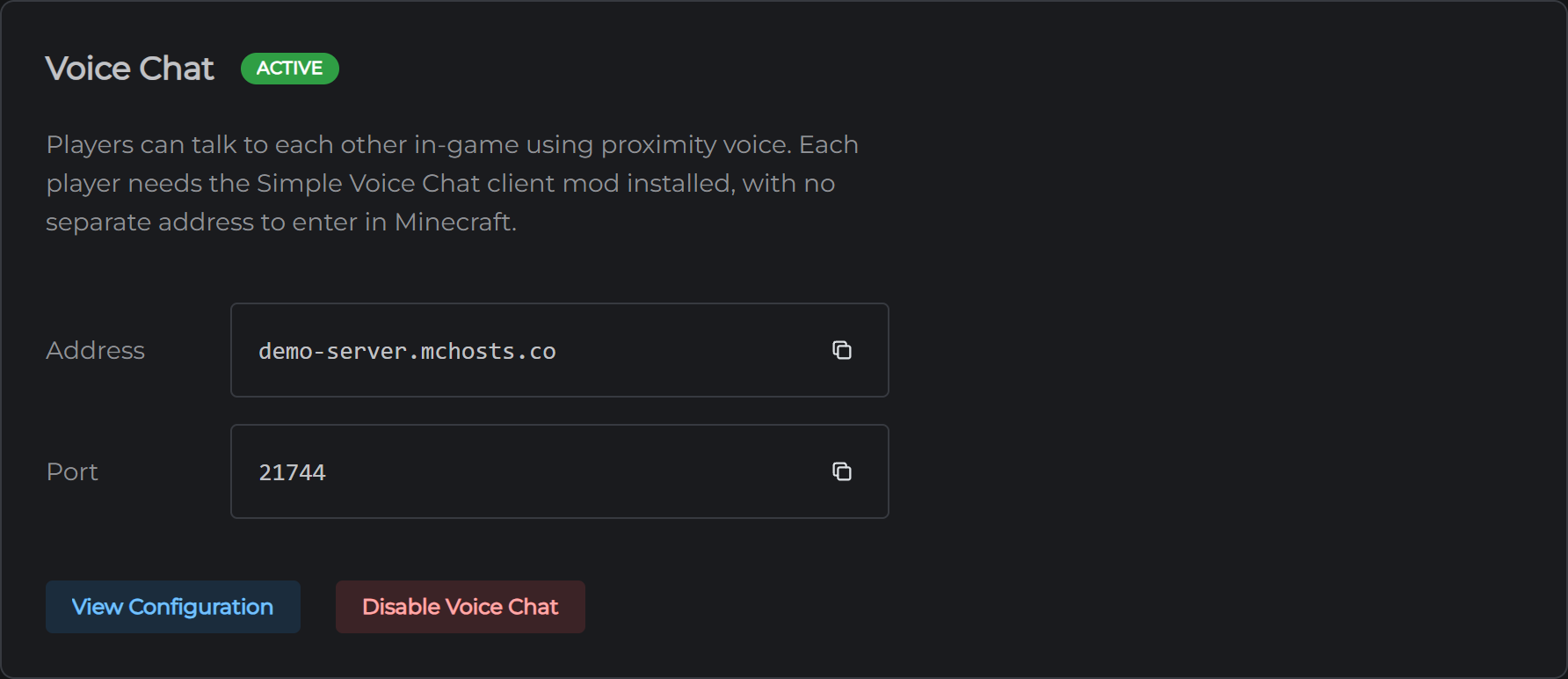
Your server installs the Simple Voice Chat plugin, writes its settings and restarts to open a voice port of its own. When the card shows Active, that server is done. Repeat on each server on the network. For a server that isn't on MCHosts, install Simple Voice Chat on it yourself.
2. Enable it on the proxy (optional)
Skip this step if you don't need voice through the proxy. Otherwise, open your proxy in the control panel, go to its Settings tab and click Enable Voice Chat on the Voice Chat card.
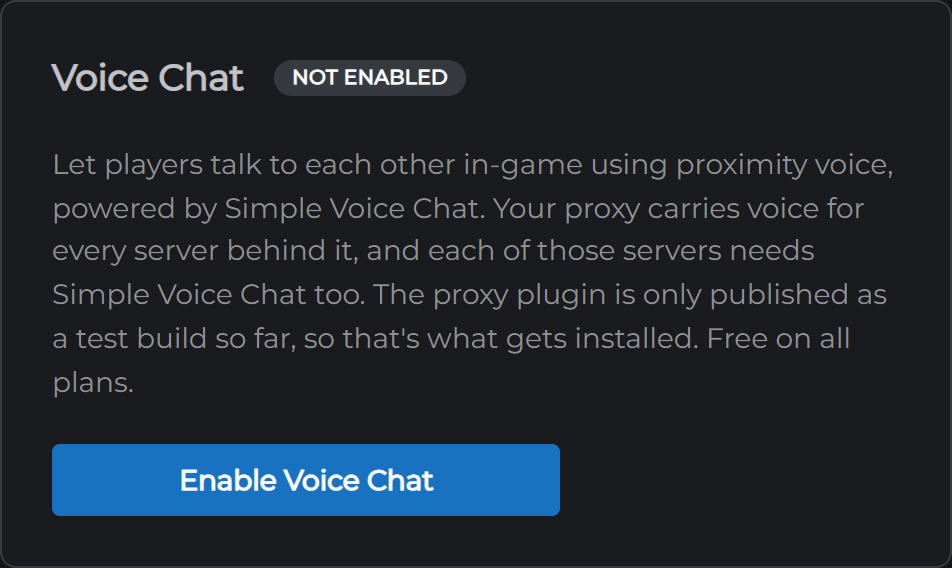
Your proxy installs Simple Voice Chat's proxy plugin and restarts with a voice port of its own. That restart drops everyone on your network for a moment, so do it when it's quiet. Simple Voice Chat only publishes its proxy plugin as a test build so far, so that's what goes on.
3. Players install the mod
Simple Voice Chat needs its client mod on each player's game. There's nothing to type in. When a player joins, the mod is told where to connect, and it follows them from server to server.
The warning in the console
A server behind a proxy prints this line when it starts:
[voicechat] Running in offline mode - Voice chat encryption is not secure!
That's expected, and your voice chat is fine. A server behind a proxy has to let the proxy check who each player is, which the plugin reads as the server running without checks. On our network the proxy does the checking and hands each player on, and the only part of the connection without its own encryption runs inside our cluster.
Two things to know
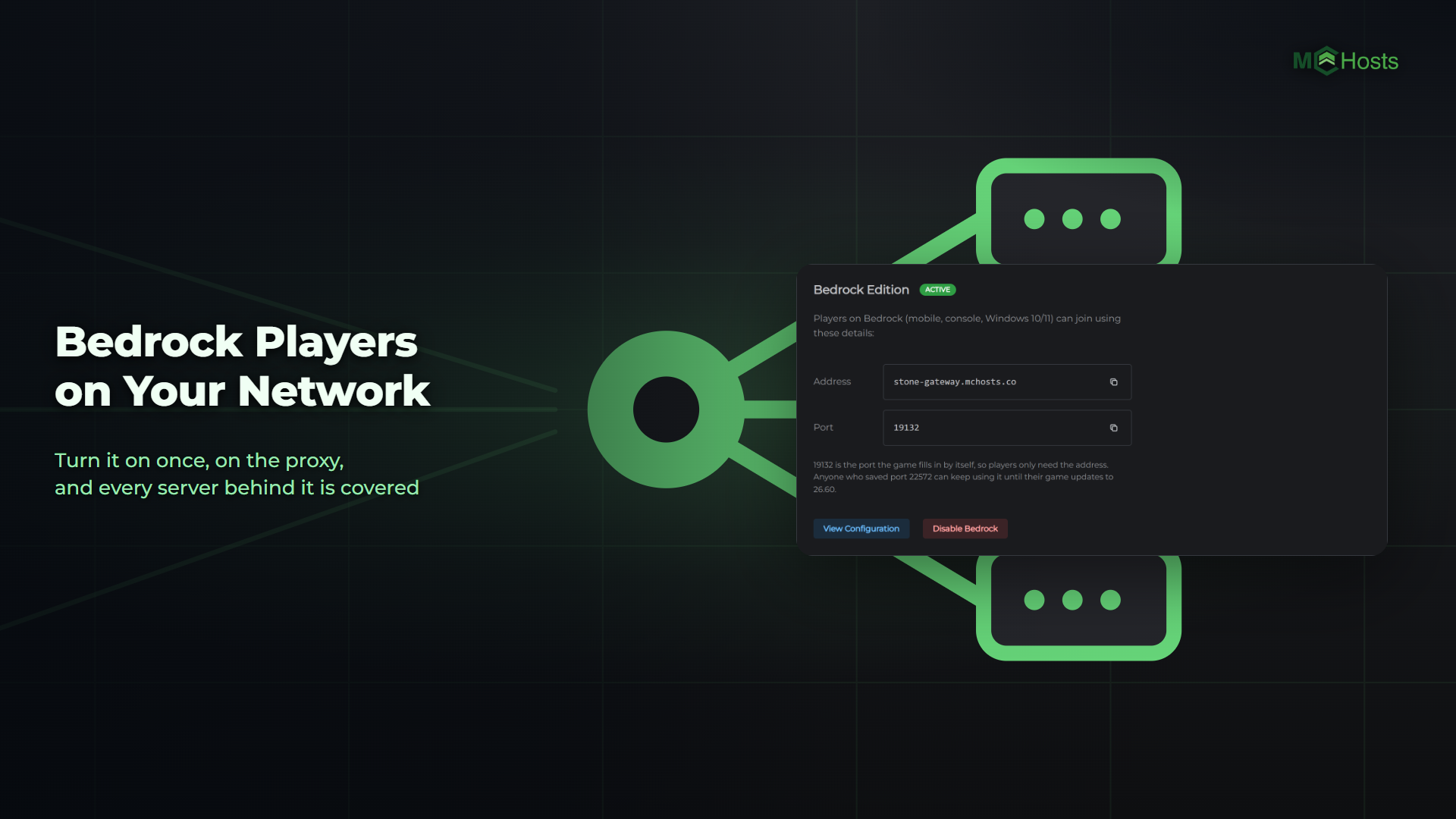
Bedrock players can't use it. Simple Voice Chat has no Bedrock version. Players who join through the proxy from a phone or console hear nobody and nobody hears them.
Don't change the port. The Voice Chat card shows the port players reach voice chat on. The plugin's settings file, on a server or on the proxy, has a port line too, and that one stays at 24454 because it's the port inside the server. If you edit it, voice chat stops working.
To set up the rest of your network, see Setting Up a Minecraft Network With a Proxy and Bedrock Players on Your Network.