Why Australian Minecraft Players Get High Ping
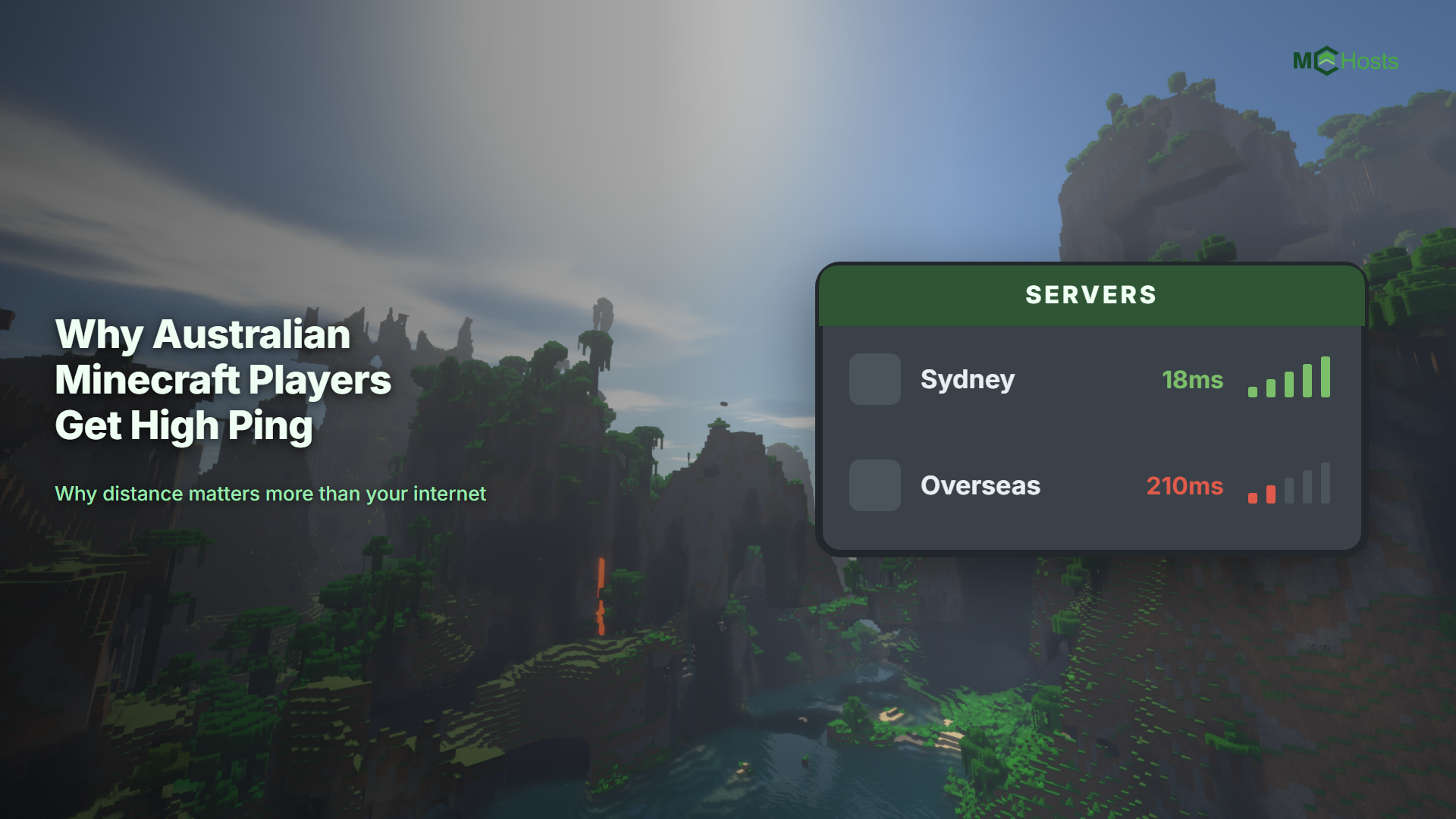
If your blocks take a moment to appear and fights feel like you are swinging underwater, the problem is usually not your computer or your internet. It is where the server lives. This guide explains why Australia is a special case, and what you can actually do about it.
A quick note before we start. MCHosts is our service, so we are obviously biased. The physics below is not ours though, and it applies whoever you host with.
What ping actually measures
Ping is the round trip. Your computer sends a message to the server, the server answers, and ping is how long that takes from end to end, measured in milliseconds.
In Minecraft almost nothing is decided on your computer. Placing a block, hitting a mob, opening a chest, all of it is sent to the server, judged there, and sent back. Your game shows you a prediction in the meantime. When ping is low the prediction and the answer agree, so everything feels instant. When ping is high they disagree often enough that you notice, which is why blocks pop back, arrows miss things they looked like they hit, and you take damage you thought you dodged.
Why Australia is different
Distance. That is the entire answer, and it is not something a host can optimise away.
Data travels through undersea cables at a large fraction of the speed of light, but the Pacific is very wide. Sydney to Los Angeles is roughly 12,000 kilometres each way, and the signal does not travel in a straight line.
Rough round trips from the Australian east coast:
| Server location | Typical ping | How it feels |
|---|---|---|
| Sydney | 10 to 40ms | Instant. Combat and bridging feel correct |
| Singapore | 90 to 130ms | Noticeable delay, playable |
| Los Angeles | 150 to 200ms | Slightly underwater. PvP is frustrating |
| Europe | 250 to 330ms | Survival is fine, anything competitive is not |
Anything under about 50ms feels immediate to most players. Between 50 and 100ms you adapt without really noticing. Past 150ms the game starts feeling like it is arguing with you.
Australians also sit further from everything than almost anyone else. A player in Germany has dozens of server locations within 30ms. A player in Perth has very few, and even Sydney is about 40ms away across the Nullarbor.
Why a cheap overseas plan looks so good
Hosting is cheaper in the United States and Europe. There is more competition, power is cheaper, and the hardware market is bigger. So a plan advertised at a very low price often is that cheap, and the catch is simply where the machine is.
Plenty of large hosts advertise one price and then quietly default new servers to a US or European location. Some charge extra for an Australian one. Some list Australia but have limited stock and put you on a waitlist.
The first question to ask any host is simple. Can I pick an Australian location, and does it cost extra? The answer tells you most of what you need to know.
What you can actually fix
Move the server closer. This is the only change that alters the numbers meaningfully. Going from a US server to a Sydney one takes a player on the east coast from around 170ms to around 20ms. Nothing else on this list comes close. If you already have a world you want to keep, see moving your existing server to MCHosts.
Use a cable instead of wifi. Wifi adds a few milliseconds and, more importantly, adds inconsistency. A steady 30ms feels better than a 20ms that spikes to 90 every few seconds.
Check who else is using your connection. Someone uploading a large file or streaming in 4K on the same connection will show up in your ping.
Close what is using your bandwidth. Game launchers, cloud backup tools and large downloads all compete with Minecraft for the same connection.
Ask whether it is ping at all. Ping and lag are not the same thing. If your ping is low but the game still stutters, the server is probably short on memory or fighting for CPU. That is a different problem with a different fix, covered in why is my server lagging.
What will not fix it
A gaming VPN. These occasionally help by routing around a bad path, but most of the time they add a hop and make things worse. They cannot beat the distance.
A faster internet plan. Bandwidth and latency are different things. Upgrading from 50Mbps to 1000Mbps changes how much data you can move at once. It does not change how long that data takes to cross the Pacific.
A better computer. A faster machine renders more frames. It does not shorten the cable.
Optimisation mods. Mods like these genuinely help frame rate and chunk loading. They do not touch the round trip to the server.
What this means when you pick a host
If most of your players are Australian, an Australian server is not a nice extra. It is the single biggest thing affecting how the game feels, and it costs about the same as hosting elsewhere.
If your group is split across countries, put the server nearest the majority, and accept that the rest will have a slightly worse time. There is no location that is good for everyone at once.
MCHosts runs everything from Sydney, so an east coast player usually sees 10 to 40ms. Our servers are in Sydney and nowhere else.
Frequently asked questions
What is a good ping for Minecraft? Under 50ms feels instant. Under 100ms is comfortable. Over 150ms is where combat starts feeling wrong, and over 250ms most people stop enjoying PvP entirely.
Why is my ping fine but the game still lags? Those are two different problems. Low ping with stuttering usually means the server is short on RAM or competing for CPU. See why is my server lagging.
Does Bedrock Edition behave differently? The physics is identical. Bedrock does predict movement a little more aggressively, so high ping can feel slightly smoother while actually being just as far away. Console and phone players on an Australian server get the same benefit as everyone else.
Will a server in Singapore be good enough? For survival and building, usually yes at around 90 to 130ms. For PvP, minigames or anything timing sensitive, you will feel it.
Want to see what a Sydney server feels like? Head to mchosts.com.au/plans/minecraft and remember, every new server comes with a 7 day money back guarantee, which is plenty of time to test the ping from your own connection.