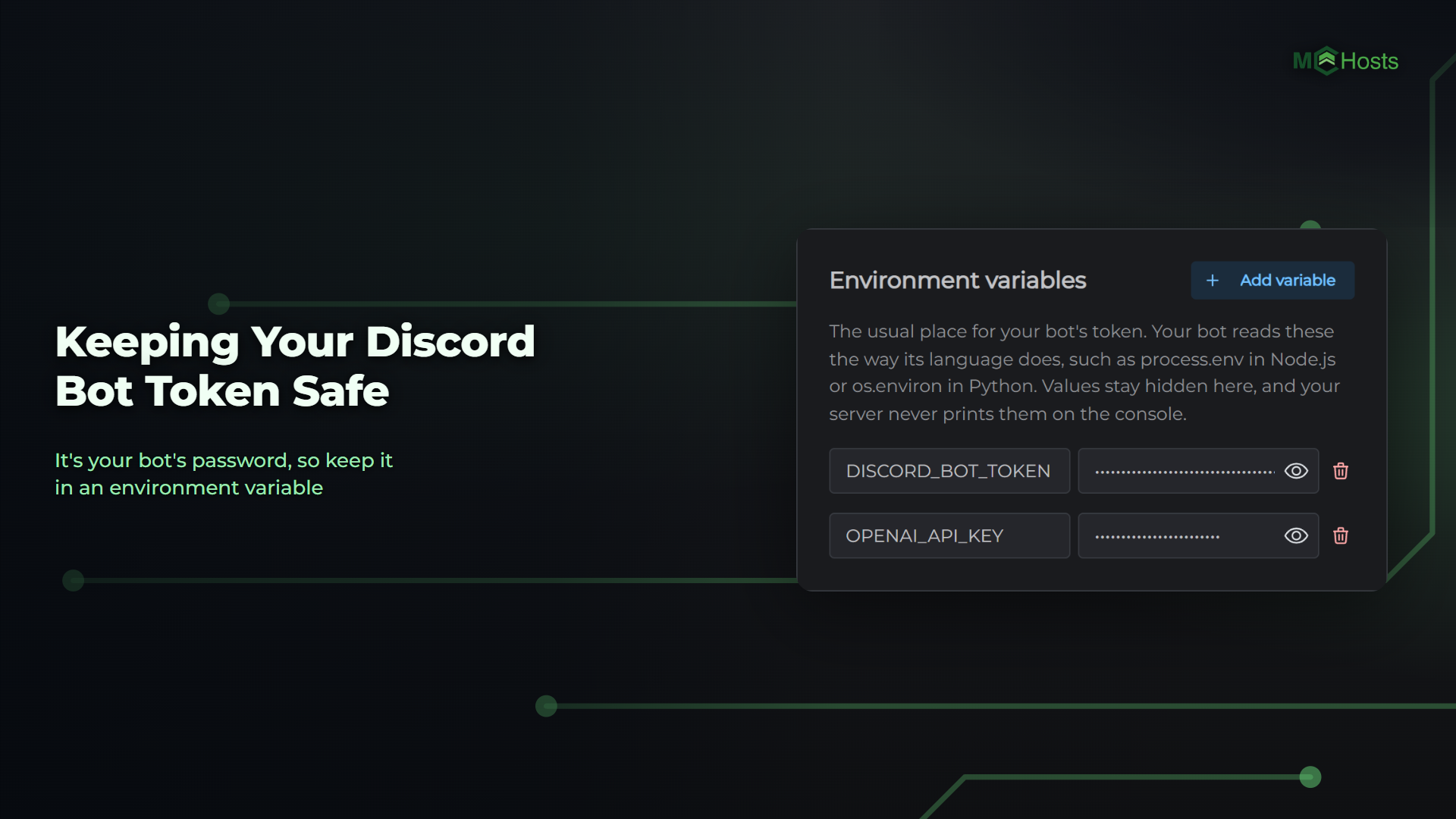
Keeping Your Discord Bot Token Safe
Your bot's token is its password. Anyone who has it can sign in as your bot and do anything your bot is allowed to do in your Discord servers.
Put it in an environment variable
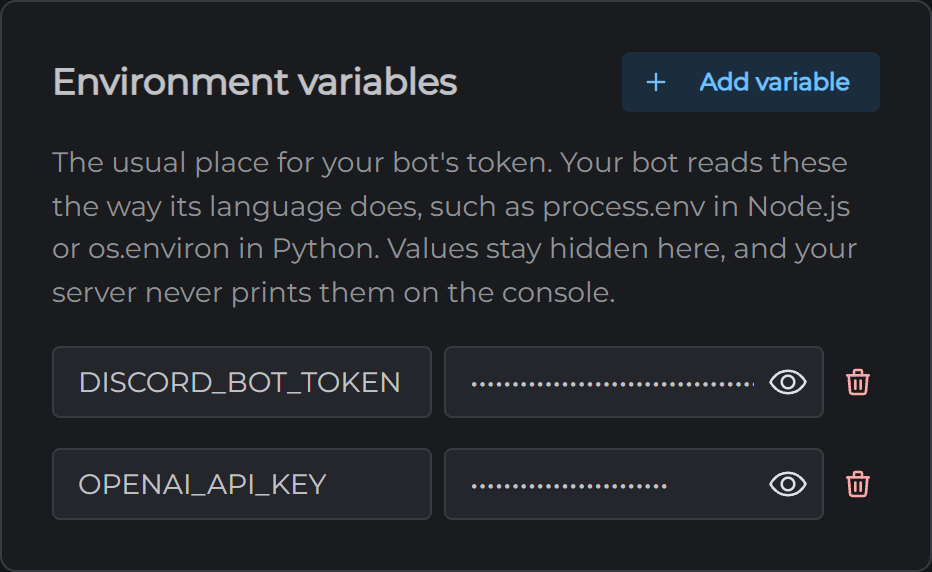
Keep your token out of your code. On the Config tab, add it under Environment variables and have your bot read it from there. In your control panel the value shows as dots, and your server never prints it on the console.
A premade bot's setup puts the token where that bot expects it, so there's nothing to move.
Keep it out of GitHub
Never commit your token to a repository. Anyone can read a public repository, and a token stays in your code's history even after you delete the file. If you deploy from GitHub, keep the token in your environment variables and the repository free of it.
The Access token you give your server for a private repository is a secret too. Give it read access to that one repository and nothing more.
Don't let your bot print it
Your server never shows your environment variables' values, but your bot's own code can. Don't log the token or post it in a message, because whatever your bot prints ends up in its console.
Who can see it on your server
Your token is stored on your server, and it's in your backups. Anyone who can sign in to your control panel, or who has your SFTP login, can find it. Keep both to yourself.
If it leaks
- Open your bot in the Discord Developer Portal, go to the Bot page and press Reset Token. The old token stops working straight away
- Copy the new token into your bot's environment variable on the Config tab and click Save. For Reaction Light, EmailVerify or Starboard, it goes in that bot's file in the config folder on the Files tab instead
- Restart your bot
Reset it whenever you're not sure. A new token costs you nothing but that one restart.