Server Types
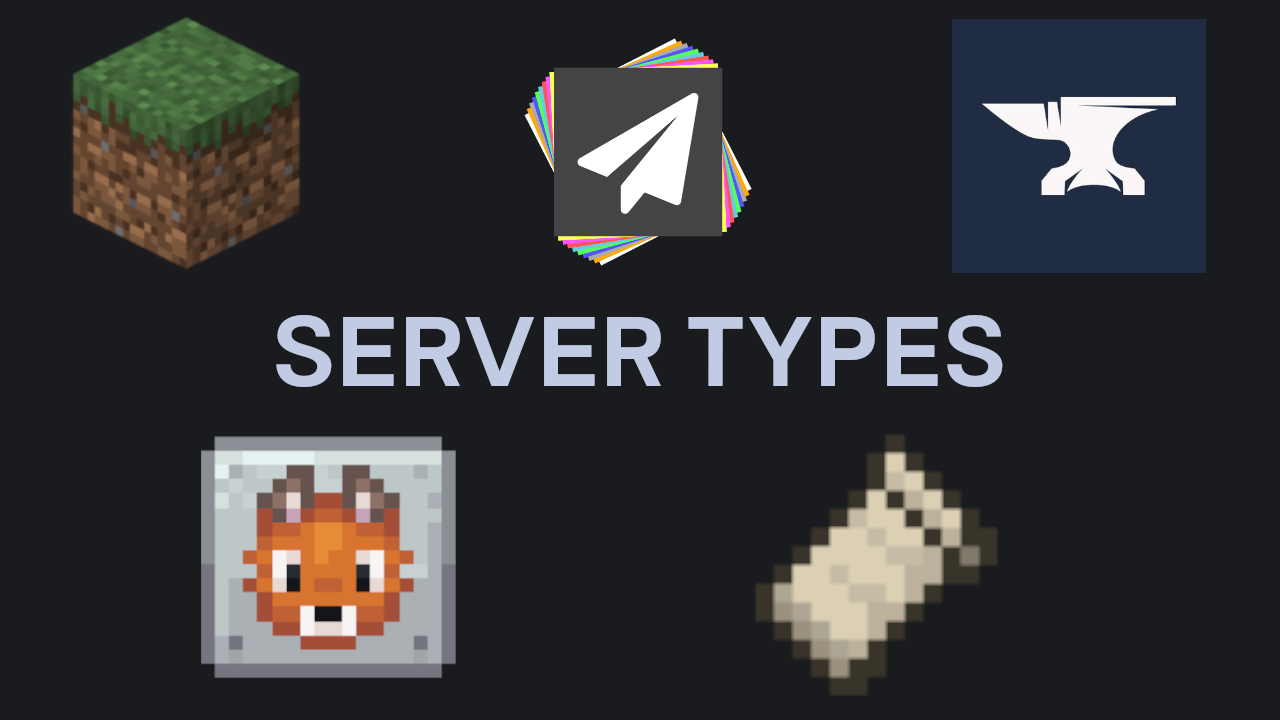
MCHosts supports five server types. The right choice depends on whether you want plugins, mods, or a pure vanilla experience.
Overview
| Software | Plugins | Mods | Best for |
|---|---|---|---|
| Vanilla | ✗ | ✗ | Pure Minecraft experience, no extras |
| PaperMC | ✓ | ✗ | Plugins, better performance - recommended for most servers |
| Forge | ✗ | ✓ | Established modpacks and large mod libraries |
| Fabric | ✗ | ✓ | Lightweight and performance-focused mods |
| NeoForge | ✗ | ✓ | Modern Forge fork - newer modpacks (post-2023) |
Vanilla
The official Minecraft server, unmodified. Supports no plugins or mods.
Choose Vanilla if:
- You want a guaranteed pure Minecraft experience
- You're running a small server for friends and don't need any extras
- You want the most stable, officially-supported option
PaperMC
A high-performance fork of the official server with support for plugins - server-side extensions that add features without requiring players to install anything.
Choose PaperMC if:
- You want plugins (economy systems, land claiming, custom mini-games, world management, etc.)
- You want better performance than Vanilla on the same hardware
- You want anti-cheat, permissions, or moderation tools
Popular plugin sources: Spigot, Modrinth, Hangar
PaperMC is compatible with Bukkit and Spigot plugins. The vast majority of the plugin ecosystem works with Paper.
Forge
The most established modding platform for Minecraft Java Edition. Supports client-side and server-side mods, and is the platform most large modpacks are built on.
Choose Forge if:
- You're installing a modpack that specifies Forge
- You want access to the largest catalogue of existing mods
- Your players already have Forge and specific mods installed
Note: Players must install the same mods (and the same Forge version) on their own computer to connect.
Fabric
A lightweight, fast-loading mod framework. Popular for performance mods (like Sodium and Lithium) and smaller technical mods.
Choose Fabric if:
- You want performance optimisation mods (e.g. server-side Lithium)
- You're installing a modpack that specifies Fabric
- You want a more up-to-date mod framework that's quicker to support new Minecraft versions
NeoForge
A community-maintained fork of Forge, created in 2023. Most newer modpacks (post-1.20) now target NeoForge rather than Forge.
Choose NeoForge if:
- Your modpack specifies NeoForge
- You're running Minecraft 1.20.1 or later and want the most actively-maintained Forge-compatible platform
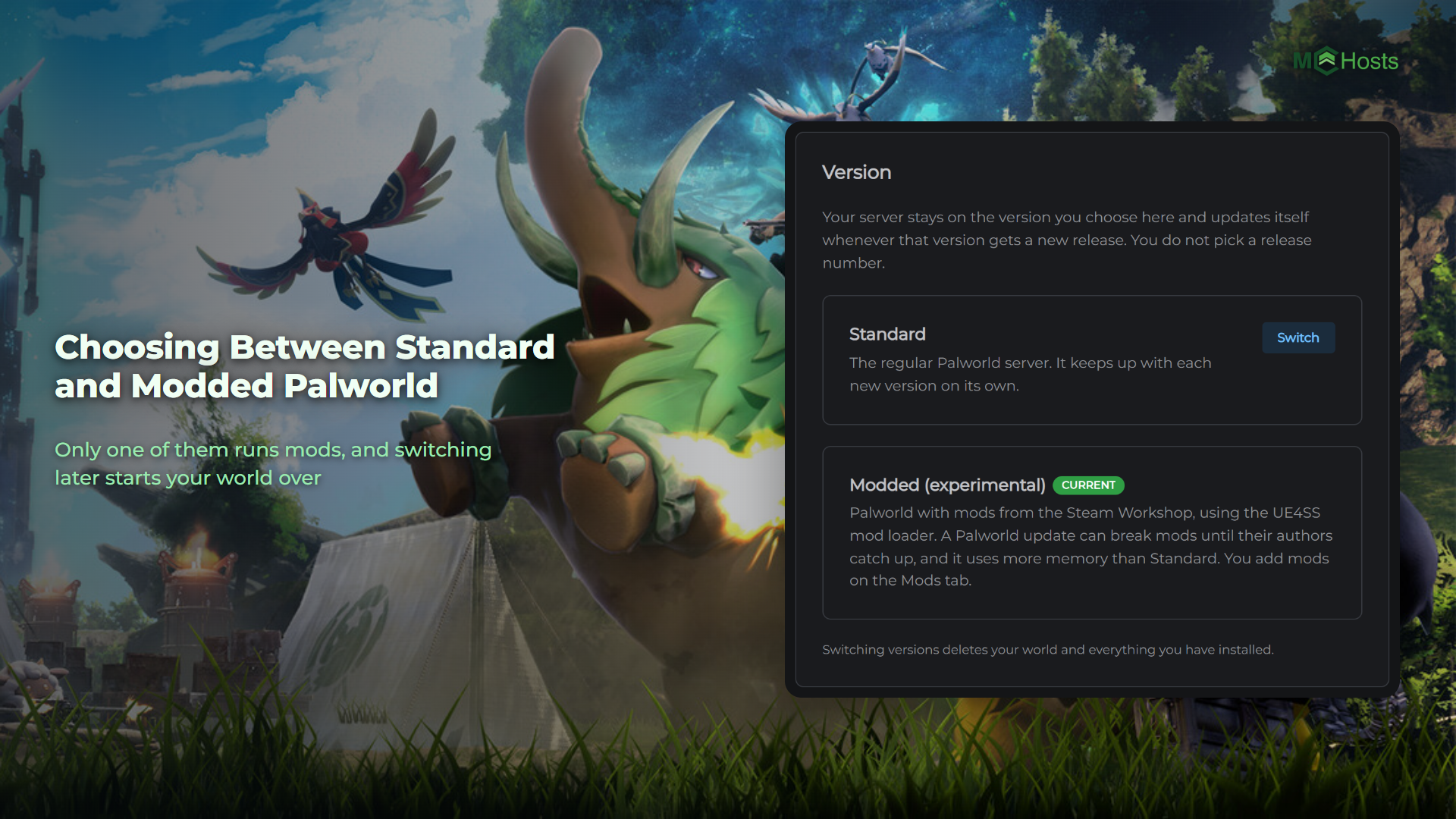
Switching server type
You can switch server software at any time via Settings → Server using the version selector. However:
Switching between Vanilla/PaperMC and any modded platform (or vice versa) is a destructive change. Your existing world may not load on a different software type. Always back up your server before switching.