Refer a Friend: Give $10, Get $10
Announcements
24 August 2026 · By Josh P
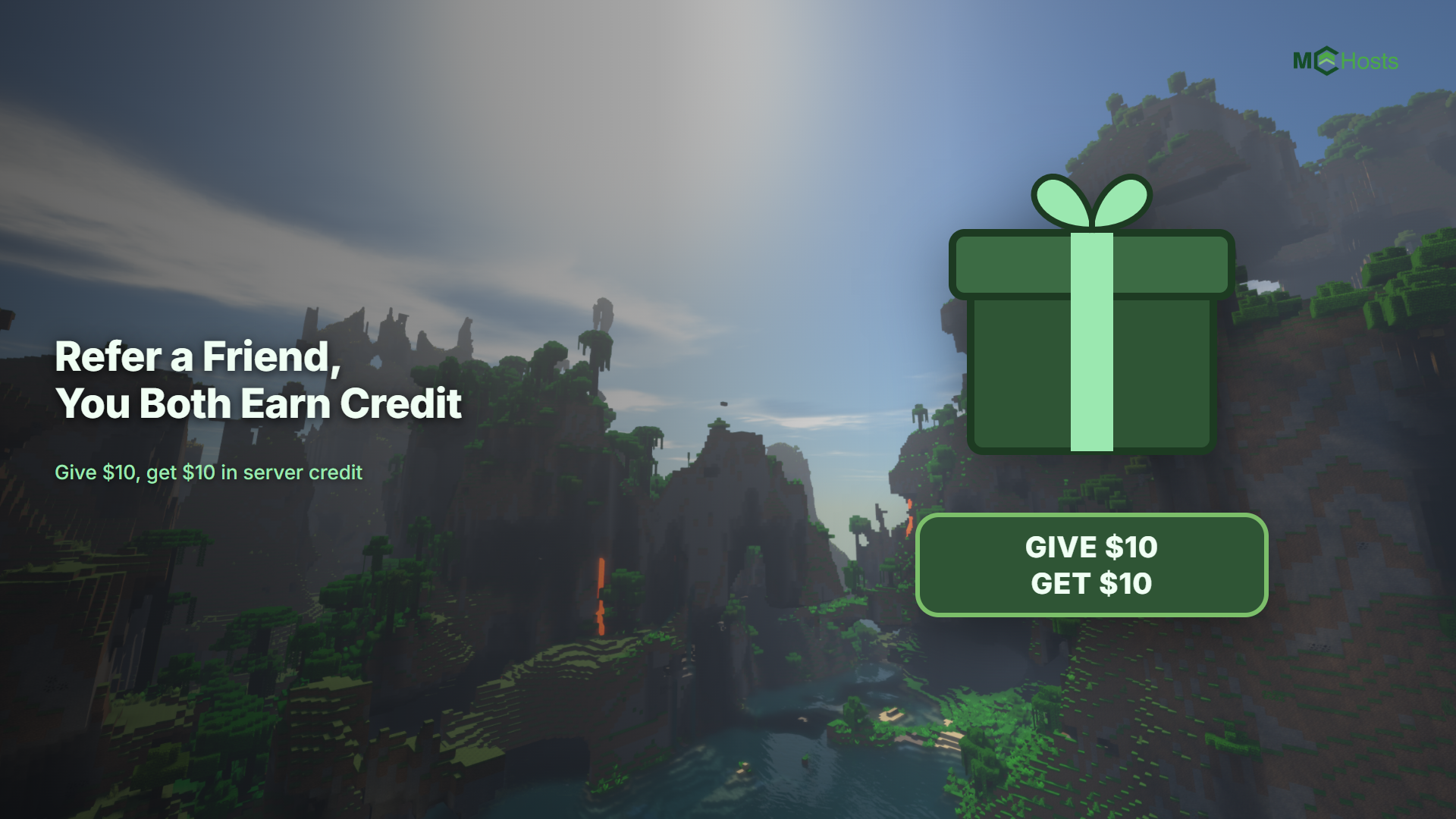
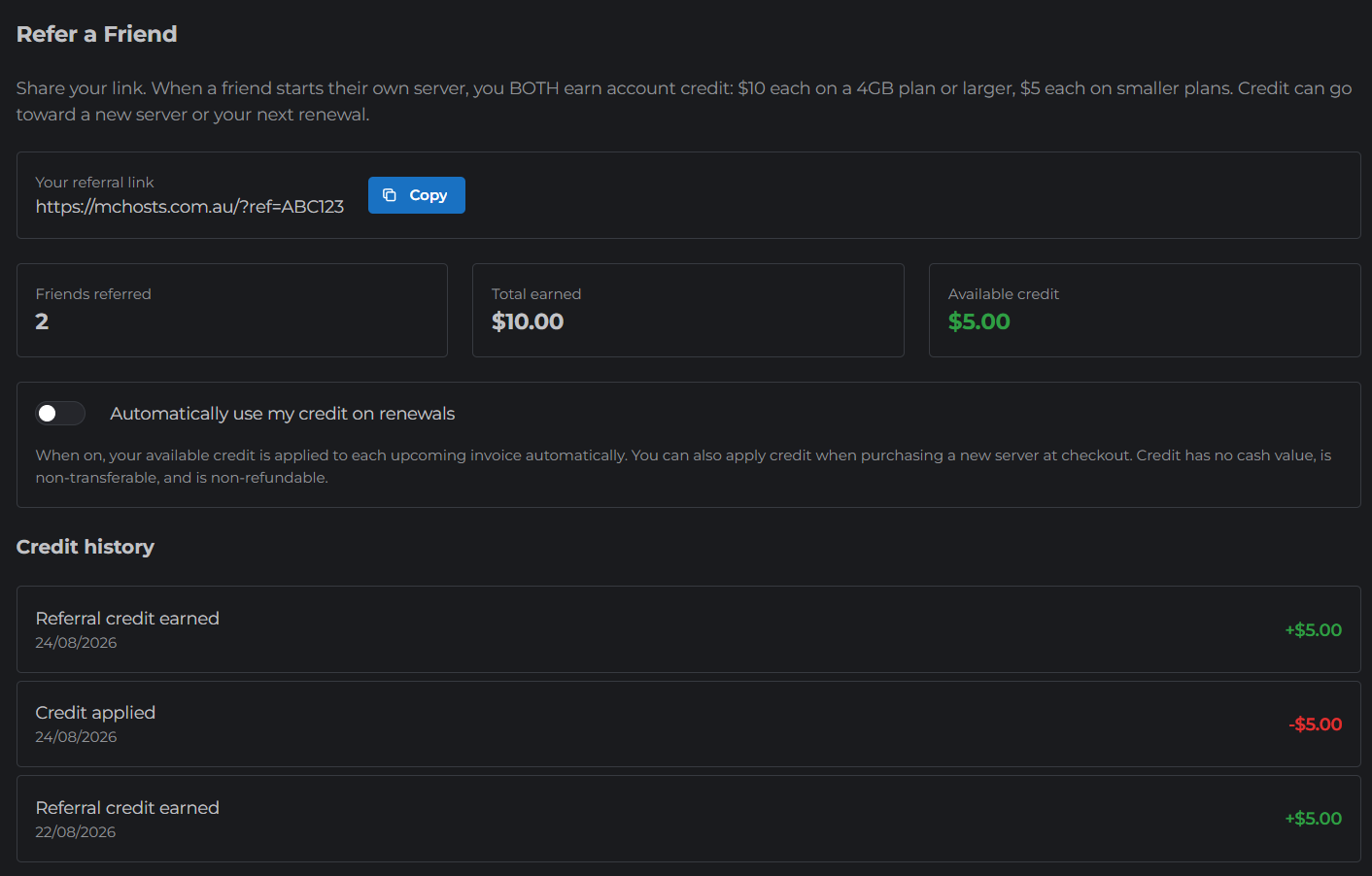
Know someone who wants their own Minecraft server? Refer them to MCHosts and you both get account credit when they start one.
How it works
- Go to mchosts.com.au/my-account and open the Referrals tab
- Copy your personal referral link
- Send it to a friend. When they open it and later buy a server, the referral is counted automatically
When your friend's server qualifies, you both receive account credit:
- $10 each when their plan is 4GB or larger
- $5 each on smaller plans
When does the credit arrive?
- On a monthly plan, the credit is added when your friend pays their second month
- On a quarterly plan, the credit is added straight away and becomes available to spend 7 days later
You will get an email when your credit lands, and your balance always shows on the Referrals tab.
Spending your credit
Credit is yours to use whenever you like:
- On a new server: at checkout, use the account credit box in the order summary to take it straight off what you pay today
- On your renewals: turn on Automatically use my credit on renewals in the Referrals tab, and your credit comes off your next invoice by itself
Either way, the credit shows as its own line on your invoice, so you can always see exactly what you paid.
The fine print
- Credit has no cash value and cannot be exchanged for money
- Credit is non-transferable between accounts and non-refundable
- Referring yourself does not count, and each new customer can only be referred once
- Full details are in our Terms of Service
Ready to share?
Grab your link from the Referrals tab and send it to a mate. Their server, your credit, everyone wins.
New here yourself? See Purchasing a Server to get started, with a 7 day money back guarantee on every new server.