We now host Project Zomboid!
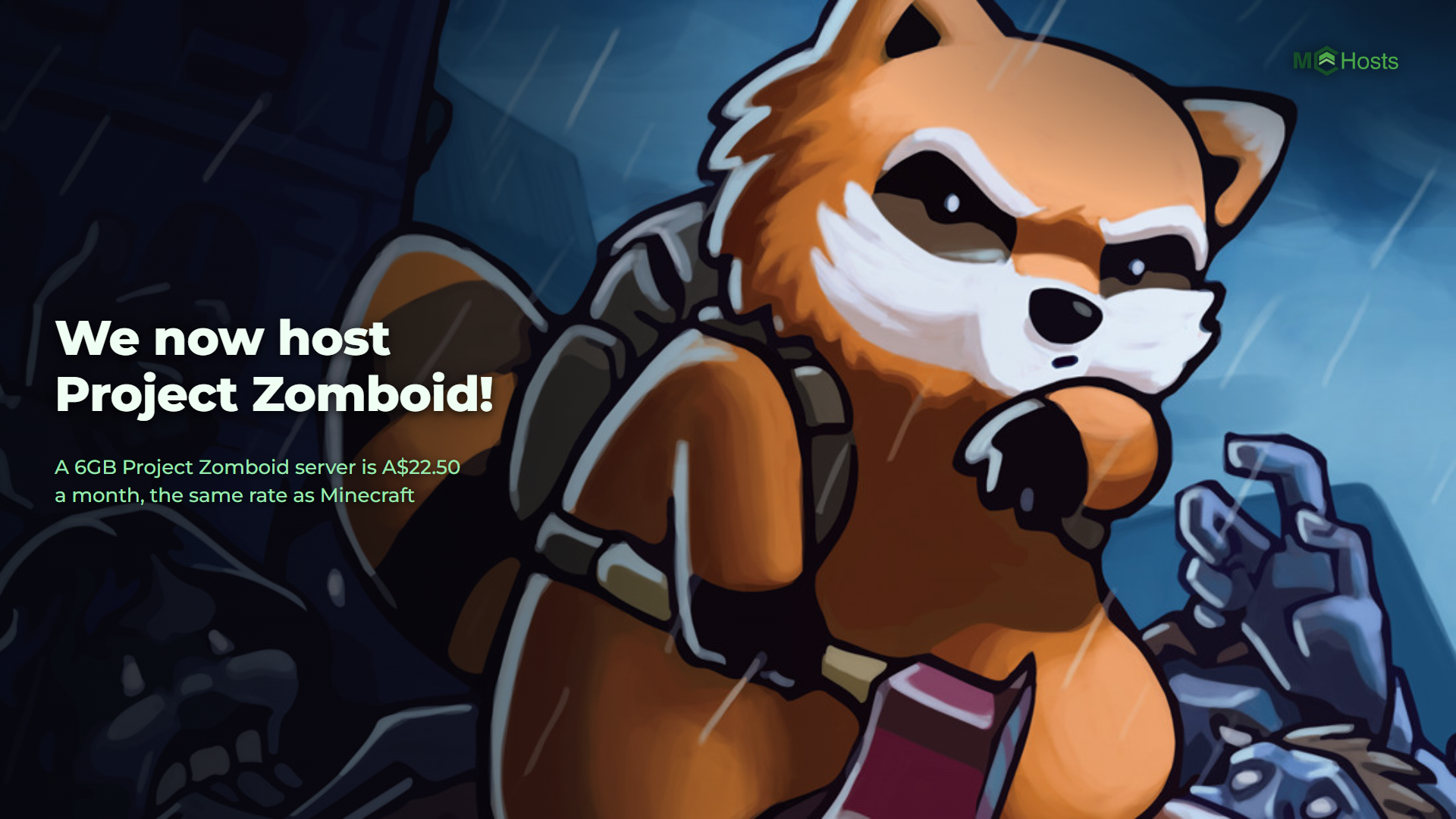
Project Zomboid servers are live. Six plans, from 6GB at A$22.50 a month up to 16GB at A$60.00, running on our own hardware in Australia. Build 42, with Steam Workshop mods installed from the control panel.
Plans: mchosts.com.au/plans/project-zomboid
The plans
Build 42 moved a lot of work onto the server. Inventory and every timed action happen there now instead of on each player's computer, which is why a server that was fine on 4GB before the update is not any more. So the ladder starts at 6GB, instead of the 2GB a Minecraft server runs on.
What fills the memory is the map. Your server holds on to every part of Knox Country anybody has walked through, so a group that spreads out over several towns asks for more than the same group in one street. Mods add to it again.
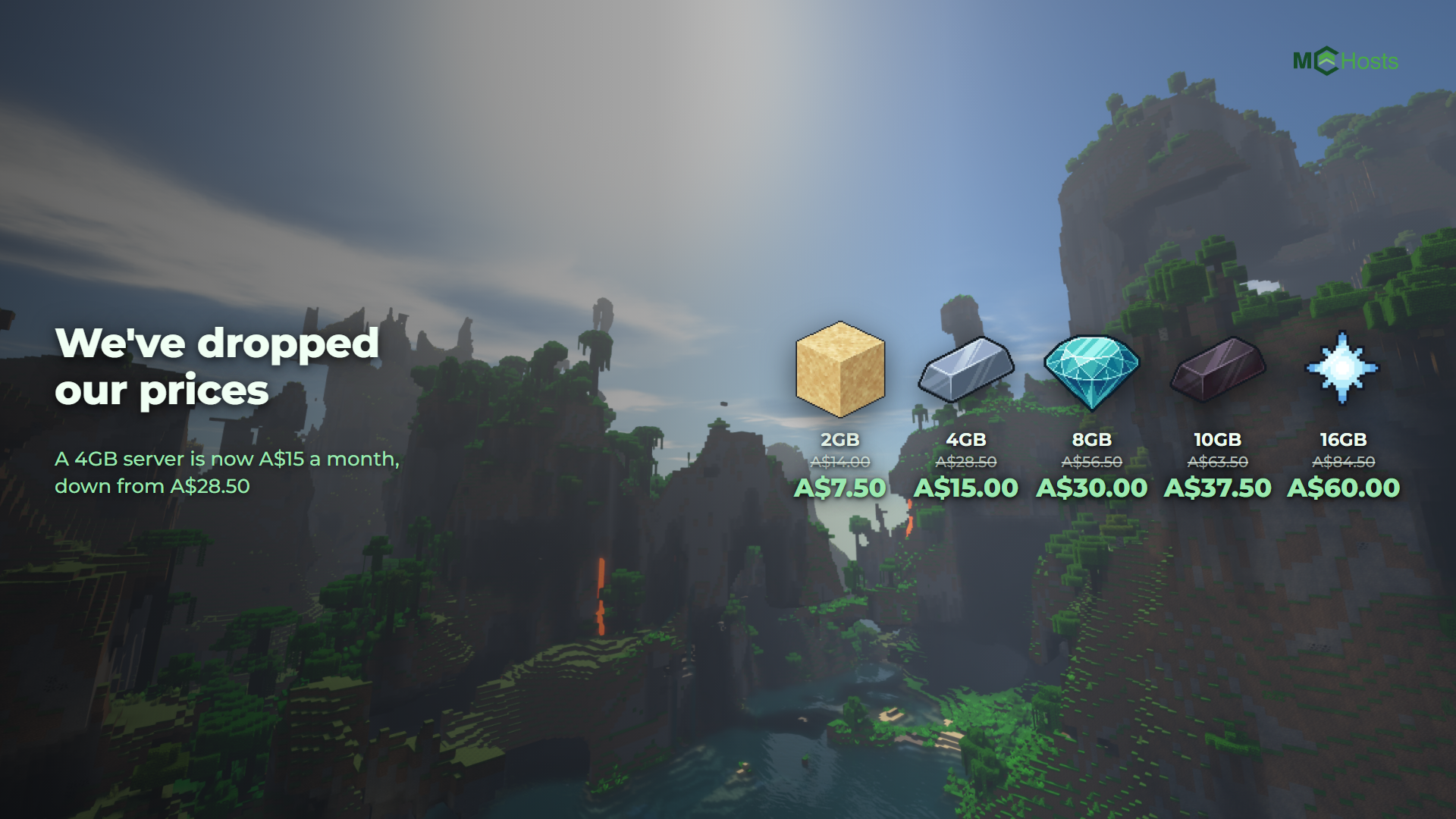
Every plan is A$3.75 per GB, GST included, the same rate as our Minecraft, Hytale, Terraria and Palworld plans. These are the ongoing prices, not an introductory rate.
Your first month is 20% off on monthly billing, applied automatically at checkout. Or pay up front and take 10% off three months, 15% off six or 20% off a year. Those prices are rounded down to a whole dollar, so you always save at least that much. The two offers don't stack.
Every plan comes with 20GB of storage. The game itself is nearly 7GB before you have done anything, which is why even the smallest plan gets that much.
What is different about a Project Zomboid server
Your server has a port. Project Zomboid connects to an address and a port, so every server here gets its own port number. The game asks for the address and the port in separate boxes, and both are on the Overview page ready to copy.
Your players make an account on your server. The first time somebody joins they pick a username and a password. It is new, not anything they already have, and it is how the server remembers their character. Tell them to use the same one every time.
Mods install from the control panel, and your server fetches them itself. Open the Mods tab, search the Steam Workshop or paste a link, and hit install. Your server downloads the mod at its next restart and loads it at the one after. Your players are prompted to subscribe as they join.
Check a mod says Build 42. The Workshop is still full of mods made for Build 41. They install and sit in your list looking exactly like the others, but Build 42 won't load them. The Mods tab has a Build 42 filter, and using it saves an afternoon.
It keeps up with the current version. The game turns away any player whose version doesn't match the server, and Steam updates everyone the day a new build ships. So your server checks for a new build every time it starts, and takes it.
You get a real console. Project Zomboid has a full set of server commands, and they all work from the Console tab: spawn items, check who is on, save the world, run a horde at somebody. The commands are the ones in every guide you will find.
You get an admin account. Its password is on the Settings tab. Join your server with it and you have the admin tools, including the admin panel, item spawning and teleporting.
What is the same
Everything you would expect. The control panel, the console, the file manager, SFTP, backups and support all work the way they do for a Minecraft server, because it is the same panel and the same team. So does the 7-day money-back guarantee.
Five games now
Minecraft is still what most of our customers run, and nothing about those plans has changed. Project Zomboid makes five on the same hardware, the same panel and the same support, and it will not be the last. Come and see the lot at mchosts.com.au/games.