We now host Palworld!
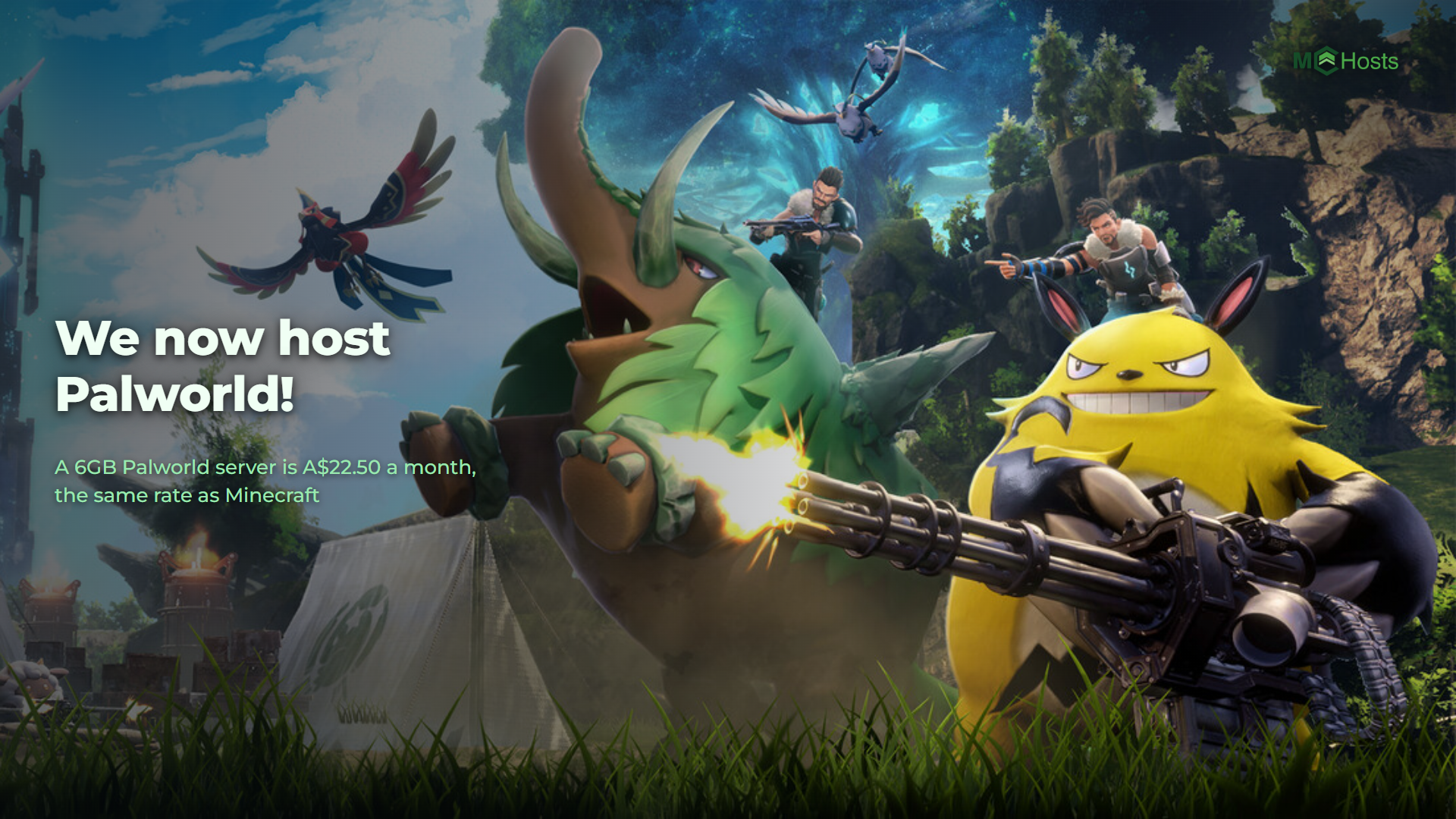
Palworld servers are live. Six plans, from 6GB at A$22.50 a month up to 16GB at A$60.00, running on our own hardware in Australia. Standard or Modded, and the mods install straight from the control panel.
Plans: mchosts.com.au/plans/palworld
The plans
Palworld asks for more than the other games we host. We measured an empty server at 1GB and a world that had been played for 372 days at 1.8GB, with nobody online at all. Players and their bases go on top of that. So the ladder starts at 6GB, instead of the 2GB a Minecraft server runs on.
The game caps at 32 players, and every plan we sell can hold all 32. Above 10GB what you are buying is room, not more people. Palworld's memory use climbs the longer a server is up, and a bigger plan means longer between restarts and more space for a world that has been built on for months.
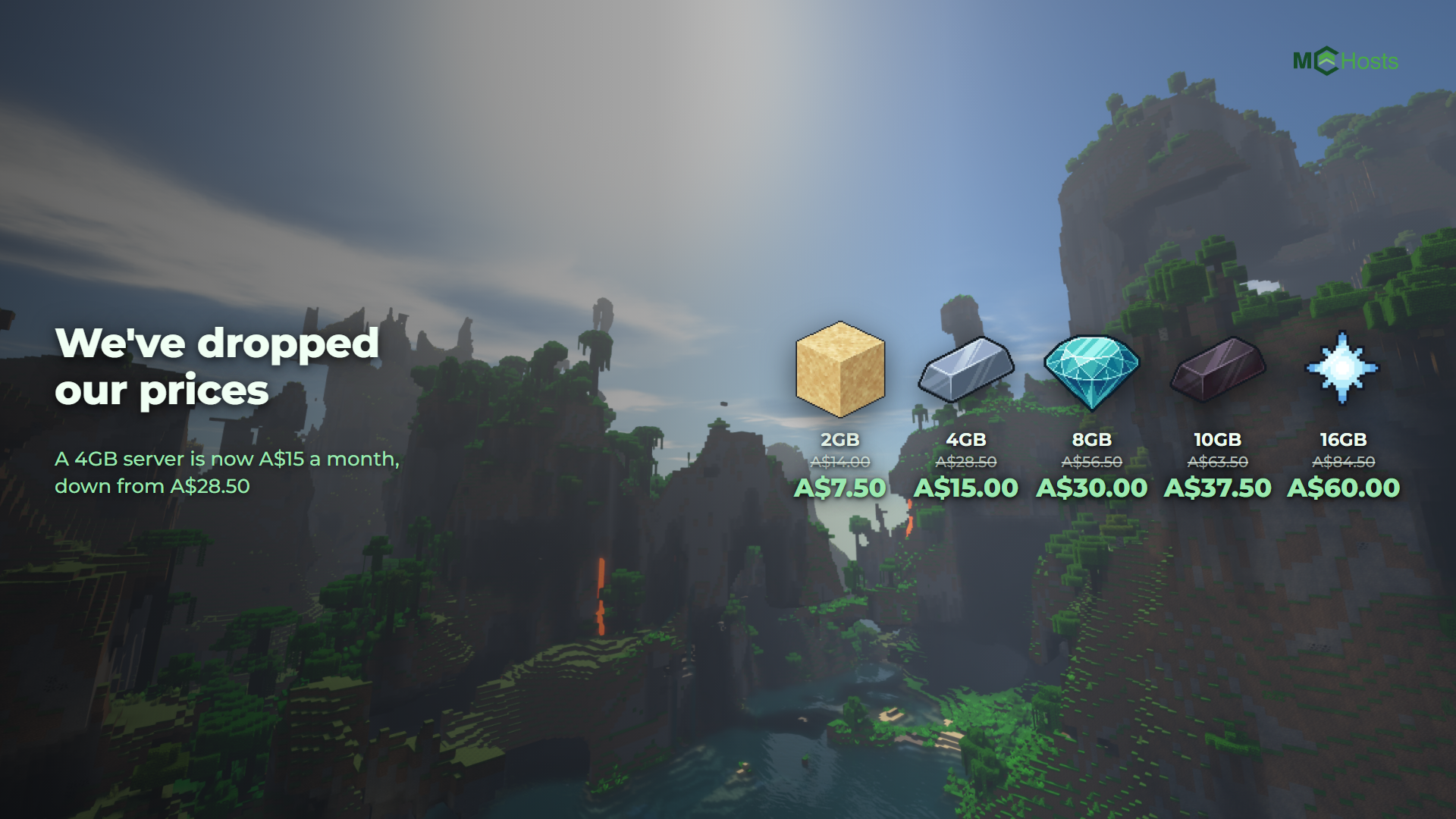
Every plan is A$3.75 per GB, GST included, the same rate as our Minecraft, Hytale and Terraria plans. These are the ongoing prices, not an introductory rate.
Your first month is 20% off, applied automatically at checkout. Quarterly billing takes 10% off on top.
Every plan comes with 20GB of storage. The game itself is nearly 5GB before you have done anything, which is why even the smallest plan gets that much.
What is different about a Palworld server
Your server has a port. Palworld can't look a server up by name, so each one gets its own port number. Your players paste your address and port together as one line, and it is on the Overview page of the control panel ready to copy.
Your server restarts at 4am. Palworld's memory use grows the longer it runs, and the game gives a server no way to cap it. A restart clears it. That is on by default on every Palworld server we host. The world is saved first, and anyone online gets a warning. You can move the time or switch it off in Settings.
You choose between Standard and Modded. Standard is the ordinary Palworld server. Modded runs the UE4SS mod loader, which is what Palworld mods are built on. It is experimental, it uses about a quarter more memory, and a Palworld update can break mods until their authors catch up. Pick the one you want before you start building. You can change it later, but the two don't share worlds, so switching deletes what is on the server and starts again.
Mods install from the control panel. Open the Mods tab, search the Steam Workshop, and hit install. Anything a mod depends on comes with it. Some Workshop mods are for the game on your own PC rather than for a server, and those won't install; there is no way to tell which until you try one.
It keeps up with the current version. Palworld turns away any player whose game doesn't match the server, and Steam updates everyone the day a new build ships. So your server checks for a new build every time it starts, and takes it. The daily restart picks it up for you.
Crossplay works. Steam, Xbox, PlayStation and Mac players can share a server. Console players can't type an address in, so they find servers through the in-game browser. Listing yours there is a switch on the Settings tab, off until you turn it on.
You can bring a world with you. Upload a save you have already played and the control panel puts it in place, including the part everybody gets wrong by hand.
What is the same
Everything you would expect. The control panel, the console, the file manager, SFTP, backups and support all work the way they do for a Minecraft server, because it is the same panel and the same team. So does the 7-day money-back guarantee.
Four games now
Minecraft is still what most of our customers run, and nothing about those plans has changed. Palworld makes four on the same hardware, the same panel and the same support, and it will not be the last. Come and see the lot at mchosts.com.au/games.