Mumble Autoban & Shared IPs
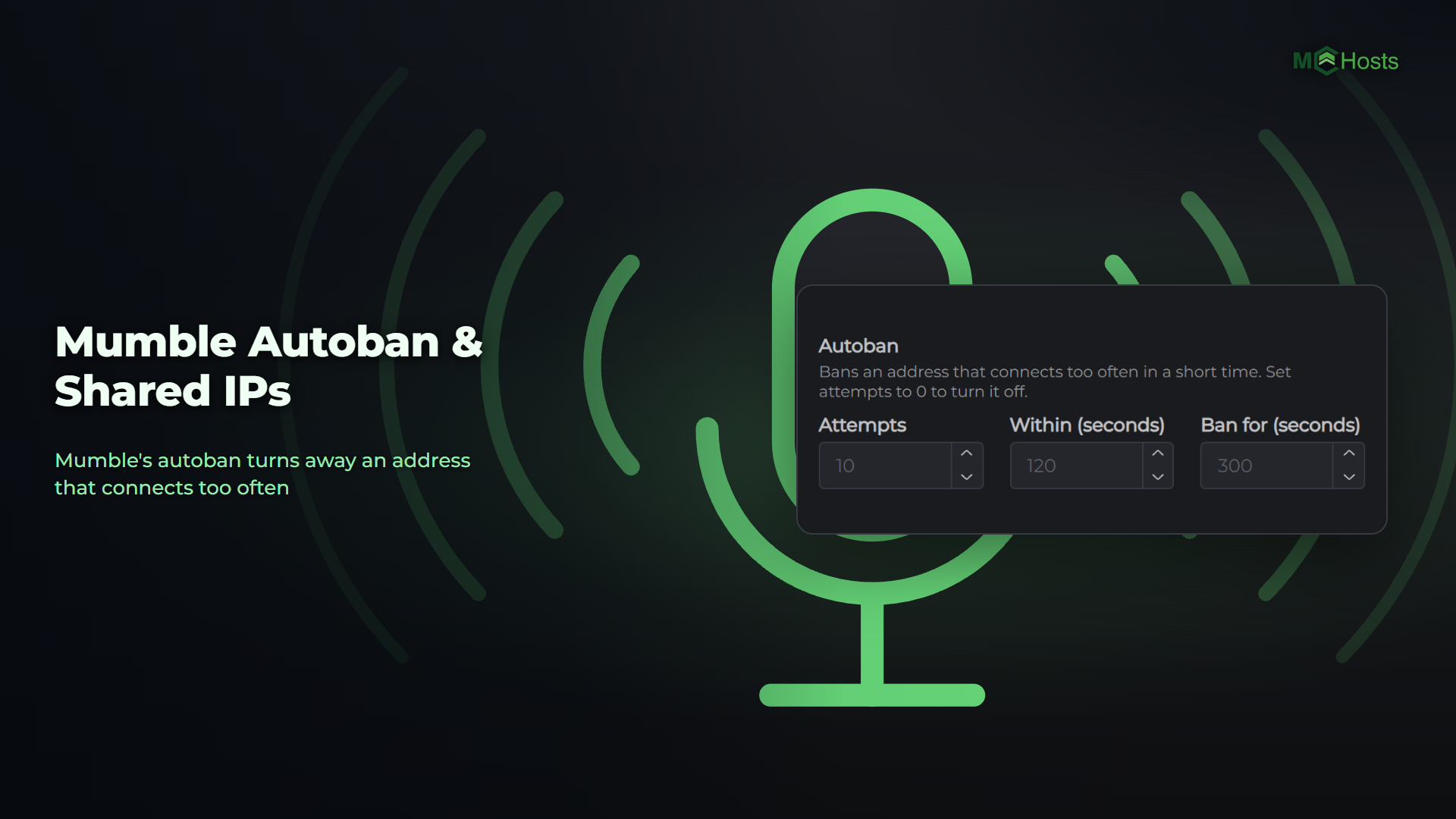
When several users share one internet connection, like at a LAN party, a school or a shared house, Mumble can stop letting them in for a few minutes. That's Mumble's autoban, and you can change it.
What's happening
Autoban protects your server from an address that connects over and over. By default, an address that connects more than 10 times in 120 seconds is turned away for 300 seconds. Every connection counts, even the ones that work.
Users on the same internet connection share one address. When a group arrives together, or a few users reconnect, they can pass 10 quickly. Then no user on that connection can get in for 5 minutes.
On the Console tab you'll see a line like Ignoring connection: 203.0.113.9:51234 (Global ban) each time a connection is turned away.
Let them in now
Restart your server from the Overview page. Autoban starts fresh every time your server starts.
Stop it happening again
- Stop your server from the Overview page
- On the Config tab, find Autoban in the Limits card
- Raise Attempts, for example to 30, or set it to 0 to turn autoban off
- Click Save, then start your server
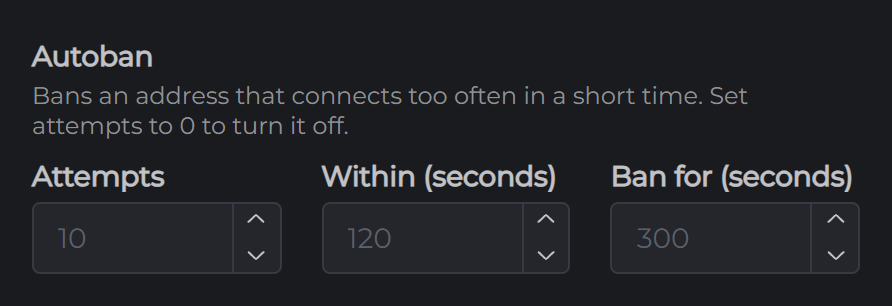
Within (seconds) is how long Mumble counts connections for, and Ban for (seconds) is how long an address is turned away.
With autoban off, nothing slows down an address that keeps trying to connect. A server password still keeps out any user you haven't given it to. See Changing Your Mumble Server Settings.