Control Panel Update
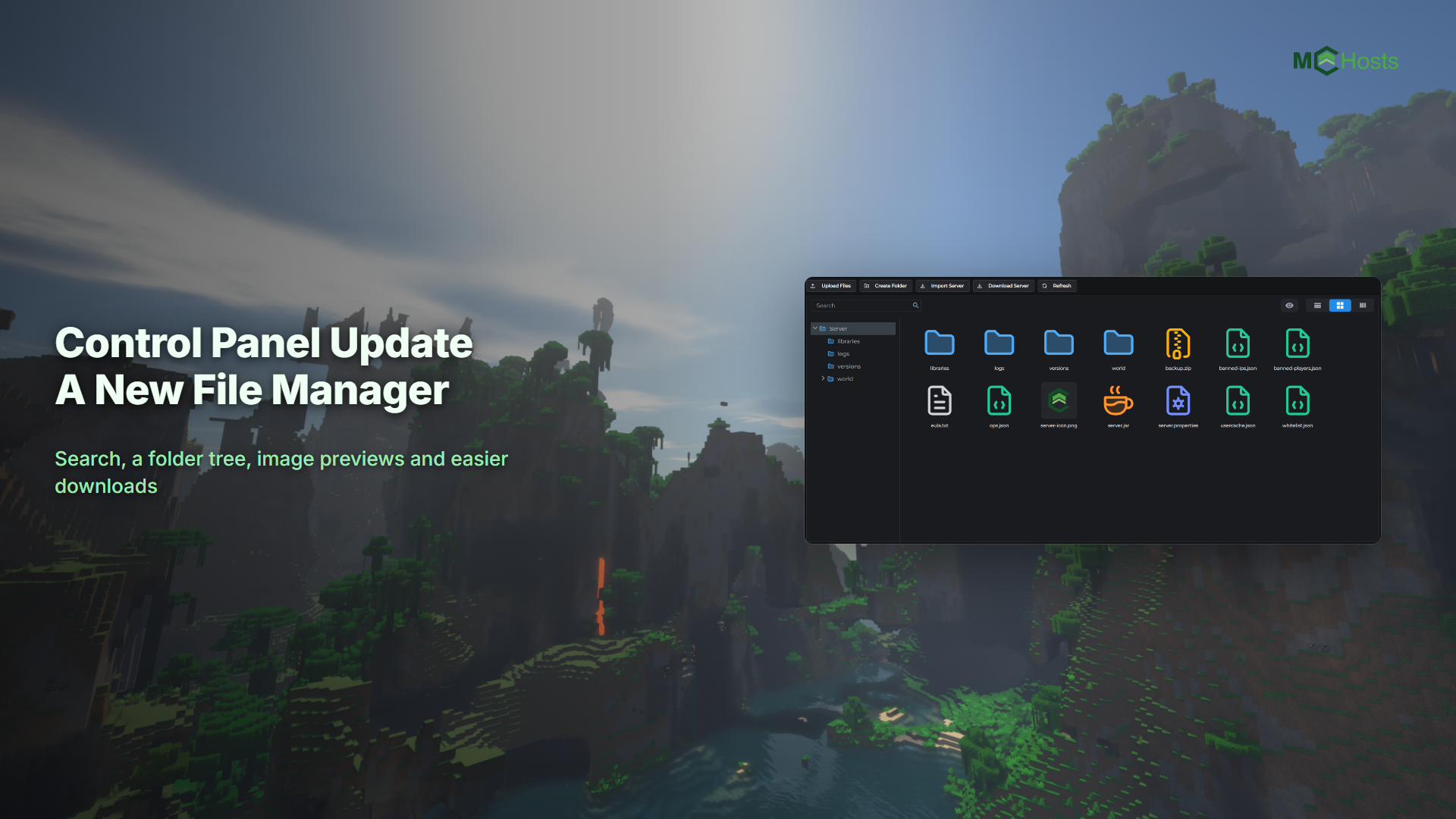
We've shipped a big update to the control panel. Some parts of the old panel were built on components that are no longer supported, so we've replaced them with modern alternatives and updated the panel's foundations along the way. Everything you use day to day is where you left it. The biggest visible change is the File Manager, which got a full rebuild.
You don't need to do anything. The update is already live, and your server keeps running through it.
A new File Manager
The File Manager tab has been rebuilt from the ground up. What's new:
- Search. Type in the search box to filter your server's files instantly.
- Folder tree. A sidebar shows your folder structure. Click any folder to jump straight to it, and it follows you as you browse so you always know where you are.
- View modes. Switch between a detailed list, icon cards, and a two-panel view using the buttons in the top right.
- File dates. Files now show when they were last changed.
- Clearer icons. Plugins and mods, configs, images, archives and world files each have their own icon, so you can spot
server.propertiesor a plugin JAR at a glance. - Drop to upload. Drag files straight onto the file browser to upload them. The Upload Files button still works too.
- Upload while your server runs. New files can be uploaded without stopping your server first. Replacing a file that already exists still needs the server stopped.
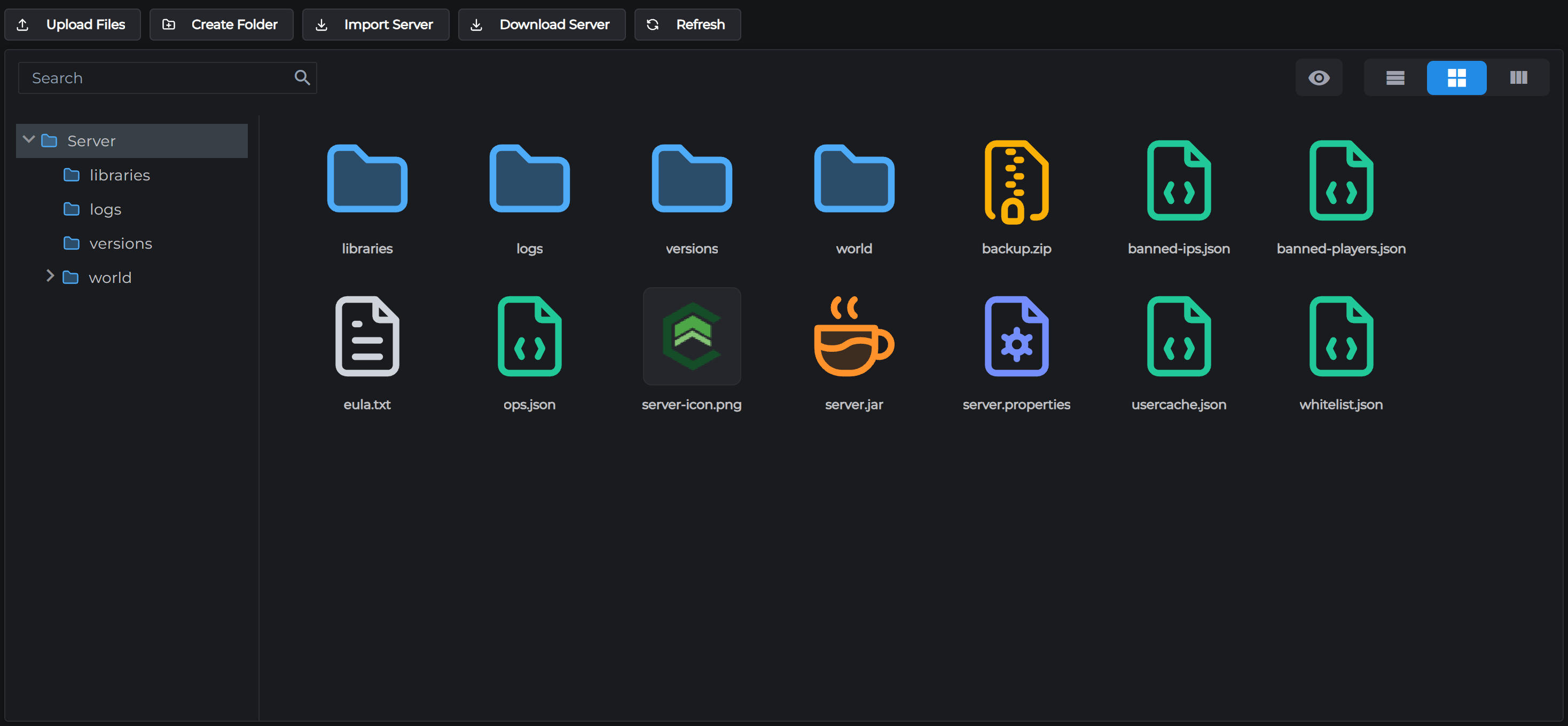
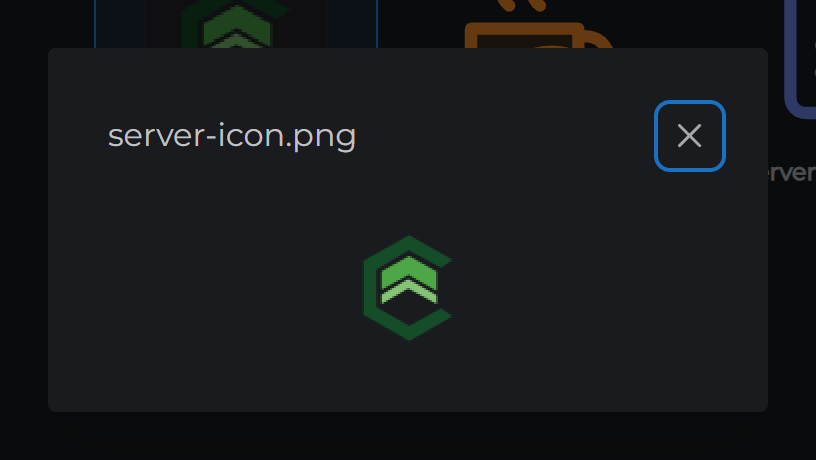
Images preview in the panel
Double-click any image, like your server-icon.png, and it opens right in the panel. Image files also show a small preview on their card instead of a generic icon.
Downloads that just download
- Files save straight to your computer when you click Download. Images and text files used to open in a browser tab instead; now they download like everything else.
- Download whole folders. Right-click a folder and choose Download folder. It arrives as a zip.
- Download your whole server. The Zip Server button is now Download Server. One click streams your entire server to your computer as a zip, without using any of your server's storage space. Handy for keeping your own copy of your world.
Your server needs to be stopped for folder and server downloads, the same as the old zip flow.

Small fixes worth knowing about
- On laptop screens, the tab bar could push the Upgrade Plan button out of view. The tabs now scroll with arrow buttons and everything stays visible.
- The Refresh button in the File Manager shows a spinning icon while it works.
If something hasn't appeared yet
File dates, uploading while your server runs and the new download features are delivered by your server itself. If they haven't shown up, restart your server from the panel and they will.
Found something that doesn't look right? Open a support ticket and tell us. We read every one.
← Bedrock Edition | Next: File Manager →