Choosing a Minecraft Server Host in Australia
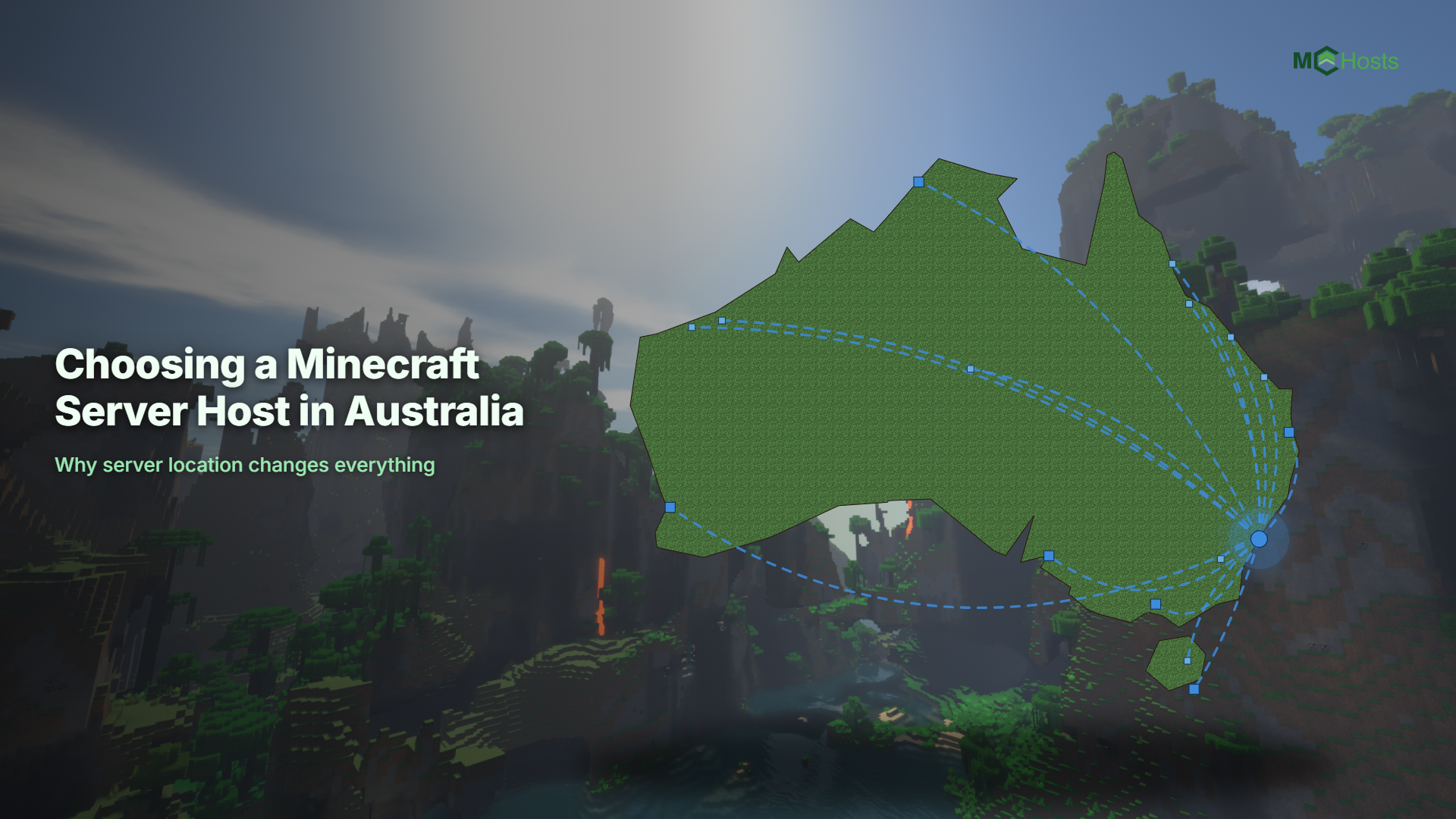
If you play Minecraft in Australia, where your server physically lives matters more than almost anything else on the pricing page. This guide explains what to look for and how the main options for Australians compare.
A quick note before we start. MCHosts is our service, so we are obviously biased. We have tried to keep everything below factual and let you draw your own conclusions. All prices and details were checked at the time of writing and may have changed since.
Why server location matters so much
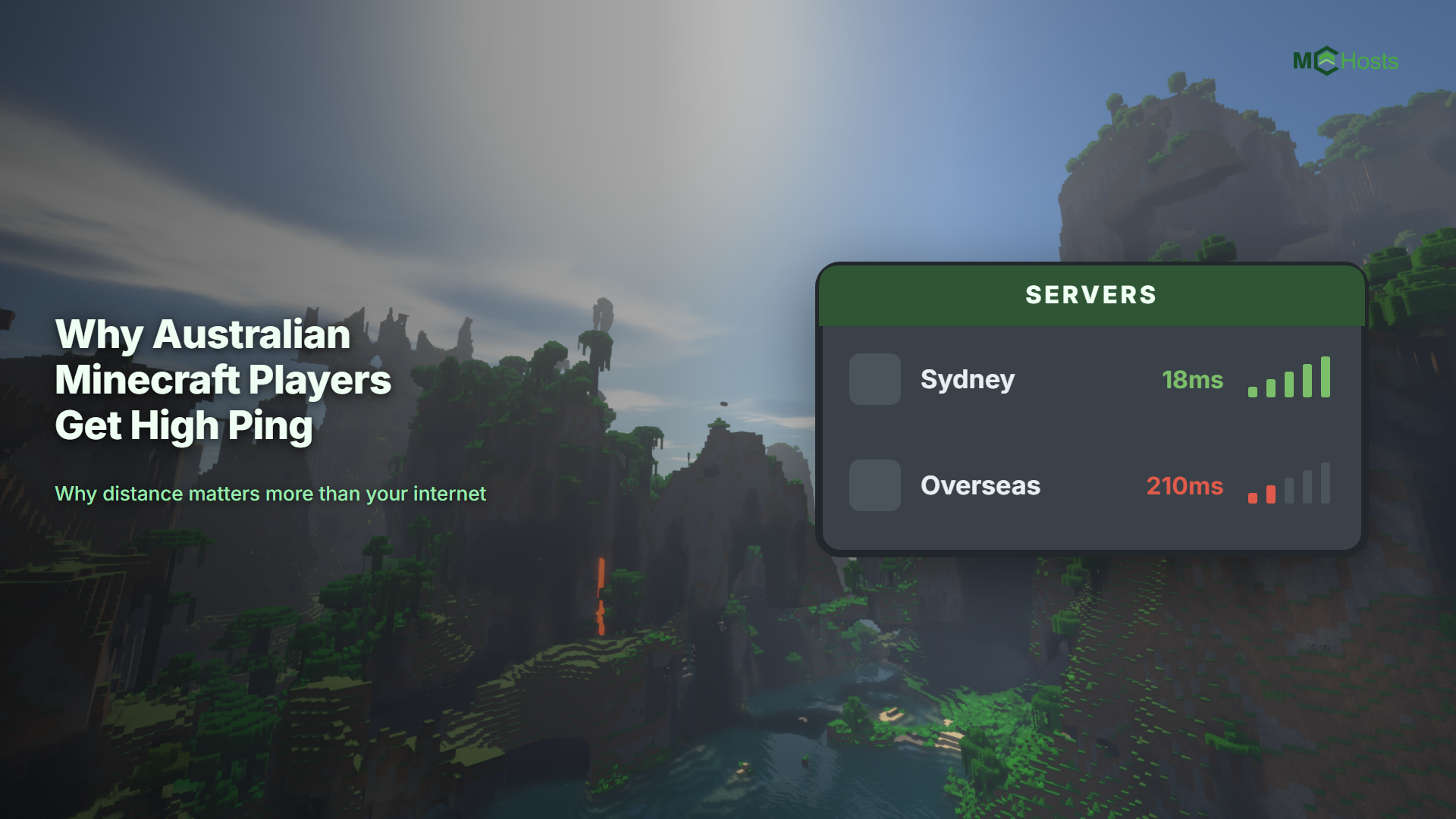
Every block you place travels from your computer to the server and back. If the server is in Sydney and you are on the Australian east coast, that round trip takes roughly 10 to 40 milliseconds. If the server is in Los Angeles or Europe, it takes 150 to 300 milliseconds. That is the difference between combat and bridging feeling instant, and everything feeling slightly underwater.
Plenty of big hosts advertise cheap plans that quietly default to US or European locations. The first thing to check with any host is simple. Can you pick an Australian location, and does it cost extra?
What to look for beyond location
Billing currency. Hosts that bill in US dollars expose you to exchange rates and international transaction fees on every renewal. A plan that looks cheap in USD can cost noticeably more by the time it lands on an Australian card statement.
Dedicated or shared resources. This is the biggest hidden difference between cheap and premium plans across the whole industry. Many budget plans put lots of customers on the same CPU and let them fight over it, which is called overselling. Your server might run fine at 3pm on a Tuesday and lag badly at 8pm on a Friday when everyone else's server is busy too. Minecraft is especially sensitive to this because most of its work runs on a single CPU thread. If a host offers both a budget range and a premium range, resource sharing is usually the difference you are paying for.
Support hours in your timezone. "24/7 support" from an overseas team can still mean your ticket sits in a queue until the northern hemisphere wakes up. Check where the support team actually is.
Refund policy. A money back window means you can test real-world performance from your own connection instead of trusting a review. Anywhere from 3 to 7 days is common among reputable hosts.
Bedrock crossplay. If some of your friends play on console or phone, check whether the host supports Bedrock players joining a Java server, and whether that needs manual setup.
The main options for Australians
| Host | Based in |
|---|---|
| Shockbyte | Australia |
| Apex Hosting | United States |
| BisectHosting | United States |
| Nodecraft | United States |
| Stipe | Australia |
| MCHosts | Australia |
Shockbyte
Shockbyte is probably the most recognisable name in Minecraft hosting and was founded in Australia, with Sydney among its global locations. It sells two separate ranges. The premium range is priced per GB at a level similar to other big hosts and starts with 3 virtual CPU cores, while the budget range comes in at roughly half the price per GB and starts with 2. Both ranges sell additional cores as paid upgrades. It uses the long-running Multicraft control panel and offers a 72 hour self-serve refund on new purchases.
Apex Hosting
Apex Hosting is one of the largest hosts in the world and includes its Sydney location at no extra cost, which is not a given among global providers. It is known for responsive live chat support and a huge library of one-click modpack installs. Billing is in US dollars, and its per-GB pricing sits at the premium end of the market.
BisectHosting
BisectHosting is popular in the modded community and lists Sydney among its locations, though Australian stock can be limited with a waitlist at times. It runs frequent promotions and bills in US dollars.
Nodecraft
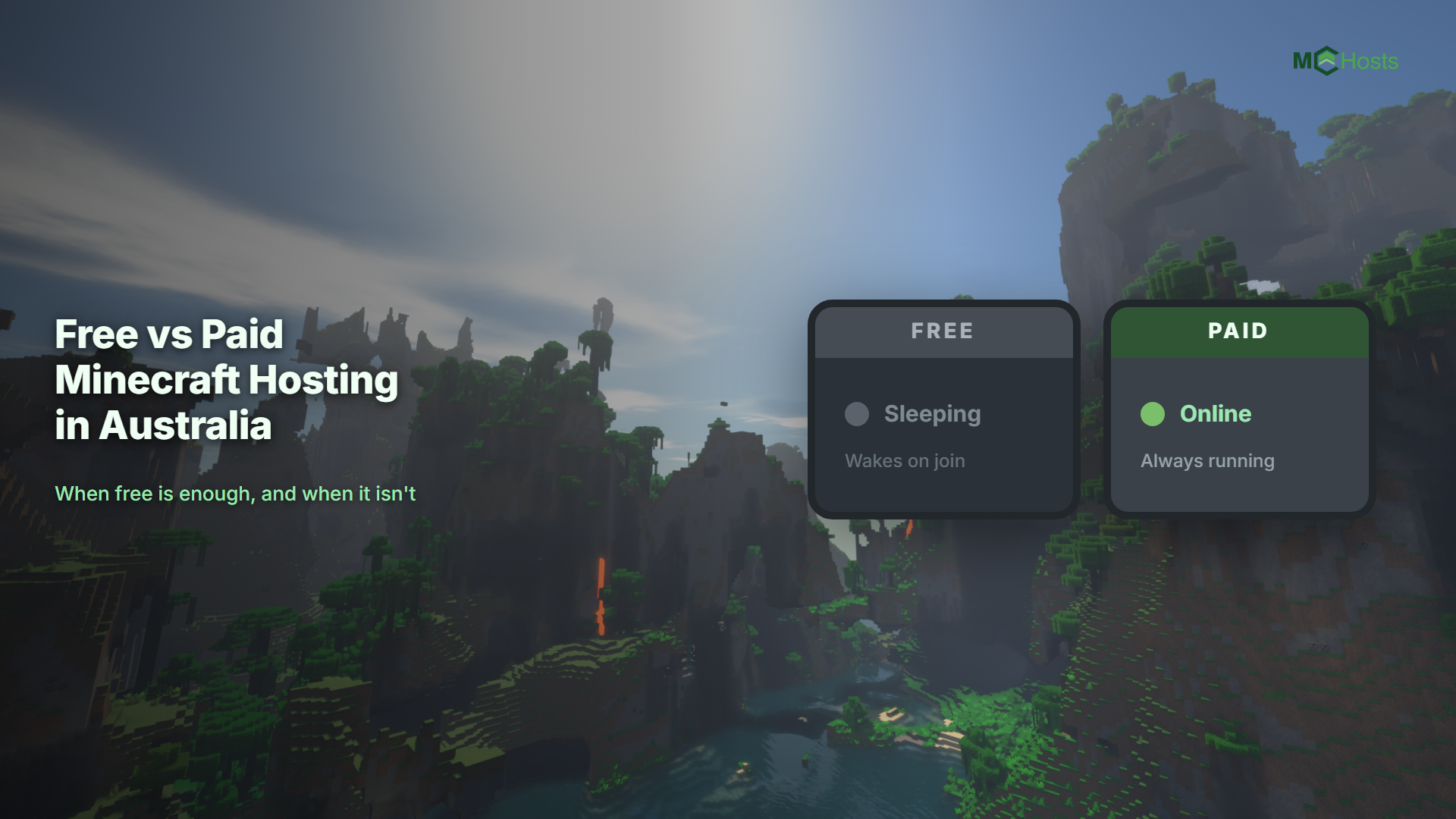
Nodecraft stands out for location coverage in this region, with servers in Sydney, Melbourne, Brisbane, and Adelaide plus Auckland for New Zealand players. Its custom panel lets you swap the same server between different games. It sells two ranges. The cheaper Lite range puts your server to sleep when nobody is online, so friends may wait for it to wake up, while the Pro range stays online 24/7 at a higher per-GB price.
Stipe
Stipe is a fully Australian operation with Sydney servers and AUD billing. It splits its plans into two ranges that both mix shared and dedicated CPU cores, with the premium range getting more dedicated cores on newer, faster hardware at a higher price. It offers hourly backups and a 5 day refund guarantee.
MCHosts
MCHosts (that's us) runs everything from Sydney with AUD billing and a single range. Our servers are in Sydney and nowhere else. We do not run servers in other Australian cities or in New Zealand. Every plan gets 100% dedicated RAM with no overselling, a custom-built control panel, free Bedrock crossplay that works out of the box, built-in voice chat, one-click plugin and modpack installs, and a 7 day money back guarantee. At the time of writing our pricing works out cheaper per GB than every premium, always-online range above. The only options cheaper than us are the cheapest budget ranges, and the dedicated versus shared resources section above explains the trade-off you are usually making at that price.
The short version
| Host | AU location | Billing currency | Refund window |
|---|---|---|---|
| Shockbyte | Sydney | AUD shown for AU visitors | 72 hours |
| Apex Hosting | Sydney (no extra cost) | USD | 7 days |
| BisectHosting | Sydney (availability varies) | USD | 3 days |
| Nodecraft | Sydney, Melbourne, Brisbane, Adelaide | AUD shown for AU visitors | 7 days |
| Stipe | Sydney | AUD | 5 days |
| MCHosts | Sydney | AUD | 7 days |
Frequently asked questions
Do free hosts like Aternos work from Australia? They work, but free hosts run overseas hardware, queue you for server starts, and shut your server down when nobody is online. They are fine for experimenting, and frustrating for anything you want friends to rely on.
Is USD billing really a big deal? It adds up quietly. Exchange rate movement plus a typical 3% international card fee on every monthly renewal can add 10% or more to the real cost over a year, and the price you compare on day one is never quite the price you pay.
How much RAM do I need? For a vanilla server with a handful of friends, 2 to 3GB is plenty. Plugins and bigger groups want 4 to 6GB, and heavy modpacks want 6GB or more. See our full how much RAM do I need guide for a sizing table by player count and server type.
Can console and phone players join? On MCHosts, yes, Bedrock crossplay is free on every plan and enabled with one toggle. See Bedrock Edition. On other hosts this usually requires installing and configuring GeyserMC yourself.
Ready to try a Sydney server for yourself? Head to mchosts.com.au/plans and remember, every new server comes with a 7 day money back guarantee.