Managing Your Subscription
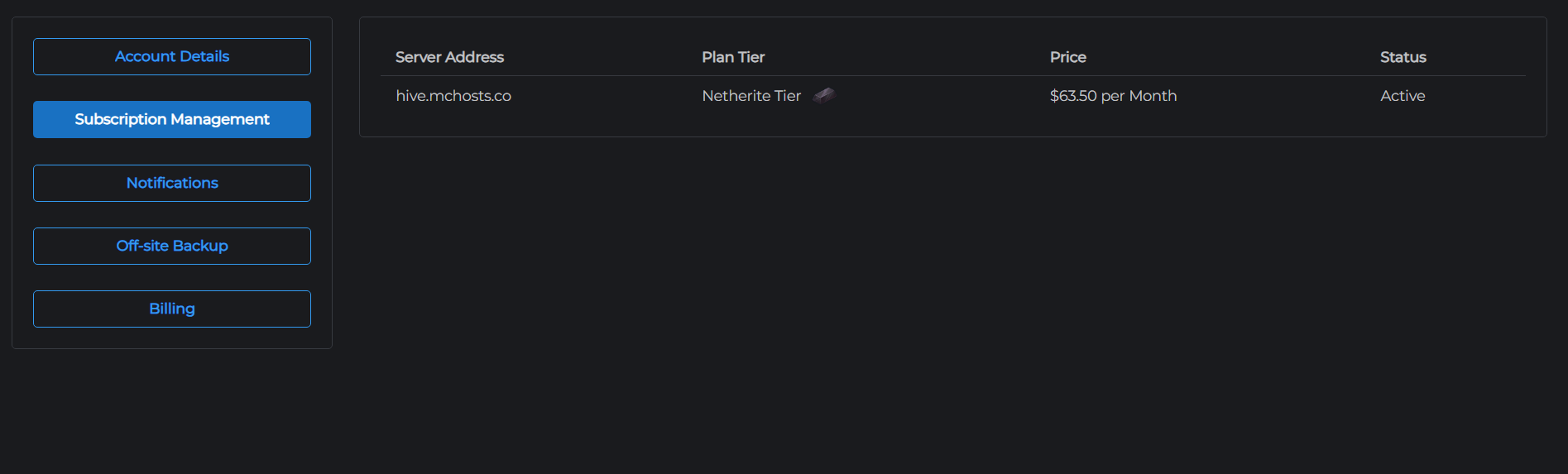
Your server subscription details - including your current plan, billing status, and upgrade options - are managed from your account settings.
Viewing your subscriptions
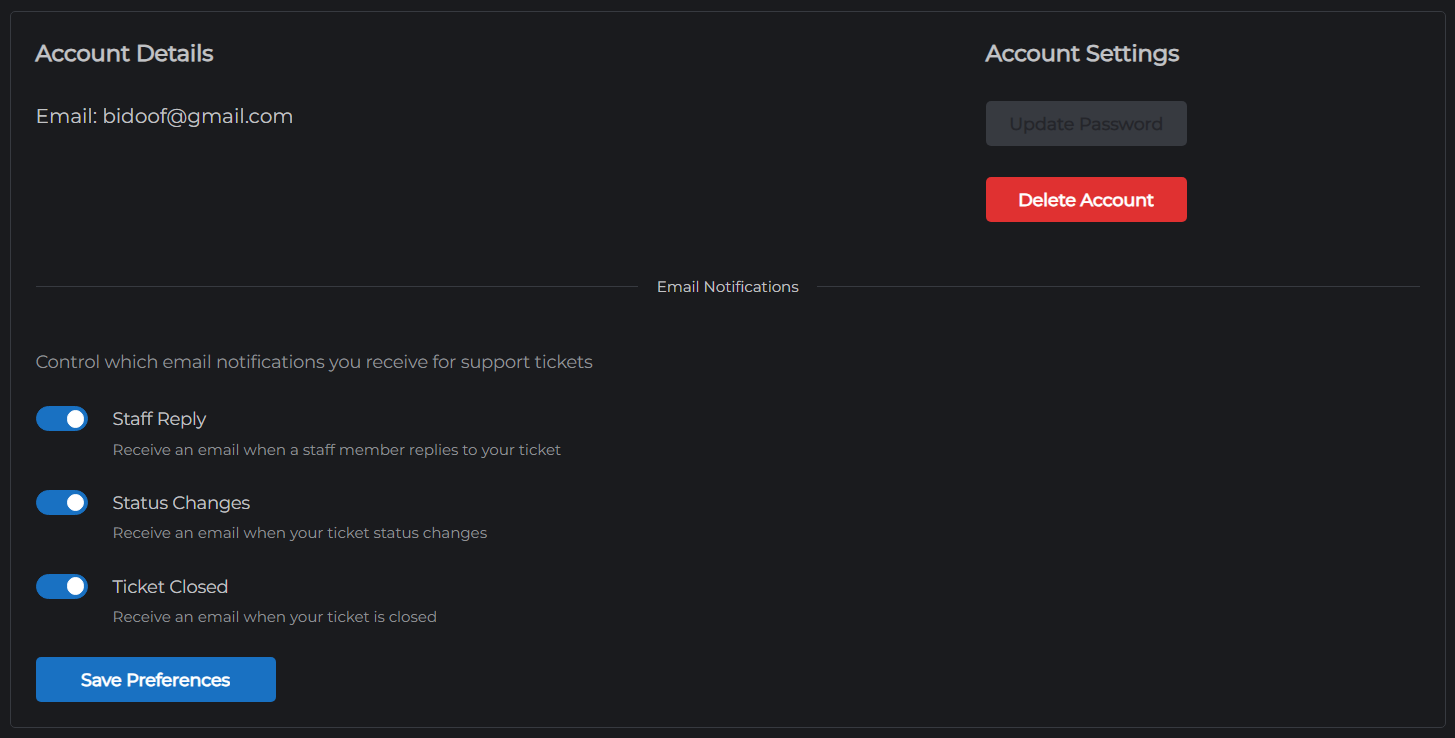
- Go to mchosts.com.au/user-settings
- Open the Manage tab
The table shows all your active server subscriptions with:
- The server hostname
- Current plan tier (e.g. Iron, Gold, Diamond)
- Monthly price
- Billing status (Active / Cancelling / Past Due)
Upgrading your plan
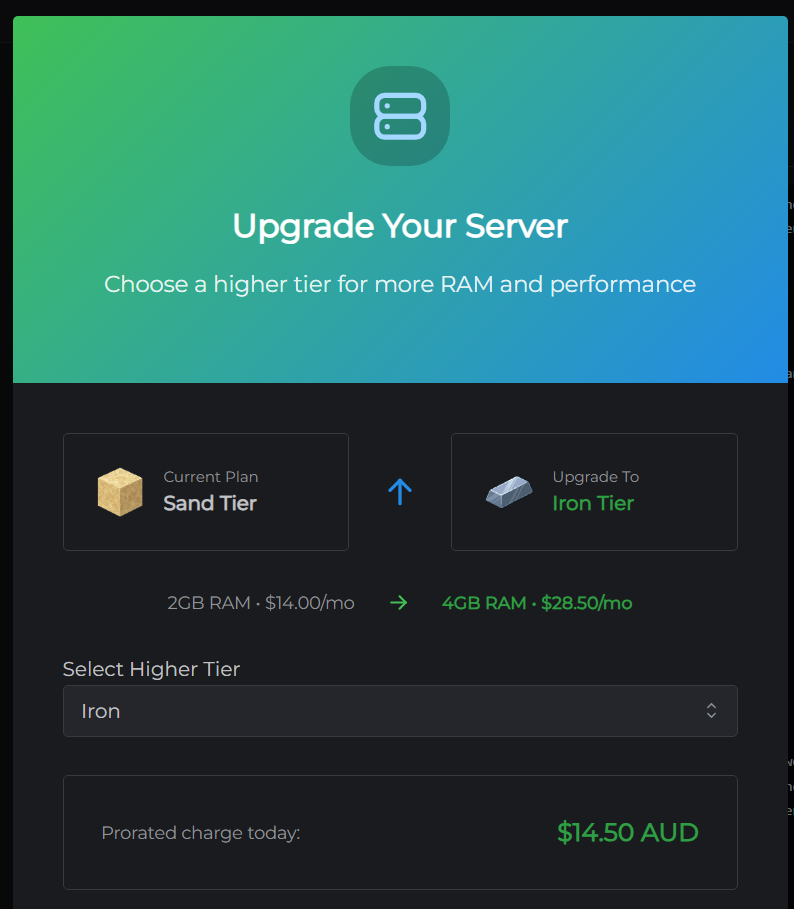
Upgrading increases your server's RAM allocation and storage. The upgrade takes effect immediately - your server will restart briefly (~45 seconds) to apply the new configuration. Your world and data are not affected.
- Click Upgrade next to the subscription you want to upgrade
- Select a higher tier from the list
- Confirm the change
Proration: you are charged only the difference for the remaining days in your current billing period. Your renewal date stays the same.
📸 Add image here: Screenshot of the plan upgrade selector showing the available higher tiers with their prices.
Billing cycle
Subscriptions renew monthly on the anniversary of your original purchase date. For example, if you purchased on the 10th, you're billed on the 10th of each subsequent month.
Each renewal is charged automatically to the card set for that subscription in the Billing tab. That's your default card unless you've chosen a different one. See Payment Methods to change it. If a payment fails, you will receive an email notification.
Plan tiers
| Tier | Suitable for |
|---|---|
| Sand | Small friend groups, testing |
| Cobblestone | Small communities, light plugins |
| Iron | Medium servers, plugins |
| Redstone | Growing communities |
| Gold | Modpacks, heavier plugin stacks |
| Emerald | Large communities |
| Diamond | Large modpacks, high player count |
| Netherite | Maximum performance |
See the Plans page for full specifications.