Extra vCores Now Available
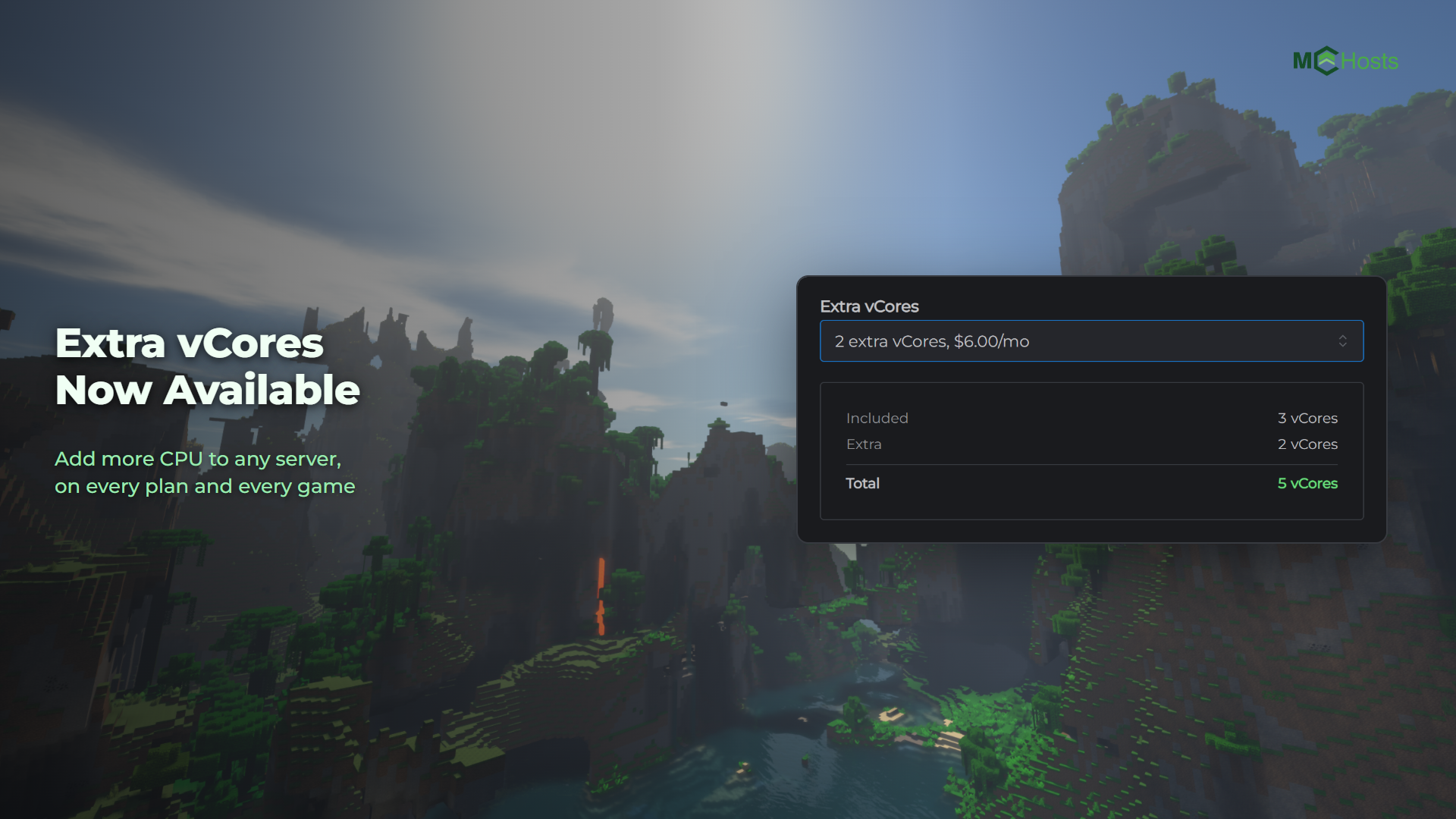
Every plan comes with a set number of vCores, which is how much CPU your server can use at once. Since 12 October 2026 you can add more to any server, for A$3.00 each per month.
Does your server need them?
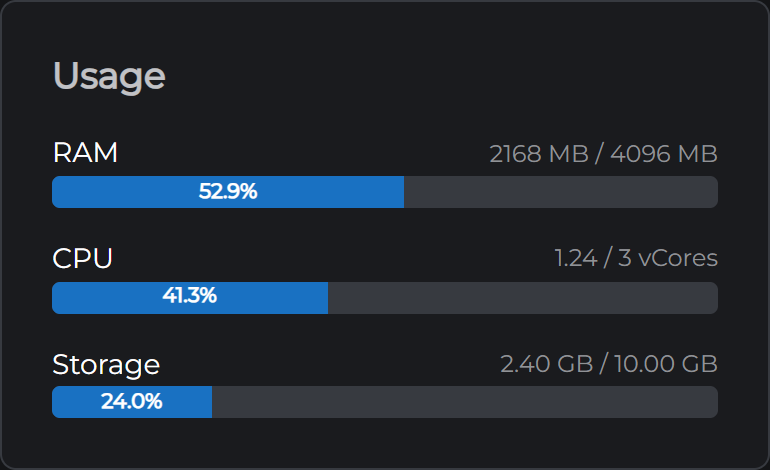
Open your control panel and look at the CPU bar on the Overview tab. If it sits near 100% while your server is busy, your server is using all the CPU it's allowed. Extra vCores give it more room.
If the bar has plenty of space left, they won't change anything. Extra vCores let a server do more at once. They don't make each core faster, and that speed is the same on every plan.
No CPU bar? Reboot your server instance from the control panel and it'll show up.
How to add them
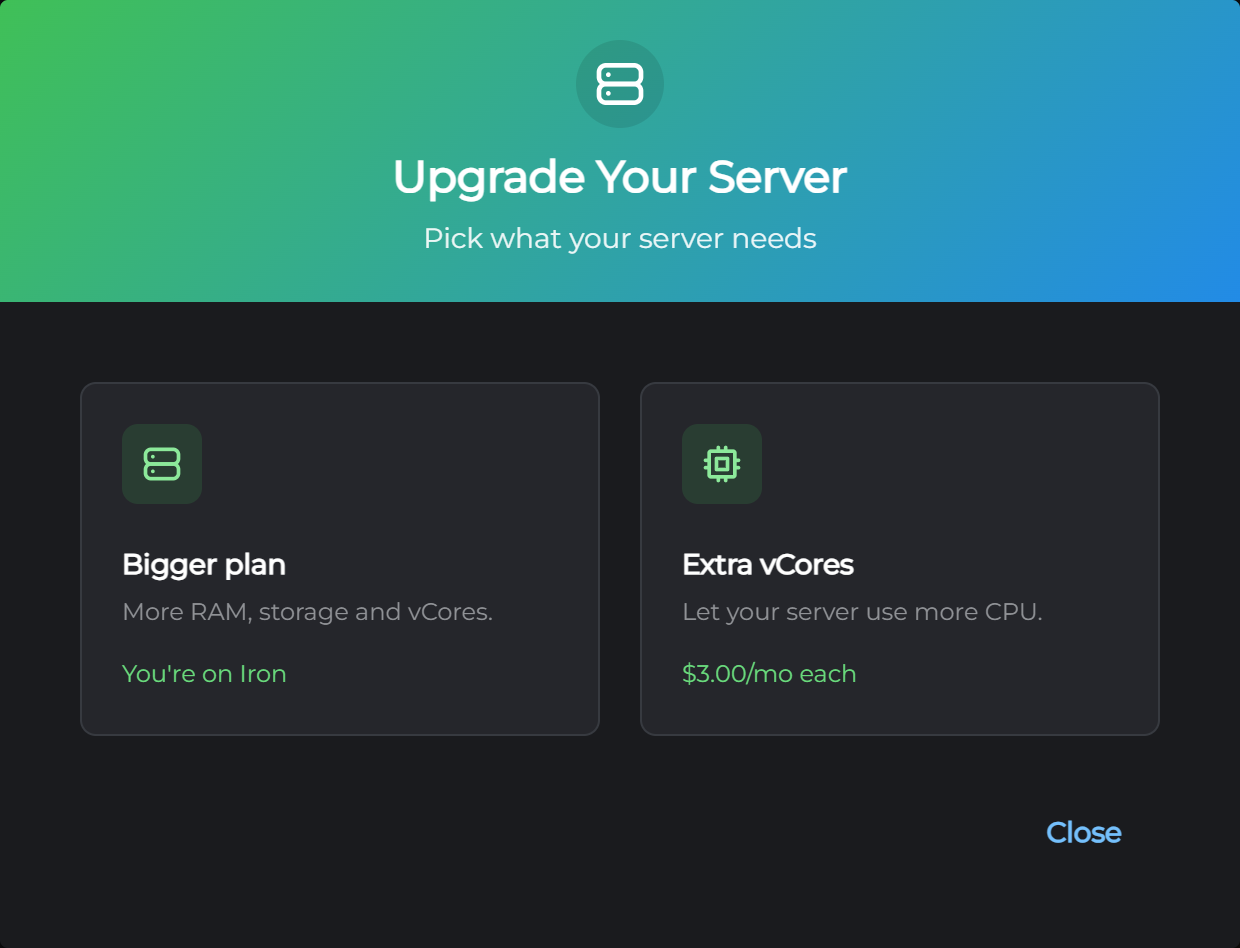
On a server you already have. In your control panel, press Upgrade Server on the My Plan card, choose Extra vCores and pick how many. You pay for the rest of your current billing period, and your server restarts to apply the change. That usually takes under a minute.
On a new server. Pick them in the Extra vCores section at checkout.
A server can have up to 8 vCores in total, counting the ones its plan comes with. The table of what each plan includes is in Our Server Specs.
What they cost
A$3.00 per extra vCore per month, on every plan and every game we host. They're billed with your server, so on quarterly billing that's A$9.00 per vCore each quarter.
Removing them
Remove extra vCores from the same place whenever you like. You keep them until the end of the period you've already paid for, and we don't refund the unused time. Your server restarts when your plan renews to apply the change.
Questions
Not sure whether extra vCores are the right fix? Open a support ticket and we'll help you work it out.