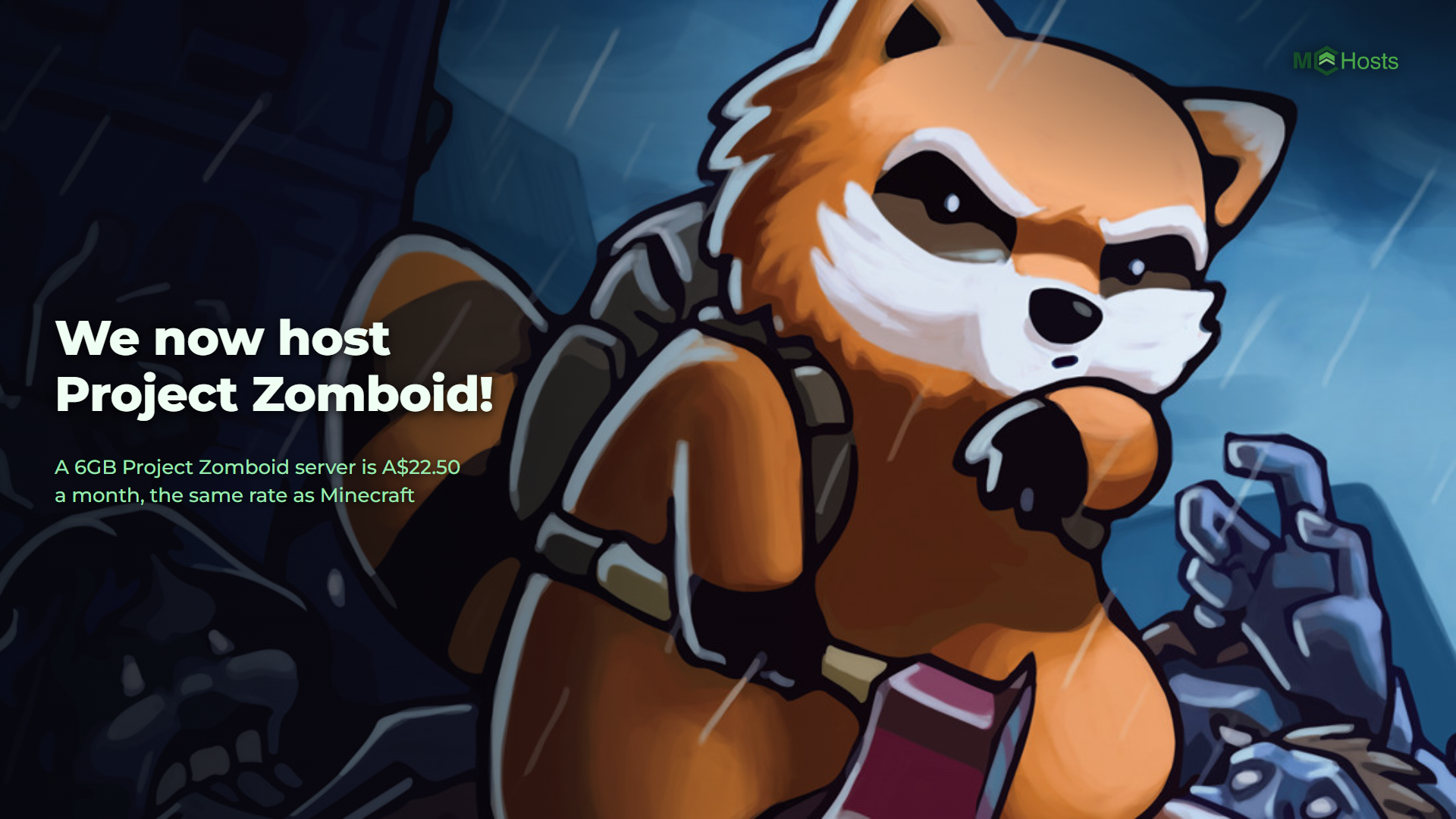
Extra Backup Slots Now Available
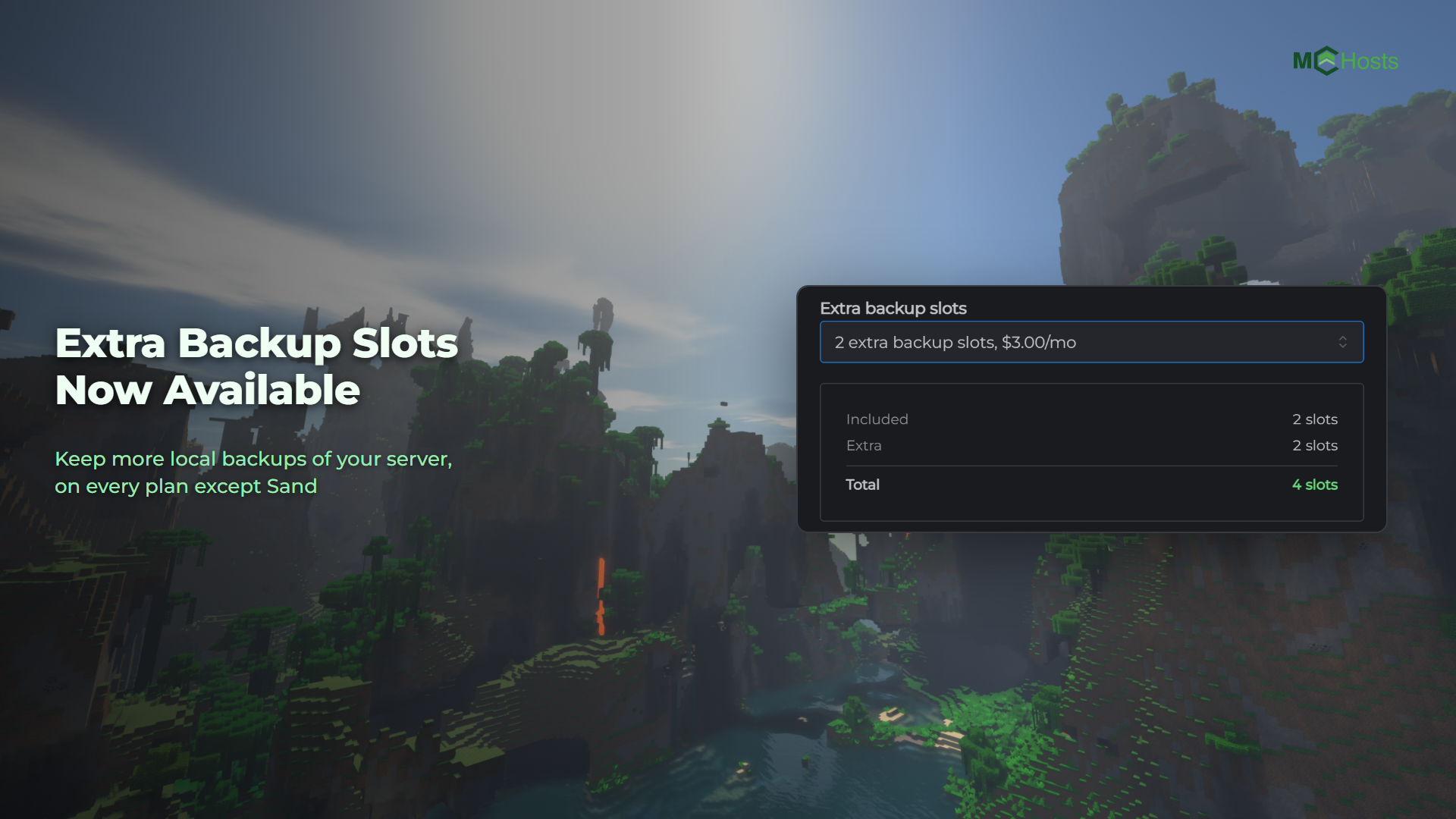
Every plan comes with a set number of local backup slots, which is how many backups your server can keep at once. You can now add more to any server except Sand, for A$1.50 each per month.
How many slots does your plan have?
| Plan | Backup slots |
|---|---|
| Sand | 1 slot |
| Cobblestone and Iron | 2 slots |
| Gold to Diamond | 3 slots |
| Netherite and above | 4 slots |
When your slots are full, your next backup replaces the oldest one that isn't locked. Lock the backups you want to keep and they stay put. If every slot holds a locked backup, new backups wait until you unlock one. If you'd rather keep more of them, add slots.
How to add them
On a server you already have. In your control panel, press Upgrade Server on the My Plan card and choose Extra backup slots. Pick how many you want. You pay for the rest of your current billing period, and the slots are ready for your next backup. Nothing restarts.
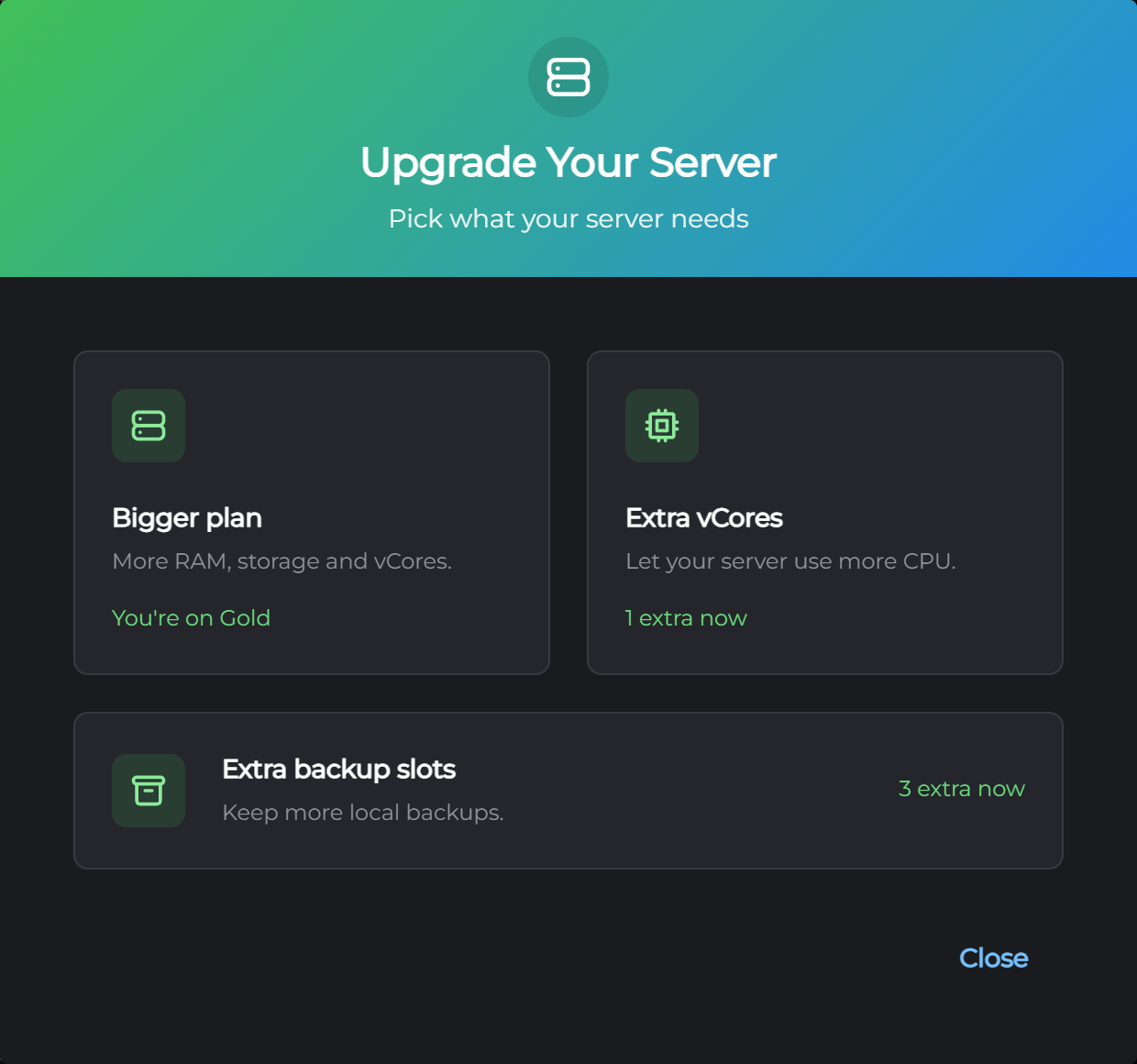
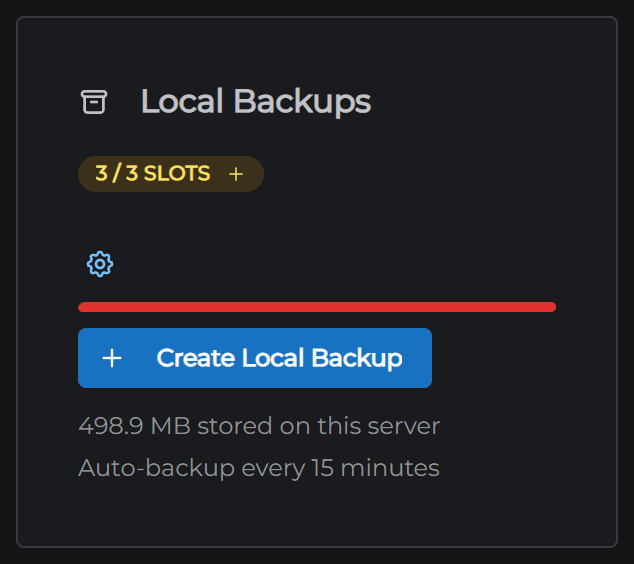
You can also get there from the Backups tab. Press the slots badge next to Local Backups and the same screen opens.
On a new server. Pick them in the Extra Backup Slots section at checkout.
A server can have up to 10 slots in total, counting the ones its plan comes with. Sand can't add slots.
What they cost
A$1.50 per extra slot per month, on every plan except Sand. They're billed with your server, so on quarterly billing that's A$4.50 per slot each quarter.
Removing them
Remove extra slots from the same place whenever you like. You keep them until the end of the period you've already paid for, and we don't refund the unused time.
Nothing is deleted on the day they end. From then, if you have more backups than slots, the oldest ones that aren't locked are replaced when your next backup runs. Locked backups are never replaced.
Questions
Not sure how many slots you need? Open a support ticket and we'll help you work it out.