Download Your World from Minehut
Guides
22 August 2026 · By Josh P
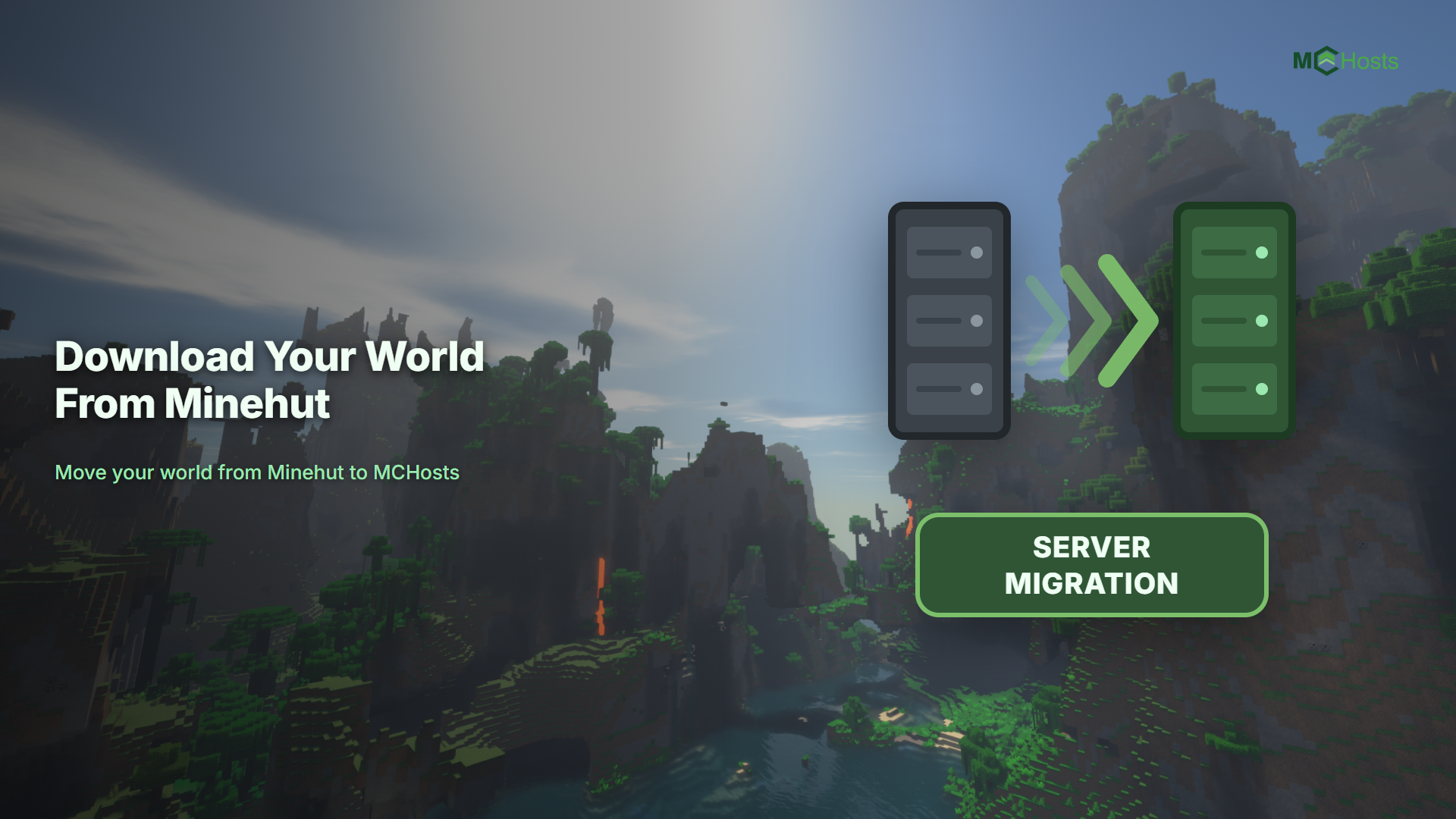
Ready to move on from Minehut? Here is how to download your world files from the Minehut dashboard.
Step 1 - Start your server
Log in at minehut.com and activate your server. This step matters: a hibernated Minehut server cannot serve its files, so the file manager only works while the server is up.
Step 2 - Open the File Manager
Open your server's File Manager from the dashboard. The list on the left shows your worlds along with the server's other folders.
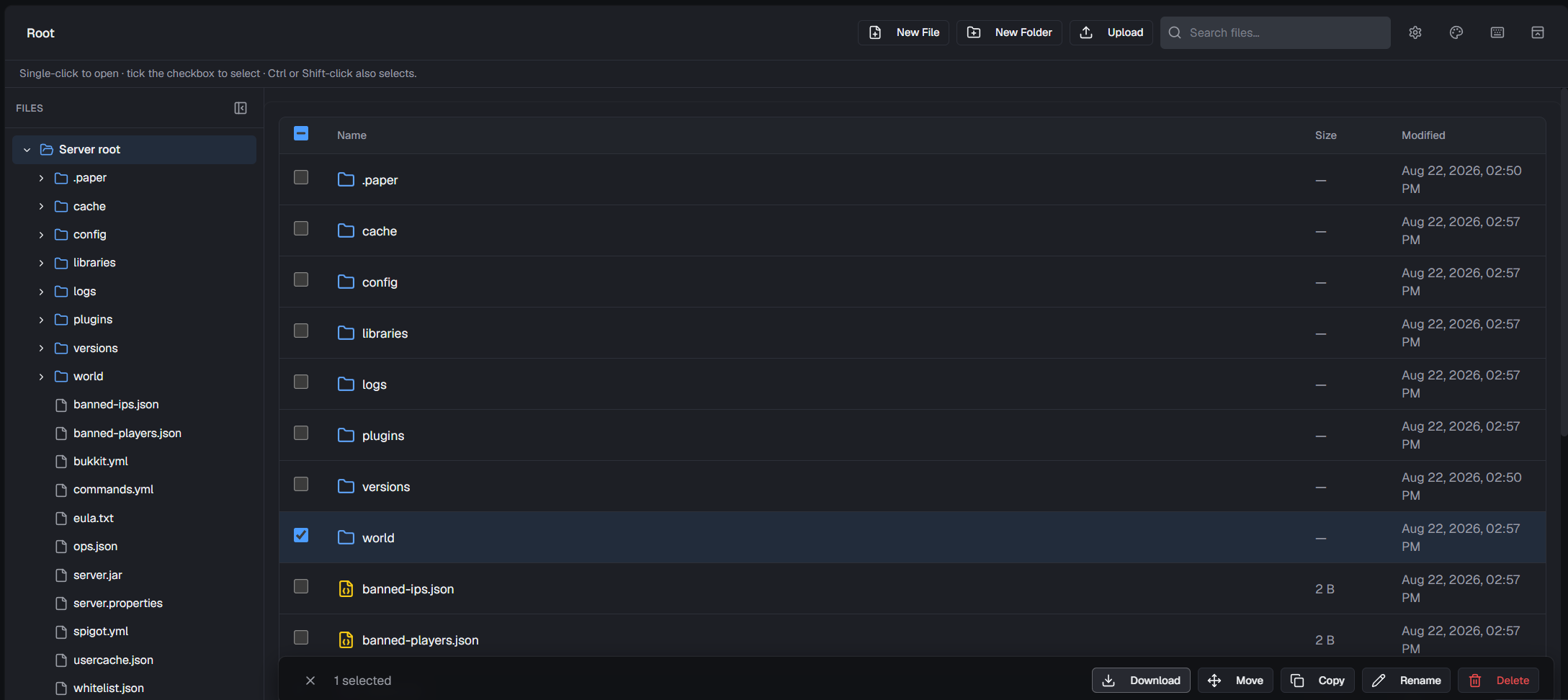
Step 3 - Download your world files
- Click your world's name in the left list. Its files appear on the right
- Select all of the files
- Click the Download button at the bottom
- Wait for the notification at the bottom of the page confirming the download finished
If your server runs Paper or Spigot, repeat this for world_nether and world_the_end so your Nether and End come too.
A few Minehut notes
- Minehut's file manager works within one folder at a time, so a big world with many files can take a few rounds of selecting and downloading. There is no documented one-click download of the entire server
- Downloading your world this way works on free servers. Minehut's separate backup feature is tied to paid plans, but you do not need it just to get your world out
- Keep the folder structure intact when you save the files on your computer, with region files staying inside their
regionfolder and so on
Next step
World saved? Head to Move Your Existing Server to MCHosts to bring it across.