BetterMC Server Hosting in Australia
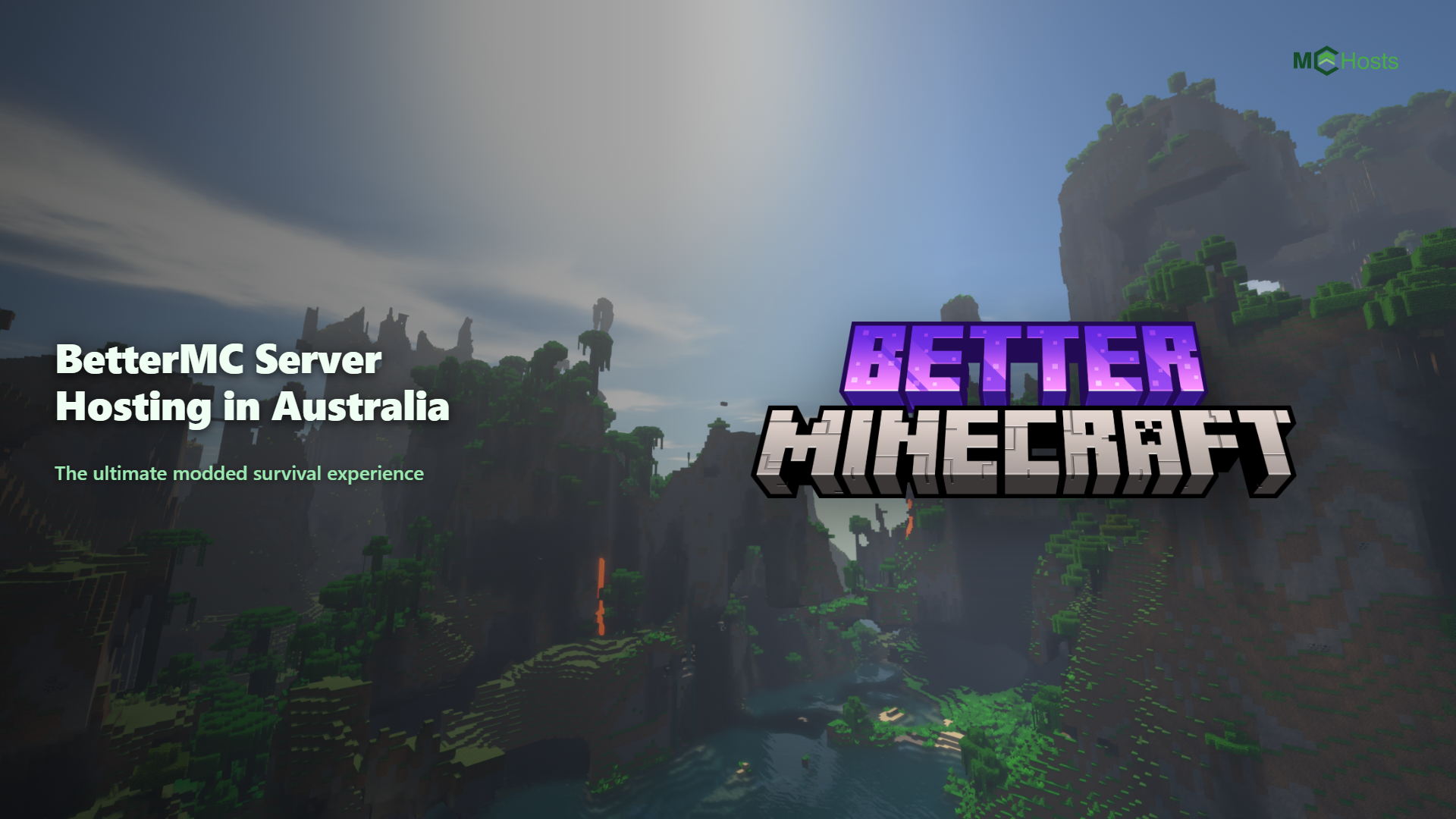
BetterMC is a general purpose overhaul pack that layers hundreds of quality of life, exploration, and content mods on top of vanilla Minecraft, adding seven new dimensions, over twenty bosses, and more than 100 quests to work through. It sits in the middle of the difficulty scale, not a full expert pack, but with enough content that a modest RAM allocation still matters.
This guide covers how much RAM you need, what to look for in a host, and how to get a BetterMC server running in Australia in a few minutes.
What is BetterMC?
BetterMC keeps the vanilla Minecraft feel front and centre while giving you far more to explore, fight, and build towards. It suits groups who like the base game but want new dimensions to travel to, boss fights to chase, and a long list of quests to guide progression, without switching to a total conversion pack that changes how the game plays.
The flagship BMC4 edition runs on Forge for Minecraft 1.20.1 and bundles several hundred mods. Earlier and parallel editions exist on Fabric and NeoForge for different Minecraft versions, so check which edition you are installing matches the version your group wants to play.
How much RAM does a BetterMC server need?
Modpack RAM requirements depend mostly on the number of mods loaded and how many chunks players keep active. Luna Pixel Studios publishes a performance guide, but it covers the game on your own computer rather than a server, so the numbers below are ours. Here is what we recommend as a starting point.
| Players | Recommended RAM | Notes |
|---|---|---|
| 1 to 5 | 6GB+ | Enough for a small group working through the quest line |
| 6 to 10 | 8GB+ | The sweet spot once quest running and boss fights ramp up |
| 10+ | 10GB+ | For larger communities exploring multiple new dimensions at once |
Modded servers reward headroom. Extra RAM keeps chunk loading smooth when players explore, lets you run a higher view distance, and gives the pack room to grow as more of the new dimensions get explored, so if you are between two plan sizes, the larger one is usually the better experience. The one thing more RAM cannot fix is an oversold host. Many budget plans put lots of customers on the same hardware and let them fight over it, and because Minecraft does most of its work on a single thread, that shows up as lag at peak times no matter how much RAM you buy. Our guide to choosing an Australian host explains the overselling trade-off in more detail.
Why host BetterMC in Australia?
Every interaction in Minecraft is a round trip between your computer and the server. From the Australian east coast, a Sydney server responds in roughly 10 to 40 milliseconds. A server in the US or Europe takes 150 to 300 milliseconds, which makes combat, boss fights, and general movement feel noticeably sluggish.
This matters more than usual in BetterMC because several of its 20+ bosses are reflex heavy fights, and exploring a brand new dimension for the first time is exactly when you do not want the connection working against you.
Plenty of big hosts default to US or European locations on their cheapest plans, so always check that an Australian location is available and whether it costs extra.
Setting up a BetterMC server on MCHosts
Here is the whole process from start to finish.
- Pick a plan with at least 6GB of RAM from our plans page.
- At checkout, click Browse Modpacks, search for BetterMC, and select it. Your server deploys automatically within about 60 seconds with the pack already installed and the Forge setup handled for you.
- Start the server from the control panel and connect with the matching BetterMC profile from the CurseForge app or a Forge compatible launcher like Prism Launcher.
Already have a server with us? Open the MC Settings tab in the control panel and click Select ModPack to install or switch to BetterMC at any time.
Every plan includes 100% dedicated RAM with no overselling, backups, and a 7 day money back guarantee, so you can test real performance from your own connection before committing.
The first startup can take a few minutes while Forge loads several hundred mods and generates spawn chunks across the new dimensions, this is normal.
Performance tips for BetterMC
- Pregenerate your world. Chunk generation is the most expensive thing a modded server does. Pregenerating a few thousand blocks around spawn with a tool like Chunky prevents lag spikes when players explore.
- Keep view distance sensible. A view distance of 6 to 8 is plenty for modded servers and dramatically reduces the load per player.
- Leave Ram Optimizations on. Every MCHosts server includes a Ram Optimizations toggle in MC Settings that applies modern tuned Java flags, the kind of garbage collection setup you would otherwise have to research and configure by hand. It is on by default, so just do not turn it off.
- Schedule a daily restart. Modded servers accumulate memory bloat over long sessions. On MCHosts there is an "Enable scheduled daily restart" toggle in the MC Settings tab, so set it once at a quiet hour and forget about it.
- Do not add another rendering mod. BetterMC already bundles Embeddium for rendering performance and Oculus for shader support, so there is no need to add Sodium or another optimisation mod on top. Stacking similar mods tends to cause conflicts rather than extra speed.
- Pregenerate one new dimension at a time. With seven extra dimensions to explore, pregenerating all of them at once takes a long time and a lot of storage. Pregenerate the dimension your group is about to visit rather than doing all seven up front.
Frequently asked questions
How much RAM do I need for a BetterMC server with 8 players? 8GB is the sweet spot for a group that size, giving enough headroom for quest running and boss fights. See the table above for other group sizes.
Can Bedrock players join a BetterMC server? No. BetterMC requires every player to run the modpack on Minecraft Java Edition, so console and phone players cannot join. If crossplay matters to your group, a vanilla or plugin based server with GeyserMC is the way to go, and that is free on every MCHosts plan.
Can I add extra mods to BetterMC? Yes. You can upload additional Forge mods through the file manager or SFTP, as long as they match Minecraft 1.20.1. Take a backup first, since not every mod plays nicely with a large existing pack.
How do I update the server when BetterMC releases a new version? Take a backup first, then open the MC Settings tab in the control panel, click Select ModPack, and choose the new version. The panel handles the rest.
Does BetterMC support shaders? Yes. BetterMC bundles Oculus, which lets players enable most Iris compatible shader packs on their own client. This only affects what each player sees locally and has no impact on server performance.
Ready to get BetterMC running on a Sydney server? Head to mchosts.com.au/plans, pick a plan with at least 6GB, and remember, every new server comes with a 7 day money back guarantee.