Games / 7 Days to Die
7 Days to Die Server Hosting in Australia
A zombie survival game where the horde comes for your base every seventh night.
Navezgane or a random world, picked in the panel
Listed in the game's own server browser
Mods uploaded from the panel
7 day money back guarantee
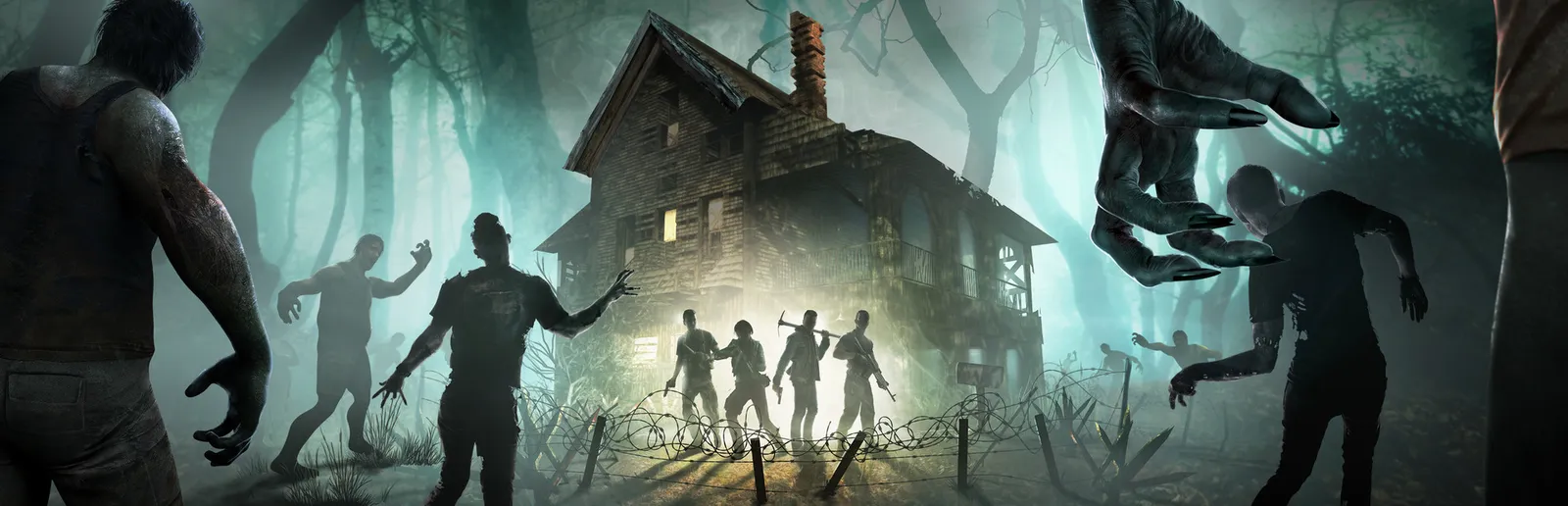
7 Days to Die is an open world zombie survival game. By day you loot towns for food and parts, and by night you hope your walls hold.
Your server runs in Sydney and takes each new version of the game at its daily restart. The world, the version and the server's settings are yours to change in the panel.
PLANS
Popular 7 Days to Die plans
The smallest, the one we recommend, and a bigger one. All 0 sizes are on the plans page.
Plans for 7 Days to Die are not on sale yet. Check back soon.
WHY MCHOSTS
Why host 7 Days to Die with us
Horde night is a group job
By default the blood moon rises every seventh night and sends a horde at everyone online. A base holds better with one of you on the walls and another patching them up.
Friends find it in the server list
Your server is listed in the game's own server browser under the name you give it, so friends can find it there and join. Or send them the address and port from your panel.
Every command in the console
Type any server command 7 Days to Die has into the console in your panel. Message the whole server, see who's on or kick someone, all without opening the game.
Support in your timezone
The people who run your server answer your tickets, in Australian hours.
Navezgane or random worlds
Stable or Experimental
Listed in the server browser
Mod uploads
Live console
Automatic backups
Free custom server address
DDoS protection included
WHY A SERVER
A base worth defending
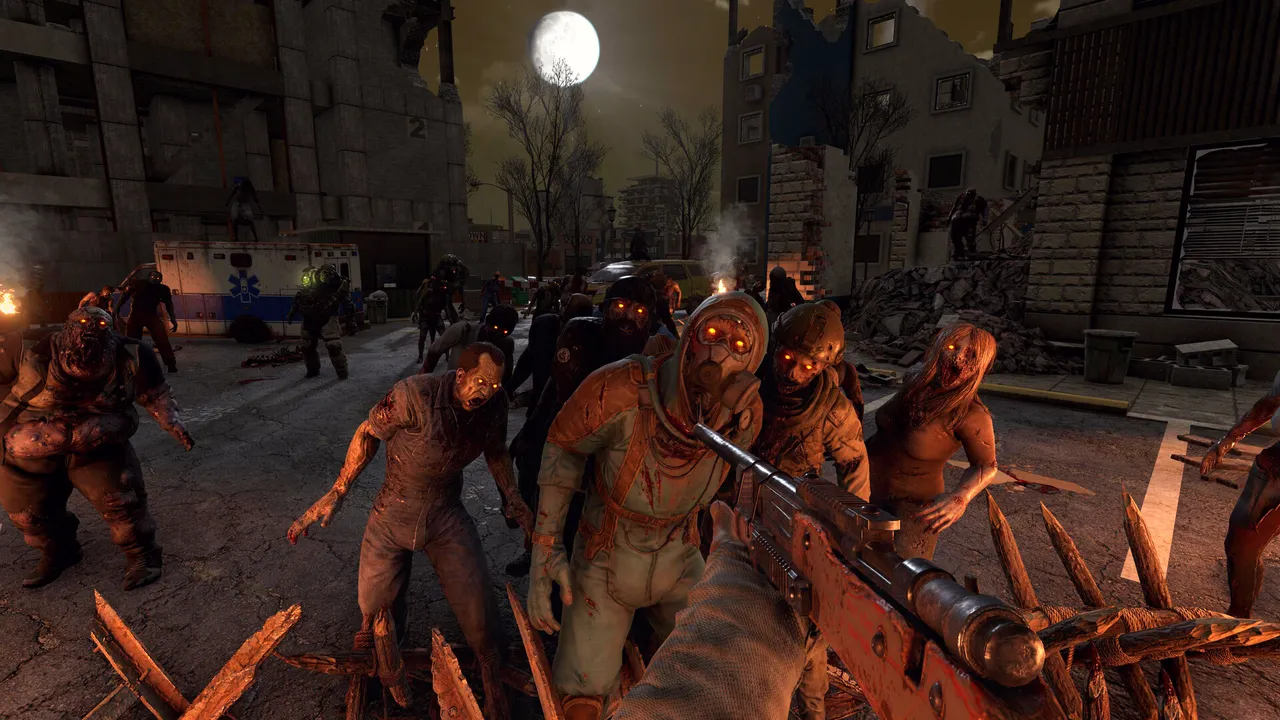
A 7 Days to Die base grows one blood moon at a time. It starts as a boarded up house. A few weeks of game days later it's concrete, spikes and a kill corridor somebody spent a whole evening on.
A base like that belongs on a server that's up whenever any of you want to play, not on one person's PC.
Horde nights with everyone online
One world anyone can log in and work on
Backups to roll back to after a bad night
YOUR SETUP
Navezgane, or a world of your own
Nothing is picked at checkout. Once your server is up, you choose its world on the Config tab. Pick Navezgane or one of the four pregenerated worlds the game ships with, upload a world of your own, or make a new random world from your own seed at the size you want.
Your server runs the Stable version of the game, and a setting on the Config tab moves it to Experimental.
You add mods by uploading them. Put a mod's zip on the Mods tab and your server loads it the next time it starts.
Navezgane, pregenerated, uploaded or random worlds
Stable or Experimental, set on the Config tab
Admins, whitelist and bans on the Players tab
CUSTOMERS
What people say
View our reviews on
Trustpilot
Wonderful hosting service.
Excellent customer support, easy to configure and quick to use. Server quality was excellent, no lag and lots of customisation. Would recommend to anyone.
Callum · Verified Trustpilot review
Easy and reliable
Highly recommend!!! They made hosting a private server for me and my friends super easy and stress free. We got amazingly speedy help when we wanted to change and add things in as well. Thank you MCHosts.
Freddy · Verified Trustpilot review
Amazing to use!!!
Amazing support and communication that made it really easy to use with no problems :)
Ellise · Verified Trustpilot review
Great server hosting service
Fantastic customer support and excellent user experience would absolutely recommend
berkie nonage · Verified Trustpilot review
BEFORE YOU ORDER
7 Days to Die hosting questions
Ready for your 7 Days to Die server?
Pick a size, and your server is online a couple of minutes later. If it is not what you wanted, the first seven days are covered.
MCHosts is not affiliated with or endorsed by The Fun Pimps Entertainment LLC.